Updated October 15, 2026
Recraft AI is a design platform for generating and editing raster images and vector artwork. Its appeal is the ability to develop an illustration, adjust its style, and prepare different deliverables within one workspace. It is worth considering for icons, campaign concepts, and branded graphics when editable artwork matters.
Documentation-only review: This overview checks Recraft’s official documentation, terms, and public pricing. We did not create an account, generate images, or test output quality.
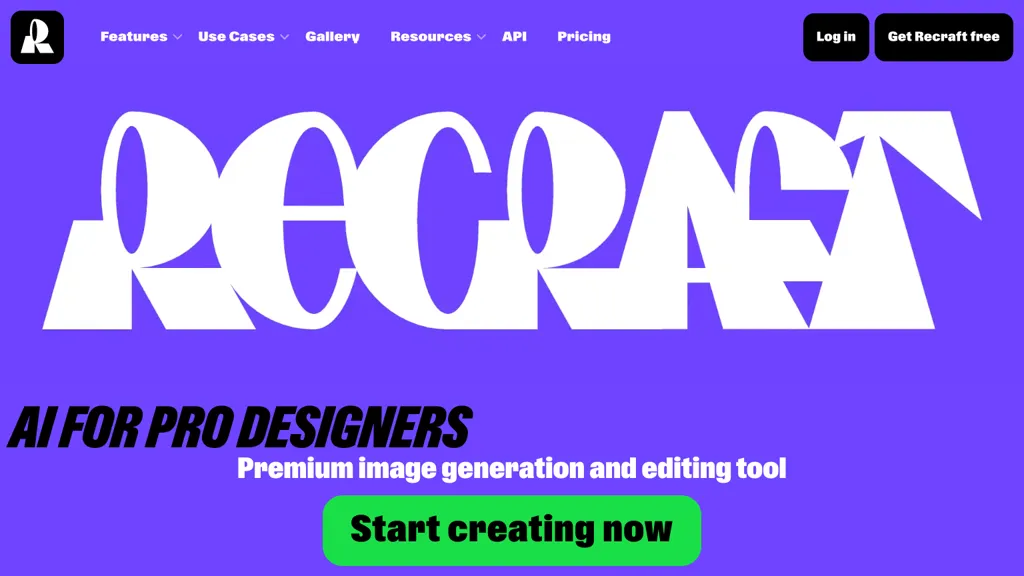
Archival image: The purple Recraft landing-page image retained from this listing shows earlier branding. It is not a screenshot of the current editor or evidence of today’s features or prices.
Images and vectors
The current Recraft V4.1 family includes raster, Vector, Pro, Utility, and Flash variants. Utility targets simpler compositions such as product-style imagery; Pro variants provide higher-resolution output. Flash is a raster option for fast iteration. These are different model choices, so select for the deliverable rather than assuming one setting covers every task.
Choose a vector model when you need editable SVG artwork. Recraft also offers raster-to-vector conversion. Its format tools list PNG, JPG, SVG, PDF, TIFF, and Lottie exports; availability depends on the asset and workflow. A flat-looking PNG is still a raster image until it is vectorized.
A generated picture can have a 3D-rendered appearance. That does not make it an editable mesh, CAD model, or print-ready 3D object. The image and vector outputs reviewed here should be evaluated as visual assets.
Editing and access
Recraft’s Studio documentation covers editing, mockups, styles, and color palettes. Reference-based styles can help a series feel coherent, but individual results still need review. Selection tools, background removal, and vectorization give designers ways to refine a candidate instead of accepting the first generation.
Upscaling and enhancement serve different purposes. Enlarging an image does not establish that its details are correct. Enhancement can redraw small elements, including text and faces. Recraft also warns that upscaling transparent images produces a white background, an important limitation for icons and cutouts.
Alongside the browser workspace, official iOS and Android apps sync projects and credits. The documentation lists image editing, upscaling, background removal, and vectorization on mobile. Integrated external models have their own availability and credit costs.
Plans and credits
The following base tiers were displayed on the live pricing page. Prices are in US dollars, exclude VAT, and should be checked again before subscribing.
| Plan | Monthly billing | Annual billing | Included allowance |
|---|---|---|---|
| Free | $0 | $0 | Limited free credits |
| Basic | $12/month | $120/year | 1,000 credits/month |
| Pro | From $20/month | From $192/year | 2,000 credits/month at entry tier |
| Teams | From $22/month/seat | From $211/year/seat | 2,000 credits/month/seat at entry tier |
Free currently lists three generations per style per day, three daily image uploads, and up to two images per generation. Basic adds external image models; Pro adds video generation and higher capacity. Higher-credit Pro and Teams tiers are available. Teams requires at least three paid seats under the terms; annual subscriptions carry a twelve-month commitment and renew automatically. Cancellation leaves access until the billing period ends. Recraft describes refunds as discretionary and subject to usage conditions; check the linked pricing page before purchasing.
Subscription credits reset and do not roll over. Purchased top-ups never expire and are available to paid subscribers. Credits are not an image count: V4.1 raster currently costs two credits per image, Vector four, and Pro Vector twelve. Editing and chat can consume more. API units are billed separately from Studio credits.
Ownership and privacy
Ownership depends on the plan at creation. Free-generated images are public, owned by Recraft, and limited to personal, noncommercial use. Upgrading later does not transfer ownership or make those earlier images private. Assets created during a paid subscription receive ownership and commercial rights under Recraft’s terms, remaining private and owned after cancellation.
Those rights have limits. Recraft prohibits using generated assets to train AI systems. Its terms also require respect for third-party rights and grant Recraft a license over inputs and outputs. A paid plan should not be treated as clearance for another company’s trademark, copyrighted reference, or a person’s likeness.
Private gallery visibility is separate from model training. The training documentation says free and paid individual accounts are included by default, while Teams is excluded by default. Its FAQ specifically identifies a Pro opt-out and says Free cannot opt out, although introductory wording is broader. Basic eligibility is unclear there. Check the available account setting before uploading confidential work; do not assume payment alone disables training.
A useful visual brief
For a fictional neighborhood repair café, a practical starting brief could be: “Create three simple flat icons: a repaired lamp, a stitched tote bag, and a bicycle wheel. Use forest green and warm cream, rounded shapes, consistent stroke weight, and no lettering. Each icon must remain recognizable at small website sizes.” This is an illustrative brief, not a tested Recraft result.
Evaluate one icon before expanding the set. Check whether its silhouette survives reduction, whether the colors match, and whether the SVG contains editable shapes. Keep final labels as separately editable text. Review exports on both light and dark backgrounds, especially after background removal or upscaling.
For a dimensional-looking campaign image, our guide to 3D-look figure images offers another way to think about materials, lighting, and scene layout. Keep that image brief separate from any requirement for a genuine 3D model.
Recraft is most relevant when you need several related visual assets and can budget time for selection and cleanup. Start with a nonconfidential practice brief, confirm output rights before client work, and compare the cost of usable exports rather than the number of generated candidates.