
Updated October 24, 2026
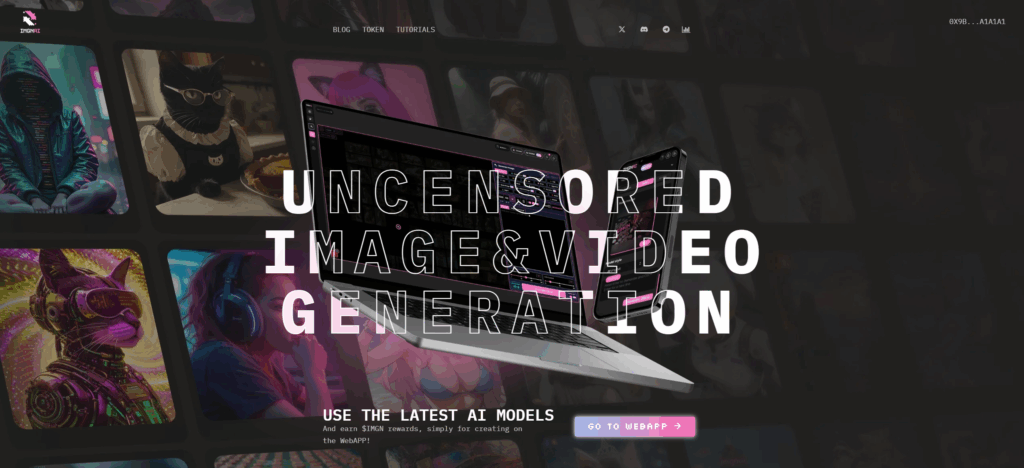
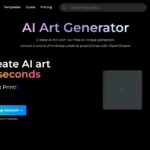
Image context: Retained screenshot of the OpenDream website; original capture date is unrecorded. Its image-generation speed slogan is historical provider marketing, not a timed test or guarantee.
| Name | OpenDream AI |
|---|---|
| Overview | OpenDream AI is a browser‑based platform that transforms your text descriptions into images in a range of visual styles. The provider promotes fast generation, but timing depends on settings and queue priority. It offers multiple AI models (Dreamlike Photoreal 2.0, Dreamlike Anime 1.0, Stable Diffusion 2.1, Deliberate), customizable templates and a browser interface that requires no installation. Users can adjust generation parameters or start with a template. The generated artwork is saved in your account, with prompts and parameters logged for retry or refinement. The provider permits commercial use of generated images under its terms; this is not a guarantee of copyright ownership or clearance of other people’s rights. |
| Key features & benefits |
|
| Use cases and applications |
|
| Who uses? | Beginners, students, hobbyists, professional designers, content creators, anime enthusiasts, small businesses. |
| Pricing | Published plan cards list the following monthly options:
Prices are in US dollars under the provider’s terms. The older FAQ still lists different plan names and amounts, while the terms mention a different free allowance. These are listed allowances, not confirmation that credits were granted to an account; a separate claim label showed zero when checked. Confirm the selected plan, available credits, taxes and renewal terms at checkout. No current unlimited Business offer or annual total was verified. Current plan cards. |
| Tags | Text‑to‑Image, AI Art Generator, Creative Tools, Photoreal, Anime, Templates, Commercial Rights |
| App available? | Accessible through modern web browsers, including supported mobile browsers; check the interface on your device before relying on a particular editing workflow. |
Check an image before using it
Choose a model or template, set visibility and check the credit cost before generating a small test. Inspect faces, hands, text and composition, then refine the prompt. For branding or commercial use, also review source-material permissions and third-party rights.
Official sources: Pricing cards · Models and browser access · Generation settings and account workflow · Terms and output-use conditions