Updated October 16, 2026. This is a documentation-based review of ImgnAI’s public product information, pricing, and policies. We did not run a generation, benchmark image quality or speed, or test the payment flow.
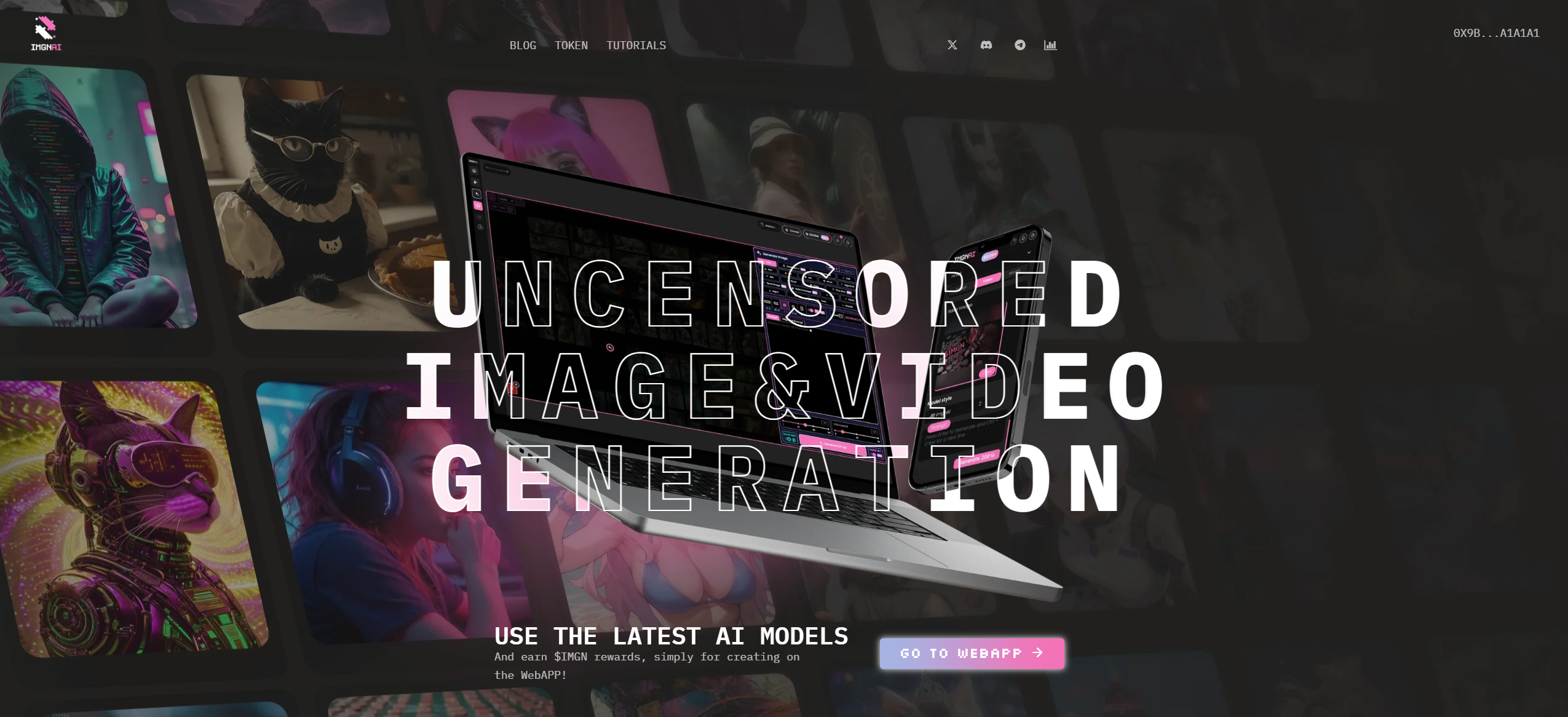
Image note: The featured image is an archive screenshot from the original listing. Its “uncensored” slogan is marketing, not a guarantee of unrestricted use.
ImgnAI is an AI image-and-video creation platform with a public creator community. Its separate Katana API provides developers with image, video, and text models. The tool is worth considering for visual experiments and early creative drafts, with model choice, credit cost, and publication settings checked before use. The official ecosystem overview and Katana overview describe these products.
| Item | Details |
|---|---|
| Main use | Creating and editing AI images and videos; exploring public creations. |
| Access checked | Browser-based platform and public Katana API documentation. |
| Review scope | Published information only. Output quality, reliability, and live bot operation were not tested. |
Features and limits
- Image workflows: The official image catalog documents text prompts, multiple aspect ratios, and reference-image editing on supported models. Input limits and prompting styles vary; a feature on one model does not establish support across the catalog.
- Video workflows: The video catalog includes models with first/last-frame and media-reference controls. Check the chosen model’s duration, aspect ratio, and audio options rather than treating all video tools as interchangeable.
- Public inspiration: ImgnAI has browsable creator posts. Published examples can help you explore visual directions, but they are not controlled tests of consistency or evidence that another creator’s image is licensed for reuse.
- Developer access: Katana is a separate integration route. Its model catalog covers images, video, and text; this review does not assess integration performance.
Pricing
The Get Credits dialog lists these packs and plans. Prices checked October 16, 2026 display $ without an explicit currency code.
| Credits | Price |
|---|---|
| 1,000 | $7.90 |
| 2,500 | $16.99 |
| 5,000 | $32.99 |
| 7,500 | $47.99 |
| 10,000 | $59.99 |
| 20,000 | $109.99 |
| 50,000 | $259.99 |
| 100,000 | $499.99 |
| Plan / monthly credits | Monthly / annual charge |
|---|---|
| Silver 1,000 |
$7.90 $75.49 |
| Gold 4,000 |
$24.90 $263.89 |
| Platinum 15,000 |
$84.90 $903.49 |
| Pro 20,000 |
$112.90 $1,199.89 |
Annual charges are billed every 12 months; credits are allocated monthly. Confirm currency, tax, and total at checkout. Model costs vary. A free allowance was not verified.
Refunds and cancellation
The terms state that payments are nonrefundable. Subscriptions can be canceled at any time, without a refund.
Cancellation and reimbursement are separate questions. Check the billing screen for when access ends; do not assume unused credits are refundable. Mandatory local rights may still apply.
Rights and privacy
The terms assign ImgnAI’s output rights to compliant users, where legally permitted; outputs may not be unique. This does not clear third-party rights for commercial use.
The privacy policy stores image prompts, user/channel identifiers, and results for at least 48 hours, with moderation/improvement analysis. It permits provider sharing and US/EU transfers. Read the policies via Get Credits → View our Terms of Use.
Do not read that minimum as a deletion deadline. Before uploading confidential work, establish who can see it and how long it remains available. A hidden prompt is not proof of confidential processing.
For the separate API workflow, Katana’s documentation states a maximum 72-hour prompt/result-history window. Its text-model privacy labels differ: anonymized requests can still be processed by the model operator. Do not generalize these API statements to every web-app workflow.
A fictional creative example
Suppose you are sketching a poster for an imaginary seaside bookshop. A starting prompt could be: “A tiny bookshop inside a ceramic lighthouse, storm-blue sea, warm amber windows, paper-cut illustration, simple shapes, no lettering.” This is a fictional example written for this guide; it was not submitted to ImgnAI and no result is implied.
- Choose an image model that supports your intended style and composition. Confirm the cost before generating.
- Review the draft for unwanted objects, awkward details, and whether it still reads clearly at poster-thumbnail size.
- Revise one element at a time, such as lighting or framing. If you use a reference image, choose one you own or have permission to upload.
- Add final typography in an editor and check the finished file at the size you need. Do not assume a small preview is ready for print.
Set a spending limit for experiments before buying credits. Compare the cost of an acceptable finished asset, including revisions, rather than assuming every generation will be usable.
Tokens, bots, and mobile access
ImgnAI’s official token page describes $IMGN as part of the IMGN Labs ecosystem. It presents DAO governance as a future step tied to profitability. Built-in NFT minting was not verified in this review. Assess the creative tools on their capabilities and costs.
Paid plans advertise premium Discord access. We did not test it or verify current Telegram generation or a native iOS/Android app. Social sign-in options alone do not establish those features.
Who should consider it?
ImgnAI may suit artists and content creators exploring visual concepts, and developers assessing a multi-model API. For client work, check the selected model’s capabilities and applicable rights before uploading material. For confidential projects, first establish the actual visibility and data-handling rules for the workflow you will use. This documentation review does not establish production readiness or endorse the associated cryptoasset.
For another image-creation workflow, see our Krea guide.