Jogg AI
Advertising

Jogg AI

Visit website

Jogg AI creates avatar and product videos from URLs, text or images. Review its credit-based plans, supported formats and workflow-specific limits.

Jogg AI

Updated October 24, 2026

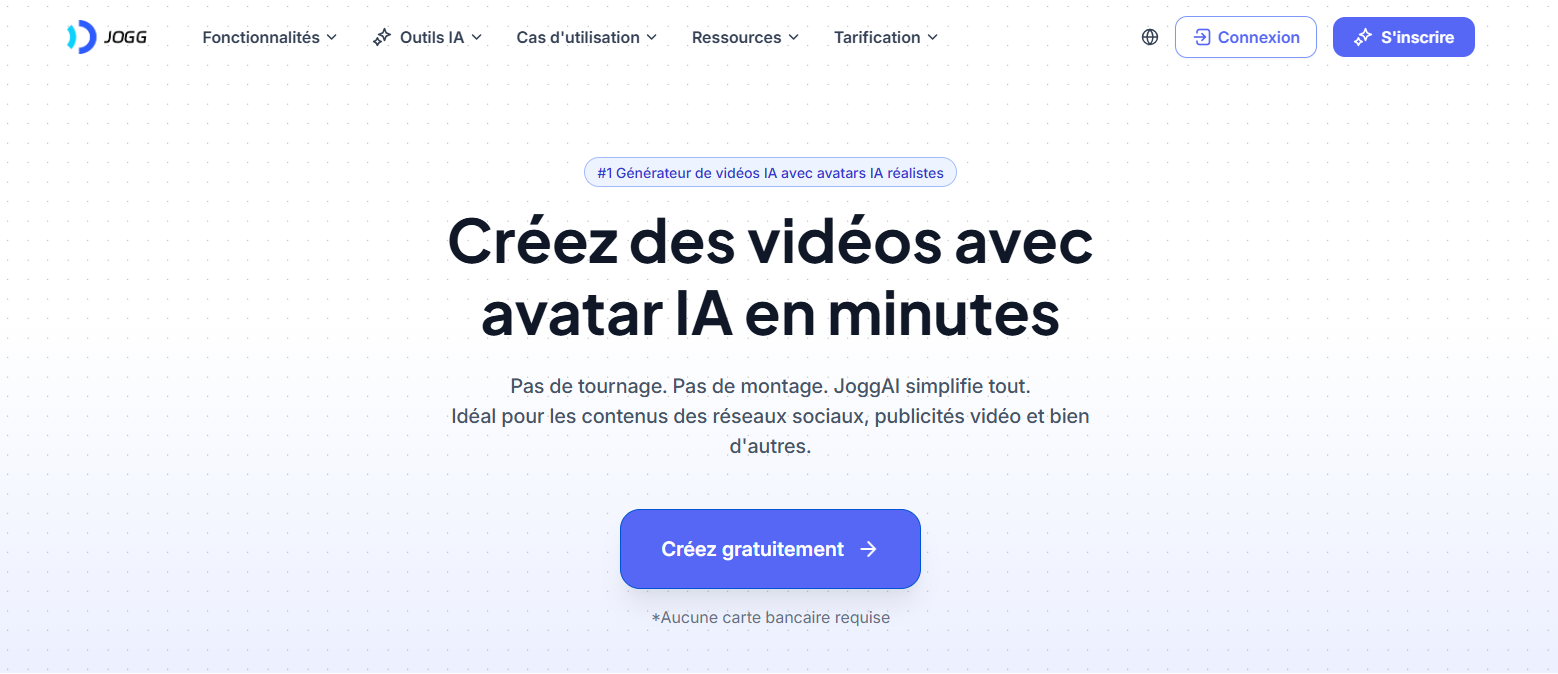
Historical French-language JoggAI website screenshot; capture date unrecorded. This localized marketing view does not verify the current English app interface, speed claims or no-card trial offer.

Name Jogg AI
Overview Jogg AI is an AI-powered video creation platform that transforms product URLs, text, or images into polished videos with photorealistic avatars and automated script generation. Users can choose or customize avatars, edit scripts, and produce branded videos in multiple formats and languages—ideal for marketers, e-commerce, and content creators seeking fast, scalable video production.
Key Features & Benefits
  • Avatar Video Generation: Create lifelike avatars (custom or from a library of 140+) that lip-sync to generated scripts.
  • URL-to-Video Automation: Auto‑generate videos from product pages or text input, ideal for ads.
  • Batch Video Production: Produce multiple videos simultaneously for large campaigns or A/B testing.
  • Multilingual Output: Supports over 50 languages for global reach.
  • AI Script Writer & Editor: Auto-suggests and lets you customize messaging and tone.
  • Flexible Formats: Supports aspect ratios like 9:16 (Stories), 16:9 (YouTube), 1:1 (square).
Use Cases & Applications
  • Social media marketing: create ads for TikTok, Instagram, Facebook.
  • E-commerce promotions: turn product URLs into video ads.
  • Educational or explainer videos with avatar presenters.
  • Scalable content campaigns via batch video generation.
Who Uses It? Marketers, content creators, social media teams, e-commerce brands, agencies wanting efficient avatar‑led video content. The brand logos displayed on JoggAI’s website are provider marketing claims, not independently verified endorsements.
Pricing The official credit guide lists:

  • Free: 200 signup credits, valid for 31 days without monthly renewal. Free access has a watermark and limited templates.
  • Starter: $29/month, billed monthly, with 12,000 credits per month, watermark removal and full templates.
  • Creator 1: $49/month, billed monthly, with 22,000 credits per month and a brand kit.
  • Team: $2,580/year, with 1,320,000 annual credits issued upfront, team workspaces and priority support. Provider pages disagree about the included seats; confirm the current bundle before paying.
  • Business / Enterprise: Negotiated credits and seats, with dedicated support; contact sales for the applicable terms.

Monthly and annual offers differ. Credits are shared across the web platform and supported API/MCP/plugin workflows; usage depends on the feature, model, duration and settings, not a fixed number of videos. Video-duration limits are workflow-specific, so an AvatarX limit is not the limit for every tool. New subscriptions use credits; eligible active legacy Unlimited subscriptions retain their existing benefits.

Check the current pricing page for feature limits, billing cycle, currency and applicable taxes. The provider normally quotes prices in USD but may show a local currency; confirm any applicable taxes at checkout.

Tags AI video generation, avatar ads, URL-to-video, batch video creation, multilingual video, e‑commerce marketing
App Available? Web-based platform, no native mobile app mentioned. Accessible via browser with drag‑and‑drop editing.

Review before exporting

Use only product media and likenesses you have permission to use. After generating from a product URL, check the extracted details and script claims, then preview pronunciation, subtitles and product depiction. Confirm the selected format and credit estimate before rendering, and review the finished video before publishing. The terms of use prohibit misleading presentation of AI output; do not present an avatar as a real customer testimonial.
KEEP EXPLORING

More tools to discover.

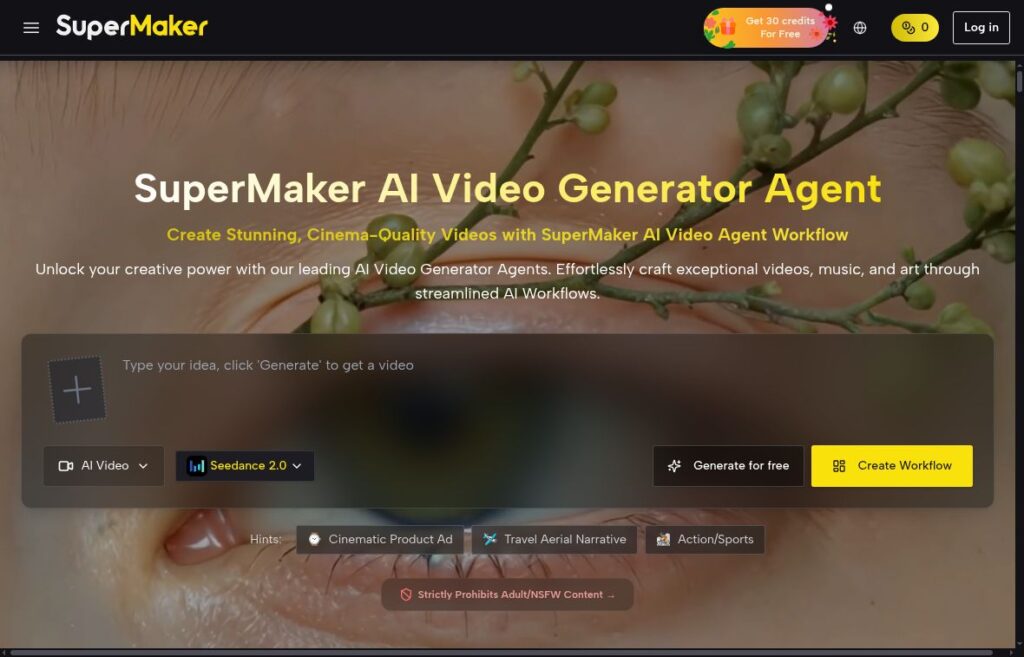
SuperMaker AI homepage showing its logo, video prompt box and Create Workflow button

Explore SuperMaker AI video, image, voice and music tools, current credit plans, mobile apps and the licensing and privacy questions to check before use.

VideosExplore
Move AI homepage showing the Move logo, markerless motion capture heading and a recorded performer beside animation previews

Explore Move AI’s Move One and Genesis workflows, documented credits, export options, licensing and privacy limits before planning a motion-capture project.

VideosExplore
Bytecap homepage with its logo, video-to-shorts headline, empty video-link field and Get clips button above a provider demonstration.

Explore ByteCap AI for short clips, captions and reframing. Review current plan credits, publishing conflicts, content rights and privacy before subscribing.

Official VideoToPage homepage screenshot

Explore VideoToPage AI for video-to-blog conversion, transcription, OCR and editable content. Review current credit packs, export formats and trial caveats.

VideosExplore
Find your next starting point