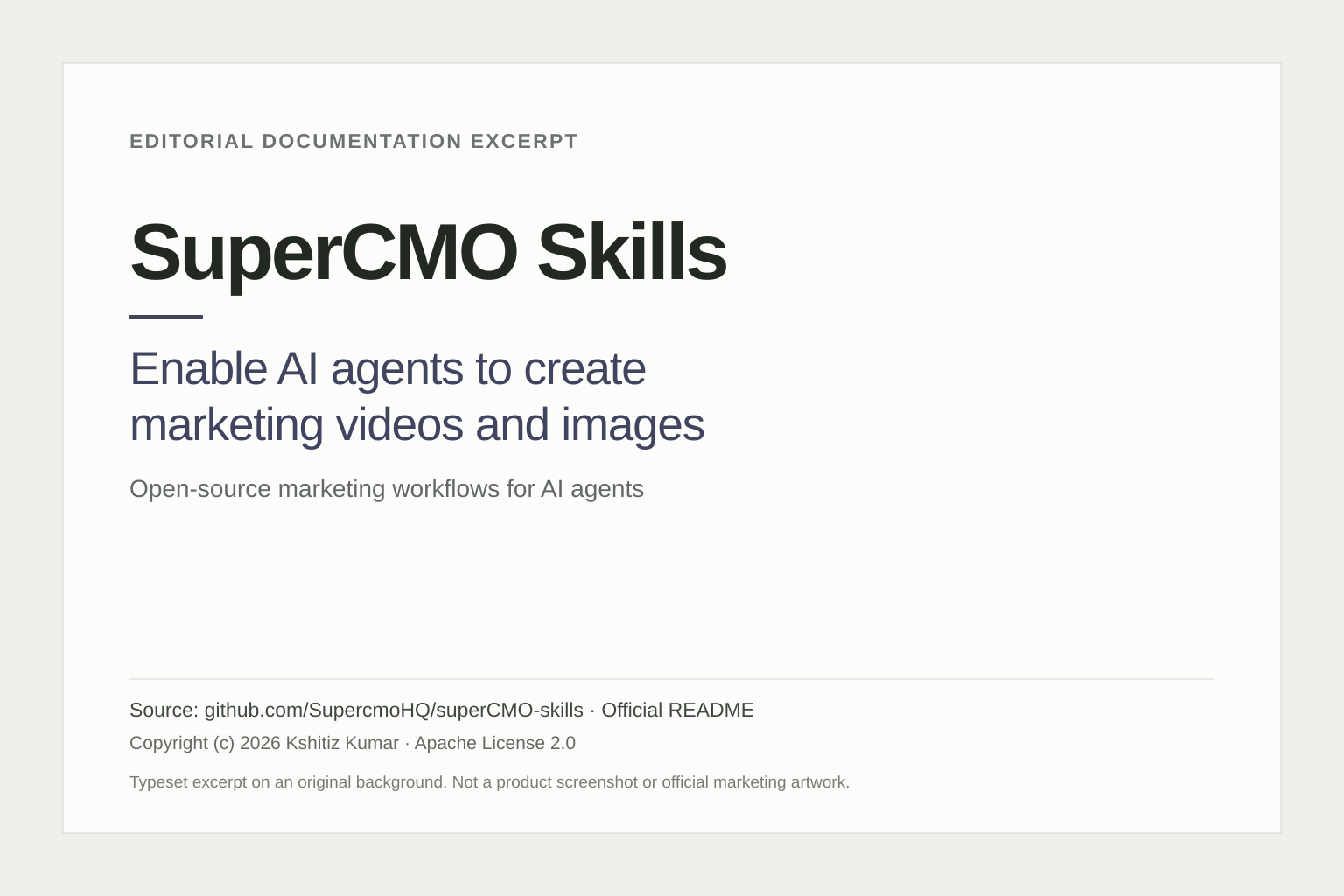
SuperCMO Skills is an open-source collection of marketing workflows for AI agents such as Claude Code, Cursor and Codex. It helps an agent coordinate the steps between a product brief and creative assets, including scripts, product imagery and advertising videos. It is relevant to people who already work inside an agent and want a more structured media-production process.
The official SuperCMO website offers two distinct routes: run the skills with an agent on your machine, or use a separate browser-based SuperCMO Cloud service. The open-source license applies to the repository’s skills, scripts and MCP server, not automatically to every part of the hosted service.
What can SuperCMO Skills create?
The official repository describes workflows for UGC-style videos, product commercials, cartoon videos, image ads and product photography. A product photograph and a brief can be starting inputs. The agent coordinates planning, scripting, visual generation, audio and assembly rather than requiring one prompt to do all the work.
UGC-style here can mean generated actors and scenes. It should not be confused with a real customer testimonial. Likewise, vendor claims about consistent products, production speed or advertising performance are not guarantees about a particular output.
What’s new in the October update?
Version 0.1.27 was released on 21 October 2026. Its notes describe exact-version pinning, fixes for plugin-directory warnings and documentation corrections concerning dry-run behavior and telemetry. This is an update to an existing project, not evidence that the product first launched that day.
For an agent toolchain, these maintenance details matter. Knowing which version a project uses makes it easier to investigate a setup problem or compare behavior after an update. It is still sensible to inspect the current instructions before installation rather than reuse an old command from an article.
A hypothetical product-video workflow
Suppose a small retailer wants to explore a short video for a new desk organizer. This illustrative workflow keeps creative decisions and spending under human review:
- Prepare a factual brief. Supply an authorized product image, the intended audience, the placement and a small set of verified product facts. Mark claims the video must not make.
- Approve the concept first. Ask for a proposed script and shot list before generation. Check that the concept shows the actual product use rather than inventing a capability.
- Inspect the request. Use the documented dry-run option to preview a generation request before allowing a real provider call. A request preview is not a generated video or a promise of output quality.
- Make a limited first version. Choose one concept and a defined usage budget. Review the result before paying for multiple variants.
- Check every asset. Look for altered logos, incorrect geometry, illegible text, unsupported claims and voiceover mistakes. Get the necessary approvals before distribution.
For a meaningful trial, record the time spent correcting assets as well as the generation cost. A visually attractive first result may still require substantial editorial work. Publishing and paid promotion should remain separate decisions, not automatic consequences of generating a file.
Is SuperCMO free?
The skills are available under the Apache 2.0 license. Free software does not mean free media generation. The official site describes bring-your-own-provider keys or a managed SuperCMO key with pay-per-use credits. Provider charges, credit consumption and any coding-agent subscription remain separate from the repository license.
The browser-based Cloud product is another service with its own terms and checkout. No fixed hosted-plan price is quoted here because it should not be confused with the open-source route or assumed to cover every generation request.
Setup, privacy and practical limits
The repository documents supported agent integrations and a local MCP server. Setup requires compatible tooling and generation credentials; it is not simply an offline video editor. With your own keys, generation requests go to the selected model provider. With managed credits, they pass through SuperCMO’s service.
The telemetry documentation describes anonymous, opt-out usage reporting. Review that configuration separately from the handling of media by generation providers. Keeping credentials on your machine does not mean that prompts or source images never leave it.
SuperCMO Skills is most relevant when an agent-based workflow and configurable providers are useful to you. A team that needs a simple standalone editor may prefer a different interface. This overview follows official documentation reviewed on 22 October 2026, without claiming installation, hands-on results or improved advertising returns.
Explore more options in our AI tools directory.
Editorial typesetting of a short excerpt from the official SuperCMO Skills README. Documentation copyright (c) 2026 Kshitiz Kumar, Apache License 2.0; see the project NOTICE. Layout reformatted for this article; not a product screenshot or official marketing artwork.