
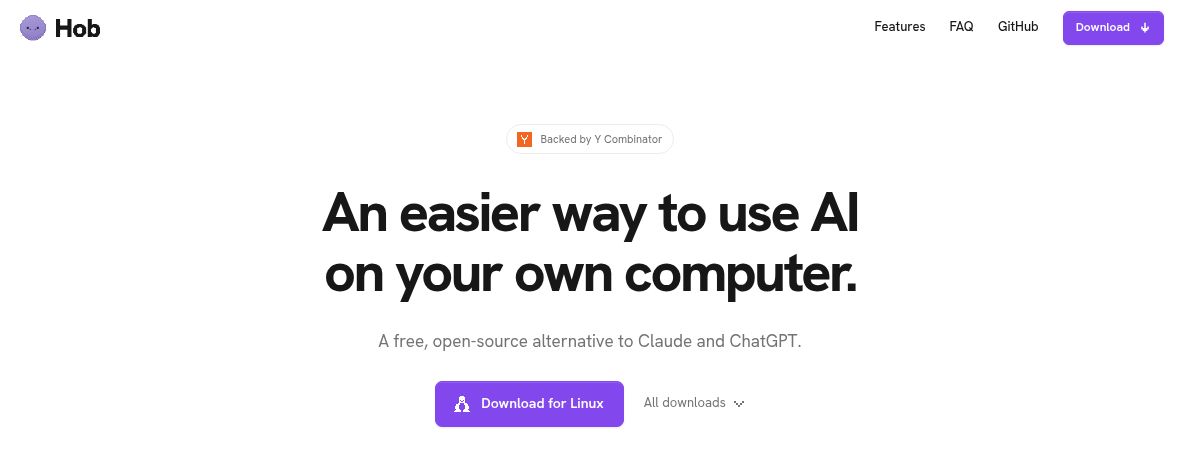
Hob is a free, open-source desktop AI assistant that runs language models on your own computer. It combines local chat with tools for files, code and everyday document work, while choosing a model suited to the machine instead of making every user begin with model configuration.
Hob’s recent public introduction included an October 26, 2026 release and a Show HN discussion. This profile covers the official documentation checked on November 11, 2026. GPTOnline has not installed Hob or benchmarked its performance.
What does Hob do?
The official Hob project provides downloads for macOS, Windows and Linux. Its assistant can work with attached files or folders, run Python-based tasks, examine images and create charts. The project is maintained by Frigade.
Its appeal is the combination of local inference and useful tools. A person who wants help with a folder of documents can start with that task, rather than first building an interface around a raw model. The quality and speed still depend on the selected model, the computer and the task.
Features worth knowing
- Automatic model selection: Hob checks the hardware and chooses a supported model. Users can change the selection later.
- Files and projects: attach individual materials or group folders into projects with their own instructions.
- Python and charts: use documented code tools for structured data and downloadable charts.
- Images and PDFs: ask about screenshots or photos. The current documentation specifically marks scanned-PDF reading and form filling as Mac features.
- Local dictation: speech-to-text processing is documented as running on the computer.
- Extensions: skills, Python tools and MCP connectors can extend the available workflow.
The user documentation also describes approval before file changes, Undo and code sandboxing. Keep a backup for important work anyway. A safeguard does not make every generated command or interpretation correct.
Is Hob completely offline?
Hob runs its language model locally, but some features use the network. Initial model downloads and update checks need connectivity. Enabling Web access allows online search, data retrieval and Python package downloads. Added connectors can also communicate with outside services.
For a local-only task, finish the initial setup, turn Web access off and avoid online connectors. Check the permissions and behavior of any extension you add. “Runs locally” should not be read as permission to send confidential material through a connected service.
Price and hardware requirements
Hob is free and MIT licensed, with no required account, subscription or app usage quota stated in its documentation. You still supply the computer, storage and electricity. External services connected through plugins may have separate terms or charges.
Downloaded models occupy several gigabytes. The current documentation describes a compact model choice for 8 GB Macs, with larger options for systems with more memory. That is a model-selection example, not a promise that every feature will run quickly on every 8 GB computer. Windows and Linux users should check the available build and their graphics support.
Open-source licensing also does not remove the separate conditions attached to downloaded models. Review the applicable model license if a commercial or regulated workflow depends on it.
Example workflow: organize a small CSV
Hypothetical example, not a tested result: you have a nonconfidential CSV of workshop expenses and want a clearer summary.
- Save a duplicate of the CSV and work in a separate folder.
- Ask Hob to inspect the column names and identify missing values before proposing a calculation.
- Request a category summary and a chart, with the assumptions written out.
- Review any requested file changes before approving them.
- Check totals against the original spreadsheet, then keep the useful output and the source together.
If a transaction has an ambiguous label, provide the category rather than letting an uncertain guess silently become part of the report. Local processing changes where computation happens; it does not make accounting judgments reliable by itself.
Who is Hob suitable for?
Hob is a useful candidate for people who want local AI assistance with their own files and prefer an approachable setup. It may be less suitable when a workflow needs guaranteed response times, centralized team administration or a capability that is currently platform-specific.
Start with a small, recoverable task and inspect the result. If you are comparing different approaches, explore the AI tools directory and separate your privacy requirements from your speed and collaboration requirements.
Sources
- Official repository and downloads, user documentation and MIT license.
- October 26 release and launch discussion.
Featured image: Screenshot of the official Hob website icon in a native browser image view, captured November 11, 2026. Source: official Hob website icon.