
What is Alysis Code?
Alysis Code is an AI agent for working on software repositories and everyday files. Its desktop app combines coding conversations, proposed changes and review tools, while a CLI offers terminal access. The official repository identifies the engine as Apache-2.0 open source. That license covers the engine; using a hosted AI model can still involve charges.
What changed with the desktop beta?
The November 1, 2026 announcement introduced the desktop beta for 64-bit Windows and Apple silicon Macs. Alysis Code grew out of the earlier Sylliptor project, so this is a new desktop release of an existing product, rather than an entirely new agent. The app bundles its engine, removing the need to install the CLI separately. Linux users currently have the CLI, not a Linux desktop build.
Code, Work and model choice
In Code, you open a repository, ask for an explanation or change, follow the activity and inspect the diff and test results. For larger jobs, Forge organizes work into a plan with scoped tasks and verification evidence. A plan still needs review: breaking a request into tasks does not establish that the implementation is correct.
Work handles surrounding tasks such as turning notes into documents or a CSV into a spreadsheet. The product website also describes browser and connected-app workflows. Model options include Alysis-hosted access, your own provider key and local models. Choose the connection and permissions before sharing project material.
A practical first task: fix a small CSV report
Try a disposable copy of a small repository with synthetic data and a known bug. This is a suggested evaluation, not a task we ran in Alysis Code.
- Define the expected result. Suppose a reporting script drops zero-amount records when counting valid entries. Three rows containing 10.00, 0.00 and 5.50 should produce a count of three and a total of 15.50. Blank amounts should remain invalid. These are test expectations, not AI-generated results.
- Inspect before editing. Start in Read only and ask which calculation causes the discrepancy. Check that the explanation refers to the relevant files rather than assuming the cause from your description.
- Authorize a narrow fix. Use Ask for approval, then request the smallest patch and regression tests for zero and blank values. Keep dependency changes, network access, commits and deployment outside the task.
- Review the evidence. Read every changed file and the actual test output. Where possible, confirm the regression fails before the fix and passes afterward. Check existing tests too. A successful command with no relevant tests is weak evidence.
Record whether the fix is understandable, whether it stayed within scope and how much correction it needed. That gives you a more useful trial than asking it to rebuild a whole application at once.
Alysis Code pricing and credit limits
Checked on November 11, 2026, the official pricing page displays these USD base prices per 30 days:
- Free: $0 with 50 credits; no payment card required.
- Beta: $1 with 100 shared base credits.
- Alpha: $5 with 500 shared base credits.
Paid prices include applicable tax. Beta and Alpha are for personal use; business subscriptions are not currently offered. Country eligibility, currency and the final recurring total are confirmed at checkout, which may offer a converted local price.
The current terms limit Beta to 20 base credits per rolling five hours and 40 per rolling seven days. Alpha allows 100 and 200 respectively. These limits sit within the shared balance, not on top of it. Paid plans renew every 30 days until canceled, and unused credits expire at reset without rollover. Model multipliers affect usage, not the base allowance; per-model examples are alternative uses of the same balance.
Credits do not guarantee a fixed number of completed tasks. Using your own API key means your provider bills you separately. Local models consume no Alysis credits, but still need suitable hardware. Neither option makes every associated computing cost disappear.
Permissions, privacy and practical limits
Alysis says it does not store or log prompts or model responses, while retaining account and usage metadata. Its published data-handling explanation separates this from provider policies and conversation history stored on your computer. Hosted models process material outside your machine. The terms prohibit submitting other people’s personal data or confidential or sensitive information to a configured third-party model. Review provider policies and connected-tool access before sharing project material.
The desktop release is a beta. Treat approval controls and sandboxing as safeguards that need sensible configuration, not guarantees against mistakes. This profile is based on official documentation, without hands-on performance or security testing.
Alysis Code is worth considering if you want model choice and reviewable repository changes in one desktop workflow. If your main problem is coordinating several coding agents, our BAND for Developers profile covers that different need. Start with one verifiable task before expanding access.
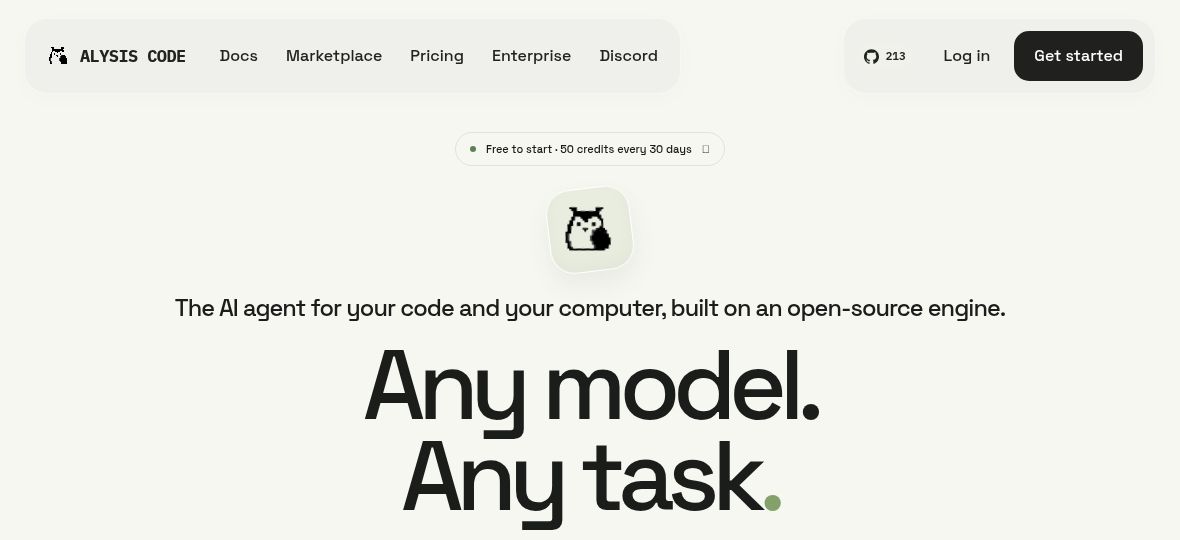
Featured image: Screenshot of the official Alysis Code website icon in a native browser image view, captured November 11, 2026. Source: official Alysis Code website icon.