Updated October 19, 2026. Reviewed and revised for current information.
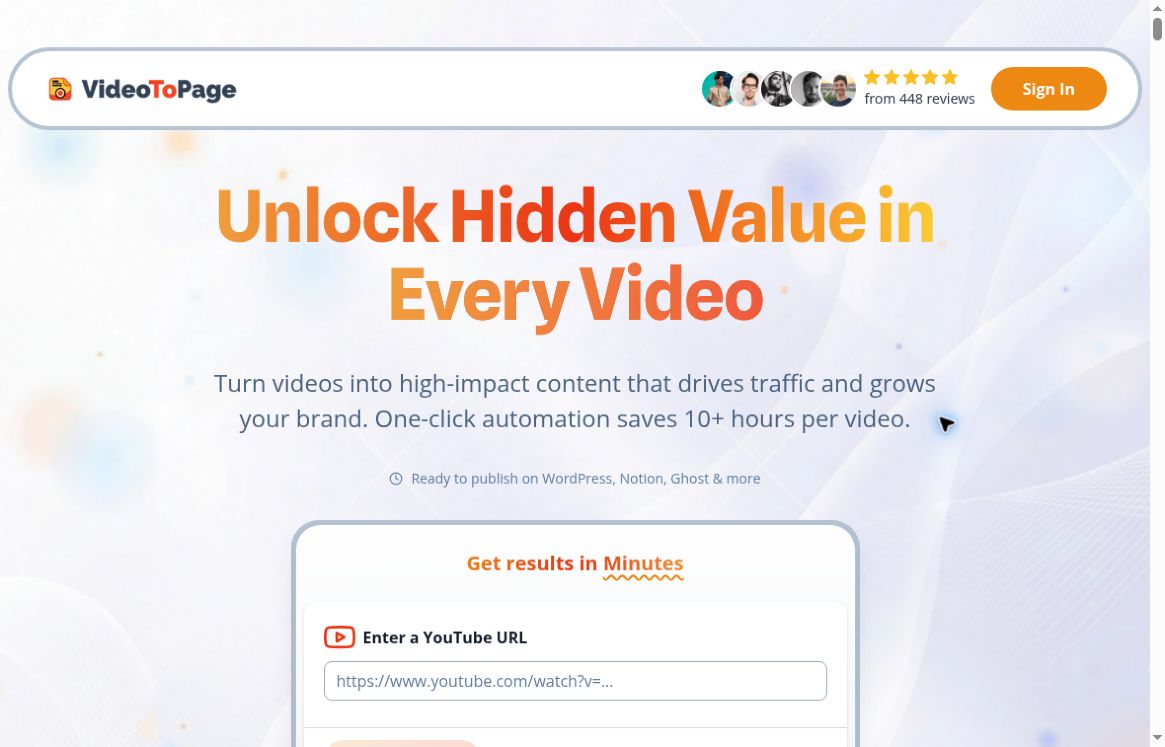
Image: Official VideoToPage homepage, captured October 19, 2026. Provider marketing claims are shown for product identification; no conversion, traffic or time-saving test was performed.
VideoToPage AI is a content-repurposing service for turning video and audio into structured written material. Its official website presents transcription, outline building, visual extraction and editing tools, with workflows for articles, tutorials, documentation and social content. It is most relevant when you already have a recording and want to develop a readable companion to it.
What does VideoToPage do?
The service combines audio transcription with organization and content generation. It also advertises key-frame extraction and OCR and transcription tools, which read visible text and spoken content. That can be useful for slide presentations or software demonstrations where the spoken transcript alone misses important visual context.
Rather than treating a transcript as a finished article, the intended workflow is to choose a structure, generate the draft and refine it. The homepage describes a rich-text editor and a context-aware AI assistant for making changes.
Core features and supported workflows
- YouTube-to-blog conversion: the official converter page advertises headings, screenshots, on-screen text extraction and an embedded player with chapter links.
- Podcast repurposing: the podcast converter describes speaker identification, topic extraction, blog structure and audio timestamp links.
- Editable output: adjust sections, tone and writing before publishing instead of accepting the first generated version.
- Reusable formats: the converter pages list HTML, Markdown and DOCX downloads. The homepage also lists SRT subtitle downloads and shareable web pages.
- Publishing and automation: advertised options include WordPress publishing, channel or feed syncing, content scheduling and workflow automation. Available destinations and setup should be checked for the intended account.
- Developer workflow: public API documentation describes running an existing workflow against a video URL and retrieving its execution result.
How to approach a first project
- Choose a recording you own or are permitted to process. Start with a short, clearly spoken example.
- Select the intended output, such as a tutorial, article or podcast companion.
- Review the transcript and outline before expanding the draft.
- Check screenshots, OCR text, speaker names, technical details and quotations against the recording.
- Edit the final text, then export it or use a supported publishing connection.
This is an editorial review workflow based on the advertised tools, not a hands-on product test. OCR can misread a screen, and a fluent summary can still omit a caveat or attribute a statement to the wrong person. Keeping the source recording available makes review easier.
Pricing and credits
Checked October 19, 2026: the visible Buy Credits option on the official pricing section advertised these one-time purchases in euros:
- Starter Pack: €49 for 1,400 credits.
- Creator Pack: €199 for 6,000 credits.
- Business Pack: €699 for 22,000 credits.
The page also has Monthly and Yearly tabs; their rates were not verified in this review. Credit consumption per project, taxes and the final checkout total were not established, so the figures above should not be interpreted as a cost per finished article. Check the live offer and credit rules before paying.
Is there a free trial?
The homepage advertises a five-minute free demo and says public YouTube videos under five minutes can be processed without cost. Its FAQ says payment details are required during free-trial signup, while the converter landing pages say no credit card is required. These public statements conflict. Check the actual flow before entering payment information, and do not assume that every free route has the same requirements. The homepage labels direct file uploads as paid-user access.
Who is it suited to?
Video creators can develop written companions to existing videos. Educators and support teams can turn their own demonstrations into draft tutorials or knowledge-base material. Podcasters can prepare article versions of episodes, while marketers can reuse selected ideas across channels after editorial review.
The most useful test is whether the output preserves the original meaning and includes enough context for a reader who never watched the recording. Claimed SEO optimization is a formatting and drafting feature, not a guarantee of rankings, traffic or sales.
API and publishing considerations
The official API guide describes token-authenticated requests, a workflow configured in the interface, and asynchronous execution results. We did not create credentials, connect a channel, call the API or publish content. Teams should verify account permissions, current documentation and usage limits before automating a production workflow.
Our assessment
VideoToPage is worth investigating when you need editable, structured content from recordings, especially when visuals carry part of the message. Its broader automation features may suit repeat publishing work, but review accuracy, credit usage and connection requirements on a small permitted sample first. No fixed time saving, transcription accuracy or publishing outcome was independently measured here.