Savor turns spoken thoughts, typed notes, and photos into editable reminder cards. Instead of asking you to build a detailed project plan immediately, it organizes cards into Now, Soon, and Later. You can add reminders, break a card into steps, or hand responsibility to another person who uses the app.
It is available on iPhone and Android. The important pricing qualification is that Savor is free while monetization is paused, according to its official website. That is a current arrangement, not a promise of permanent free access. This overview is based on documentation rather than hands-on testing.
What Savor does
The product is built around capturing a thought before you have fully organized it. A voice note can become several cards, while a photographed notice can supply details you then check. Here are the main distinctions:
| Feature | Practical meaning |
|---|---|
| Voice, text, and photo capture | Creates editable cards; extracted wording and dates still need review |
| Now, Soon, and Later | Default timing groups are today/overdue, the next two days, and later; settings can change these ranges |
| Reminders | Card notifications and a configurable daily reminder, subject to notification settings |
| Card handoff | Another Savor user accepts a whole card or a smaller step |
| Take Action | Beta assistance with plans, options, lists, and drafts; the user retains decisions and confirmations |
The Savor FAQ explains the timing groups and reminder controls. The app deliberately omits streaks and scores. Whether that suits you depends on whether you prefer a light capture system or a detailed task-management structure.
A hypothetical event-planning workflow
Imagine receiving a flyer for a neighborhood workshop on 12 November at 18:30. You need to check availability, ask a friend about transport, and decide whether to attend. This example illustrates a possible workflow; it is not a product test.
- Capture the flyer with context. Add a note such as “Check whether I can attend; do not treat this as a confirmed booking.”
- Compare the card with the original. Confirm the date, time, location, and contact details. An attractive card is not evidence that every printed detail was extracted correctly.
- Separate the next decisions. Keep “check my availability” and “ask about transport” as distinct steps, rather than marking the entire plan ready.
- Set a useful reminder. Choose when you need to decide, which may be earlier than the event itself. Check the phone’s notification permissions.
- Confirm any handoff. If your friend uses Savor, ask whether they can take the transport step. Sending a card is not the same as having it accepted.
The official user guide describes editing card details and adding subcards. It also explains that calendar export remains a separate action: on Android, the calendar app opens with an event to save; on iPhone, you select the destination calendar when prompted.
What sharing and Take Action do not automate
For handoffs, the recipient needs Savor and chooses whether to accept. After acceptance, they can edit the card and receive its reminders; the sender keeps a read-only copy and can take responsibility back. That makes agreement about ownership important before relying on someone else to follow through.
Take Action is explicitly labeled Beta. The official Google Play description says it helps explore options and prepare plans or drafts, with actual actions confirmed by the user in the relevant service. Do not treat a generated plan as a completed booking, sent message, or finished task. If a suggestion includes factual references, use a source-verification check before relying on them.
Privacy and account considerations
Savor requires Apple or Google sign-in and syncs cards under your account. Its privacy policy describes cloud AI providers processing relevant content when requested, alongside local device storage. It is therefore not a local-only assistant.
The company says private cards, voice, and photos are not used for advertising or general-purpose model training. It also discloses separate, limited advertising measurement with in-app controls. Those statements should not be reduced to “Savor collects no data.” Before uploading a letter or flyer, remove unnecessary sensitive details, especially information belonging to someone else.
Pricing and recent maintenance
During the monetization pause, the website says no paid upgrade is required for capture, reminders, handoffs, or Take Action Beta. Fair-use and service safeguards remain. Existing subscribers can manage or cancel subscriptions through their app store; do not assume the pause automatically cancels one.
Google Play lists an October 22, 2026 update covering camera-preview framing and Android callback repairs. This is maintenance evidence, not a new-model claim. Savor’s main appeal is a short path from “remember this” to a reviewable next step, provided you check captured details and retain responsibility for decisions.
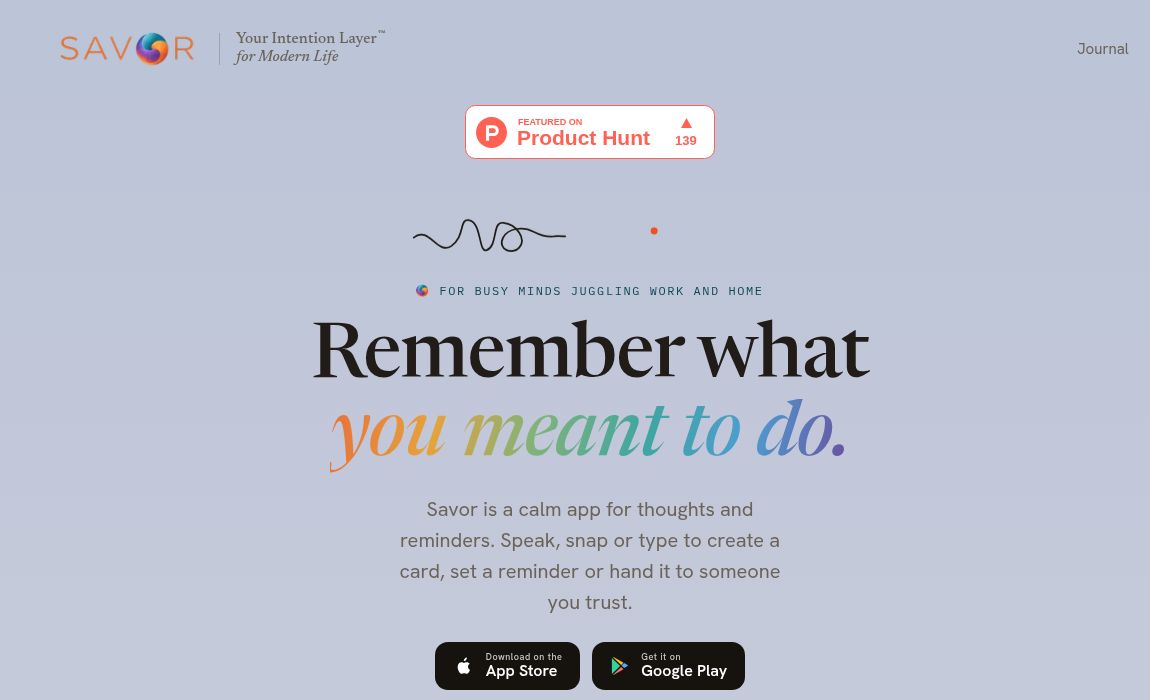
Featured image: screenshot of Savor’s official public website, captured October 27, 2026. It illustrates the website, not a hands-on product test.