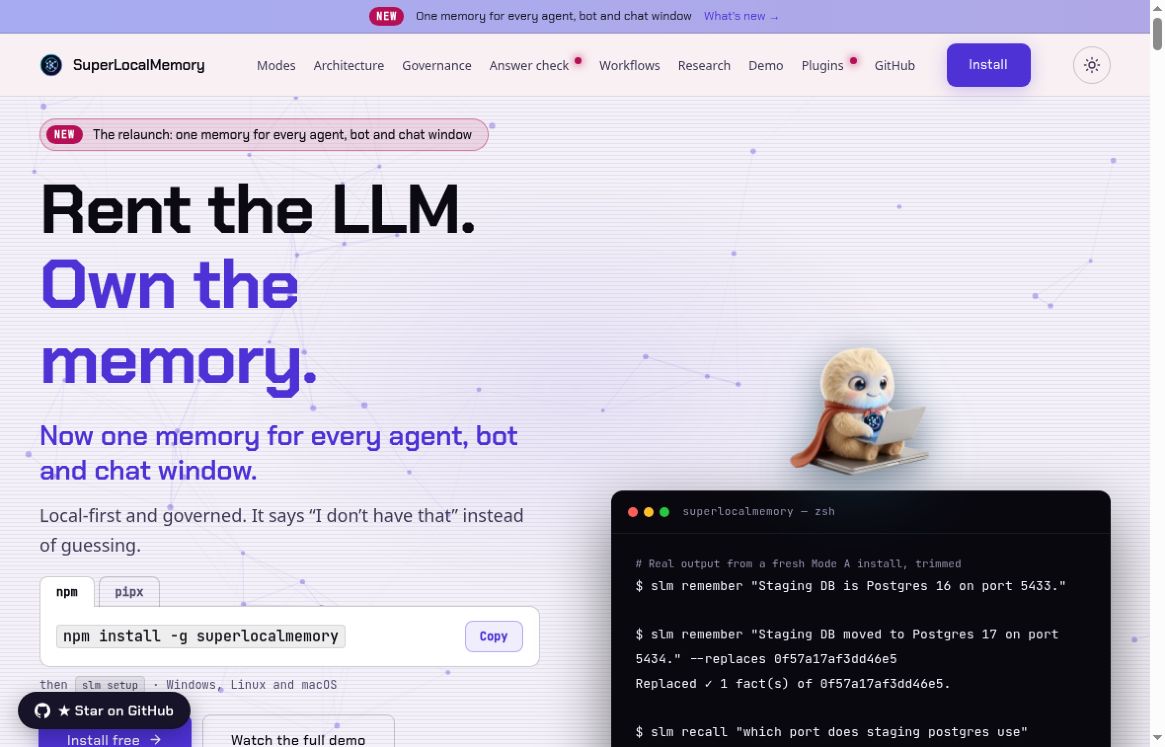
SuperLocalMemory is a local-first memory layer for AI agents. It is designed to keep useful project context available across sessions instead of making you repeat the same background in every new conversation. The important question is not simply whether an agent remembers: it is whether you can inspect, correct, and retire what it remembers.
This overview is based on official documentation, not a hands-on benchmark. The release history lists version 4.2.11 on October 22, 2026. That is a recent release, not the product’s first launch date.
What does SuperLocalMemory do?
The official repository describes access through MCP, a command-line interface, an API, and a dashboard. Its modes separate retrieval without a language model, use of a local model, and use of a configured endpoint or cloud provider. In Mode A, the documented core remember and recall operations do not call a model provider.
The dashboard provides a place to search and inspect saved context. Integrations and optional remote access expand where that context can be used, but they also change which applications can reach it. Local-first storage should not be interpreted as a guarantee that every possible configuration keeps all data offline.
Why the recent update matters
The 4.2.11 release notes describe fixes involving applied corrections, removal of facts derived from sources, and disabling automatic memory injection. They also explain that backup snapshots can still retain copies after a purge. These are useful reasons to verify an installed version and its behavior, rather than treating a successful save or delete message as the whole story.
For a practical evaluation, focus on the lifecycle of one piece of information: original entry, correction, retrieval, and removal. A system that finds an old decision quickly can still be unhelpful if it presents that decision after the project has changed.
A small memory-correction exercise
Here is an invented example you can adapt with non-sensitive test data. It is a suggested evaluation, not a result obtained by testing SuperLocalMemory.
- Save a clearly labelled test fact. For example: “Demo project uses a blue header, approved Monday.” Keep it separate from genuine client information.
- Retrieve it in a new session. Ask which header color the demo project uses. Inspect the returned source or memory, not just the agent’s final sentence.
- Correct the decision. Change the test fact to a green header approved Wednesday, using the documented correction workflow. Make the superseded status explicit.
- Ask again in different wording. Check whether the current decision is returned and whether the old color is still presented as current. Do not assume a single successful query proves all recall paths are correct.
- Remove the test material. Review the result and any warnings about retained copies or backups. If your goal is erasure, a memory disappearing from ordinary search is not enough evidence.
Record the version, settings, query, returned evidence, and any discrepancy. This turns an appealing demo into a repeatable check you can compare after an upgrade. If results disagree, resolve the disagreement before adding more important project context.
Licensing and costs
The source project uses AGPL-3.0-or-later. A separate commercial license document describes an option for uses incompatible with the open-source terms, including certain proprietary integrations. This is not an MIT-licensed project; check the applicable terms for your intended deployment.
No all-inclusive commercial price is quoted here. Optional model providers, hosting, and other connected services may introduce separate costs. Local processing also uses your own machine’s storage and compute resources.
Limits to check before relying on it
Saved context is not automatically true or safe to reuse. Separate current decisions from hypotheses, give entries meaningful dates and sources, and keep sensitive material out until you understand access and retention. A memory tool can preserve a mistaken statement just as efficiently as a correct one.
Keep the official product documentation close when configuring integrations. Start with the smallest useful scope, inspect which apps can read or save, and review optional cloud or remote features independently. This article does not validate the project’s benchmark scores or promise perfect recall.
Who should consider it?
SuperLocalMemory is most relevant when repeated project context is slowing down agent work and you are willing to maintain that context deliberately. For a one-off question, a short, reviewed brief may be simpler. Choose based on whether the extra persistence is useful and governable, not merely because remembering more sounds better.
Before sharing project context with any connected model, use our guide to removing sensitive details from AI prompts as a starting checklist.