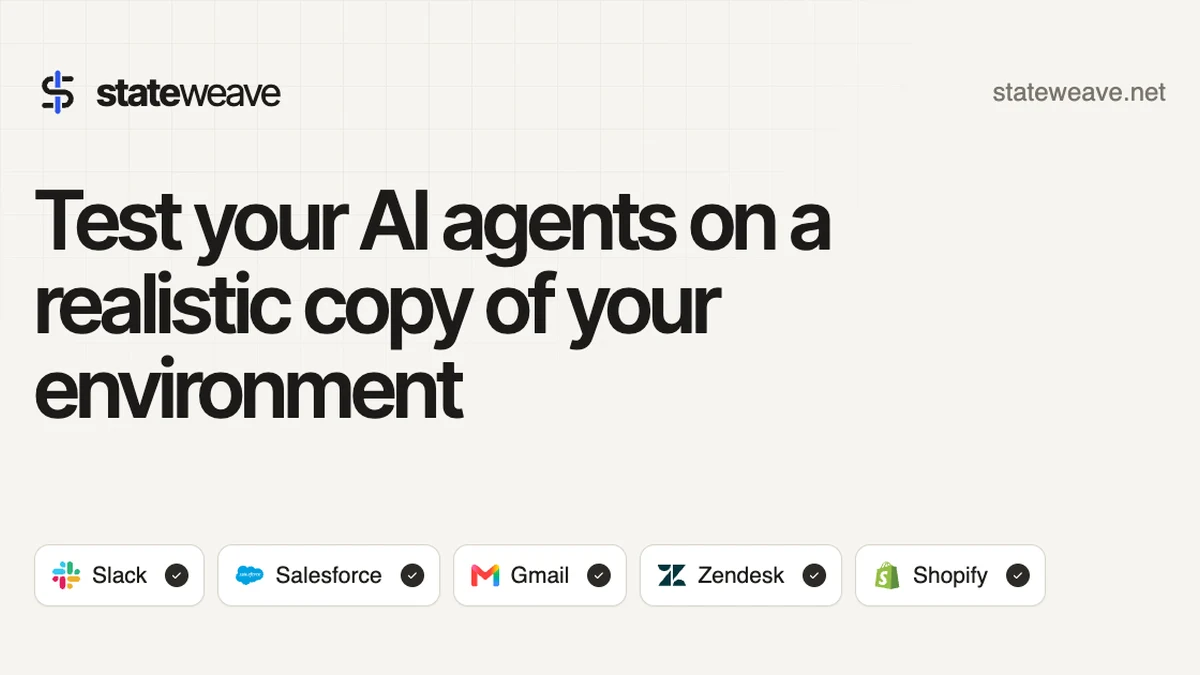
Testing an AI agent against a live production system is a gamble, and testing it against a mock is often a polite fiction. StateWeave AI agent testing takes a third route: it runs your agent on live sandbox copies of the apps it uses, with the same APIs, MCP servers and interfaces as the real services. StateWeave launched on Product Hunt on 15 November 2026, and its sandboxes cover Slack, Gmail, Google Calendar, Drive, Sheets, Teams, Salesforce, Shopify, WhatsApp, Stripe and Zendesk.
What StateWeave Does
StateWeave builds stateful clones of the apps your agent works in, filled with your company data, so the agent can read mail, refund orders, update tickets and post in channels exactly as it would in production. Every run starts from a fresh copy of the sandbox, and every call the agent makes is recorded, which means a failure can be traced back to the exact request that caused it.
Tasks are the heart of the workflow. A task is a folder holding what the agent is asked to do plus checks that read the apps through their own APIs, and it can include faults you fear, such as a Slack outage or a wave of 401 errors. After the run, the checks grade what actually changed, so you see which checks passed, which failed, and every call behind the result.
Key Features
StateWeave connects through a small command line flow. You make a key in the dashboard, run the setup command so your coding agent wires StateWeave in, and fill a sandbox by writing through the apps’ own APIs or by describing your company in a sentence and letting StateWeave generate the data. Sandboxes keep versions, so a test can be repeated from the same starting state again and again.
- Live sandbox copies of Slack, Gmail, Calendar, Drive, Sheets, Teams and more
- Identical APIs, MCP servers and interfaces to the real services
- Graded runs with checks that read the apps through their own APIs
- Fault injection for outages, 401 errors and other failure modes
- Full call recording on every run, with twin runs for comparison
- AI-generated sandbox data and versioned sandboxes for repeatable tests
Who StateWeave Is For
StateWeave fits teams shipping AI agents that touch real business systems, from support agents that refund orders to ops agents that move data between tools. If a wrong reply, a duplicate refund or a missed ticket costs money or trust, testing on a realistic copy before production is the cheaper way to find out.
It also fits agent builders who iterate fast and need proof, not vibes, that a fix worked. Because tasks are versioned folders with checks, the same task can be run before and after a change, and the graded result shows whether the agent genuinely improved or just failed differently this time.
StateWeave Pricing
StateWeave pricing, checked on 17 Nov 2026, is built around sandbox hours, which count only the minutes in which something calls a sandbox’s apps, while idle twins cost nothing. The Free plan costs $0 a month and includes 5 sandbox hours a month, a Starter sandbox with all apps, graded runs and twin runs with every call recorded, plus fault injection. Basic costs $249 a month and includes 200 sandbox hours a month, then $0.50 an hour, with new sandboxes without limit and 15 AI-generated sandboxes a month.
Custom pricing is agreed on application, for teams that need app clones StateWeave does not have yet, help importing data, help writing tasks, and hours and sandboxes sized to their use. Basic and Custom both start with an application, and StateWeave says it gets back to you within one day. Prices may change, so the pricing page is the place to confirm the current figures before choosing a plan.
Getting Started With StateWeave
Starting is free and needs no card: sign up, make a key in the dashboard, and let your coding agent run the setup so it points your agent at fresh sandbox copies. Write your first task around a failure you actually fear, run it, and read the graded checks before you change anything. StateWeave is worth a look for any team whose agent is one bad run away from a production incident.
Image: official StateWeave product visual, via stateweave.net.