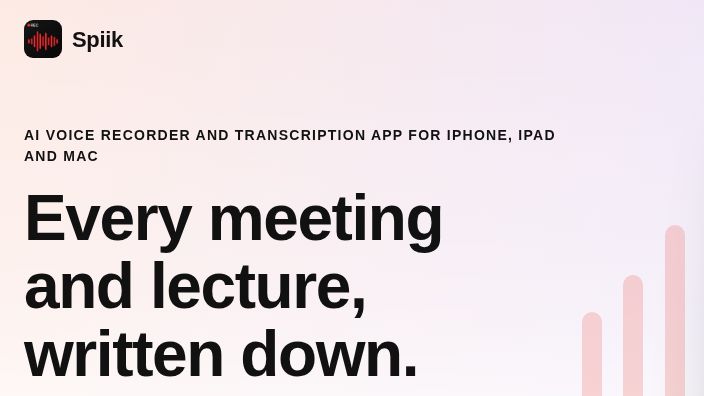
Featured image: screenshot of Spiik’s official homepage, captured November 17, 2026.
Spiik records audio on iPhone, iPad and Mac and turns it into a searchable transcript. It records from your device rather than adding a bot to a call. The catch: a meeting can be recorded offline without its final transcript being processed offline.
What Spiik records and exports
Start a recording, select the spoken language, and stop to save it. Spiik can display a live transcript and generate a final version from the saved audio. You can also import existing audio or video. On a Mac running macOS 15.2 or later, Mic & System Audio can capture both sides of a remote call. On iPhone and iPad it uses the microphone; do not assume the same input options.
Cloud transcription can separate speakers. Compare names, numbers and decisions against the recording before sharing notes. Spiik lists plain text, PDF, SRT and VTT exports. See the official FAQ for import and export details.
Free and Pro limits
- Free: No recording time limit, up to 10 saved recordings, and transcription of the first 60 seconds of each.
- Pro: The FAQ lists US prices of $9.99 per month or $49.99 per year, with a seven-day trial on the annual plan. There is no monthly minute cap, but cloud transcription is capped at 2.5 hours per recording. Check your local App Store offer. Under the cloud-transcription fair-use terms, Spiik may pause cloud transcription for six hours after you transcribe more than 40 hours of audio within a 24-hour period.
What stays on your device?
Recording works offline. The library stays on the device unless you enable optional iCloud sync. By default, final cloud transcription uploads audio; Spiik says it automatically deletes files from upload storage after one day. Live transcription is separate and Apple may process speech depending on device and language.
On an Apple silicon Mac with Pro, you can download the roughly 3 GB local model to generate the final transcript offline. Local transcripts do not separate speakers. Translation and AI tools such as summaries still send transcript text online. See Spiik’s audio guide and its privacy policy.
Who should use it?
Consider Spiik if you already use Apple devices and want one place to capture interviews, classes or meetings without a call bot. Try a short sample before paying. If recording data must remain offline, use the eligible local workflow and skip the online AI tools. Inform participants before recording and follow your organization’s recording rules.