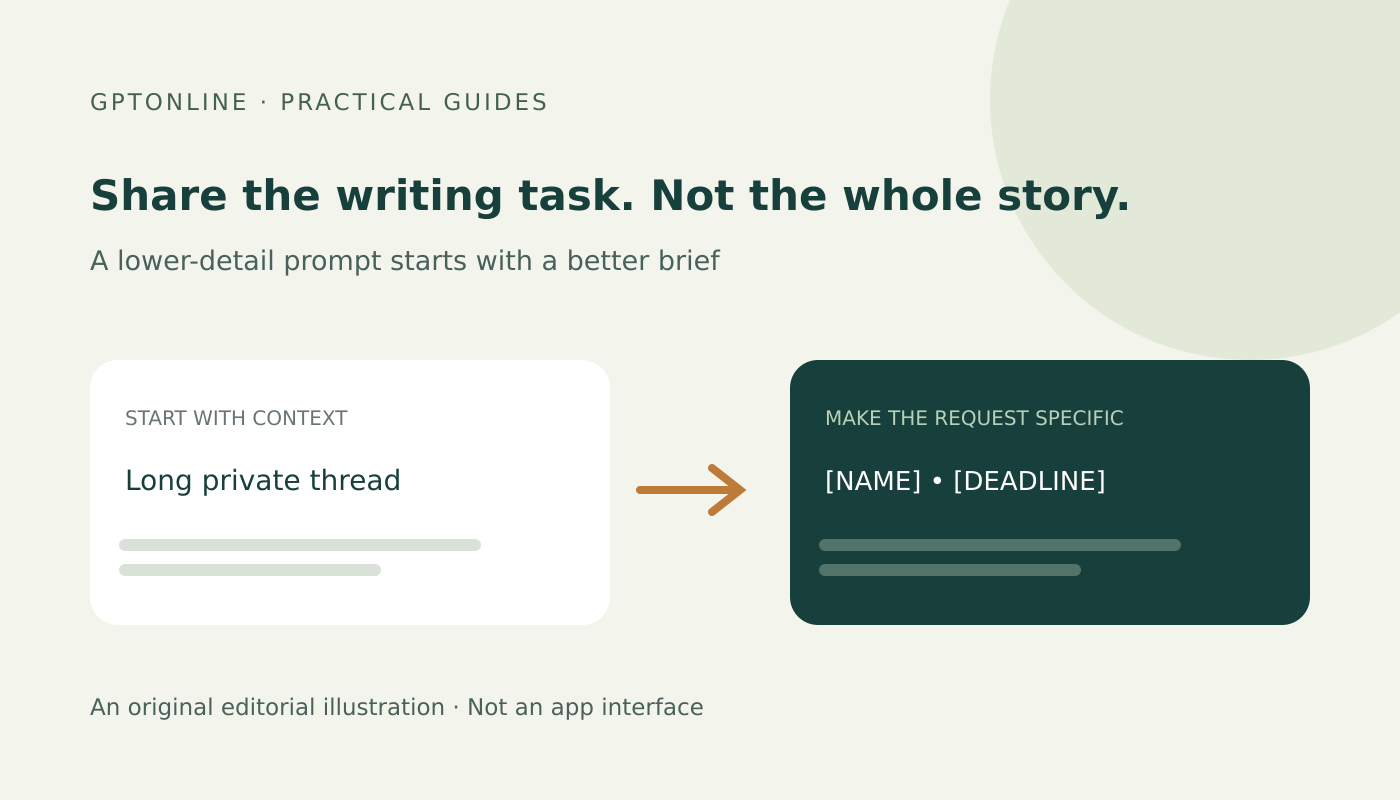
You may want help making an email clearer, not help analyzing the people or business behind it. In that case, an AI writing prompt usually does not need the original names, account details, private thread or attached document.
A useful starting point is to rebuild the writing task with less information before submitting anything. The workflow below uses invented details and a fictional email. It is a practical editing exercise, not a guarantee of anonymity or a substitute for your organization’s rules.
1. Decide whether this material belongs in the tool at all
Before editing a prompt, check whether you are allowed to use the chosen service for this task. A personal chatbot account and an organization-approved workspace may have different terms, settings and access controls. Do not assume that paying for a subscription authorizes sharing someone else’s information.
For confidential work, use the process your organization has approved. If the task depends on secrets, credentials, protected records or an identifiable personal situation, stop and ask for an approved way to handle it rather than trying to disguise the material yourself.
Provider notices matter. For example, the Gemini Apps Privacy Hub describes prompts, uploaded content and other information collected through the service. Read the notice for the actual product and account you use; this is not a claim that every AI service processes data identically.
2. Describe the writing job without copying the source
Write down what you want the assistant to change: tone, length, order or clarity. Then ask what information it needs to make that change. A request for a shorter reminder may need the relationship between sender and recipient, the action required and the desired tone. It probably does not need a customer’s full history.
Try drafting the request from scratch in a local editor instead of pasting the original thread and deleting pieces afterward. That makes it easier to leave out signatures, quoted replies and details that are useful to you but irrelevant to the writing task.
A fictional example: make a reminder less abrupt
Invented source note—not real personal or business data:
Hi Jordan Vale, I still haven’t received the room layout for the private Northbridge workshop at 18 Elm Lane on November 12. Our internal booking reference is NB-2841. Please send it before noon tomorrow so I can finish the setup plan.
The writing task is to request a missing layout politely and explain why it is needed. The person’s name, venue address, private event name and booking reference are not needed to improve the tone.
A reduced prompt:
Help me write a polite, concise reminder to a colleague. I need a room layout by [DEADLINE] so I can finish a setup plan. Keep the request specific, do not invent a reason for the delay, and do not add threats or promises. Use [NAME] for the recipient and leave the deadline placeholder unchanged.
An illustrative draft, written for this guide rather than reported as a model test:
Hi [NAME], could you send the room layout by [DEADLINE]? I need it to finish the setup plan. If that timing is difficult, please let me know. Thank you.
You can restore the correct name and deadline yourself in the final message. There is no need to send those details to the assistant simply to make a reminder sound considerate.
3. Look beyond names and email addresses
Replacing a name with “[PERSON]” does not necessarily remove identifying context. A rare job title, precise location, unusual incident and exact date can still point to someone when combined. The ICO’s guidance on effective anonymisation explains why removing direct identifiers alone is insufficient and why combinations of information matter.
For an ordinary writing exercise, consider these editorial choices:
- Remove: account numbers, passwords, signatures, private links and details unrelated to the requested wording.
- Replace: a recipient’s name with a clear placeholder you can restore locally.
- Generalize: “a colleague” instead of a distinctive job title, when the precise role does not affect the message.
- Rebuild: use a wholly invented situation when you only need an example of structure or tone.
These choices reduce what you submit; they do not certify that a real record is anonymous or lawful to share. If the situation is still recognizable, or removing detail would make the task misleading, do not upload it merely because obvious names are gone.
4. Check everything you are about to send
Read the final prompt as a separate document. Check the beginning and end, not only the sentence you edited. Look for quoted email history, contact blocks, document titles, links and unexplained identifiers.
For this narrow writing task, plain text is often easier to inspect than an attachment or screenshot. A black rectangle drawn over a document is not evidence that its underlying text has been removed. If you need to share an actual file, use an approved redaction workflow and verify the exported result; do not improvise on a sensitive document just to obtain a rewrite.
Ask: “Could someone who knows the situation recognize it from what remains?” If the answer is yes or uncertain, simplify further or use a different, approved approach.
5. Review the answer before restoring details
An assistant can still change the meaning of a sanitized request. Check that it has not added a deadline, commitment, apology, accusation or explanation that you did not provide. Keep placeholders visible until the wording is settled, then restore only the details needed by the actual recipient.
Our worked guide to catching meaning changes offers a related source-to-output check. For tasks involving outside documents or connected tools, also review the separate risks in our prompt-injection guide.
A short pre-send check
- Is this service and account approved for this task?
- Does the prompt contain only the context needed for the writing job?
- Have I checked indirect clues, quoted text and attachments—not just names?
- Can I use a fictional example instead of a real record?
- Will I review the wording and restore necessary details locally?
The aim is not to make a sensitive upload look harmless. It is to avoid submitting information the writing task does not need—and to recognize when the task should stay outside the tool.