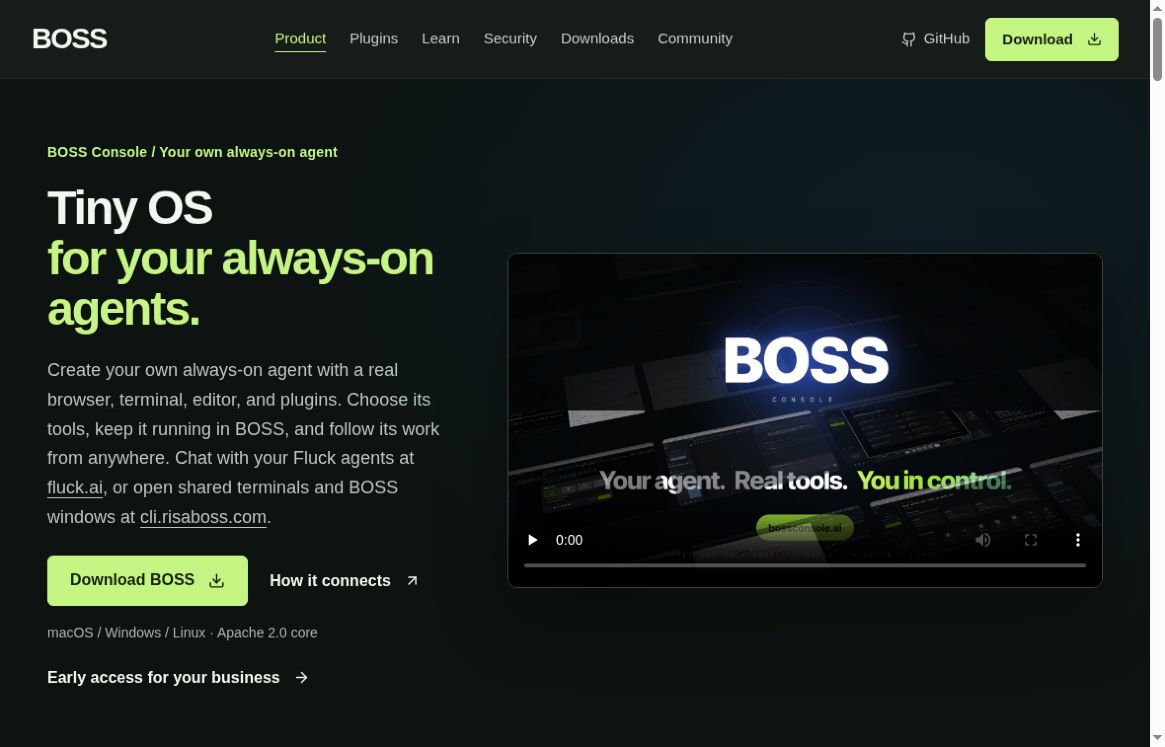
BOSS Console is a desktop workspace for operating AI agents alongside a browser, terminal, editor, and extensible tools. The idea is to give an agent a working environment you can inspect, rather than a chat box detached from the files and applications involved in a task.
This is a documentation-based overview, not a hands-on benchmark. The project’s “tiny OS” positioning describes a workspace for agents; it should not be read as a replacement for Windows, macOS, or Linux.
What is BOSS Console?
The official repository describes a JVM-based, cross-platform application that can host external agents such as Claude Code, Codex, Gemini, or OpenCode. It combines an embedded browser, terminal, code editor, plugins, and MCP tools. Documented governance controls let an operator decide which tools an agent can use.
Those controls are relevant because reading a page, running a command, and changing a file are different kinds of access. A broad tool list is not a reason to grant every tool to every session. The value to evaluate is whether the environment gives you understandable visibility and boundaries for the work you actually need.
Recent release context
The official release history lists version 9.5.45 dated October 16, 2026. Its highlighted change enforces required plugin dependency version ranges. This is a maintenance update, not evidence that BOSS first launched on that date.
Earlier October releases describe editor writes using staged replacement, automatic updating, and window-sharing changes. In particular, the October 4 notes describe automatic sharing of BOSS windows with the signed-in account, with settings to control it and operating-system permissions still required. Check the behavior of the build you install rather than assuming remote visibility is disabled by default.
A small evaluation task
For an initial trial, choose a disposable project and a task that can be checked without trusting the agent’s narration. For example, use a copy of a small documentation folder and ask the agent to identify broken internal references before proposing edits. This is a suggested exercise, not a tested BOSS result.
- Define the boundary. Specify the project folder and the allowed task. Exclude unrelated files, live credentials, production services, and external messages.
- Start with inspection. Ask for a list of proposed changes with the supporting file names. Review the list before allowing edits.
- Make one bounded change. Fix a small, agreed set of references rather than asking for an unrestricted cleanup.
- Inspect the actual result. Read the file diff and run the relevant check yourself. A success message is not a substitute for the changed file and test output.
- Close access deliberately. Review active sessions, sharing, and tool permissions after the exercise. Keep a record of what was changed and how to restore it.
A useful task description might be: “Inspect this copied documentation folder for broken relative links. Do not edit files yet. List each proposed correction and explain which local target supports it.” Adapt that instruction to the controls available in your installed version.
Licensing and costs
The repository identifies BOSS Console as Apache-2.0-licensed open-source software. That does not establish the cost of a complete agent workflow: model services, external subscriptions, hosted infrastructure, or optional services may have their own charges. This overview does not quote a verified all-inclusive paid plan. Review the official site and the providers you intend to connect before budgeting.
Limitations and practical checks
Do not assume that running the desktop app locally keeps every prompt or tool result on the machine. The agent and connected services determine parts of the data path. Review their policies and avoid supplying confidential project material until that path is understood.
Plugins and release behavior can change, so keep the relevant documentation with your evaluation notes. This article does not reproduce the vendor’s competitor comparisons or browser-speed claims as independently verified results. Test the workflows and operating system you use rather than treating a vendor benchmark as a guarantee.
Who is it for?
BOSS Console is worth examining if you need an inspectable workspace around existing AI agents and are comfortable reviewing tool access. It may be more setup than you need for occasional text drafting. Evaluate it on a non-critical project first, and judge the concrete edits, permissions, and recovery process rather than the breadth of its feature list.
Before sharing project context with any connected model, use our guide to removing sensitive details from AI prompts as a starting checklist.