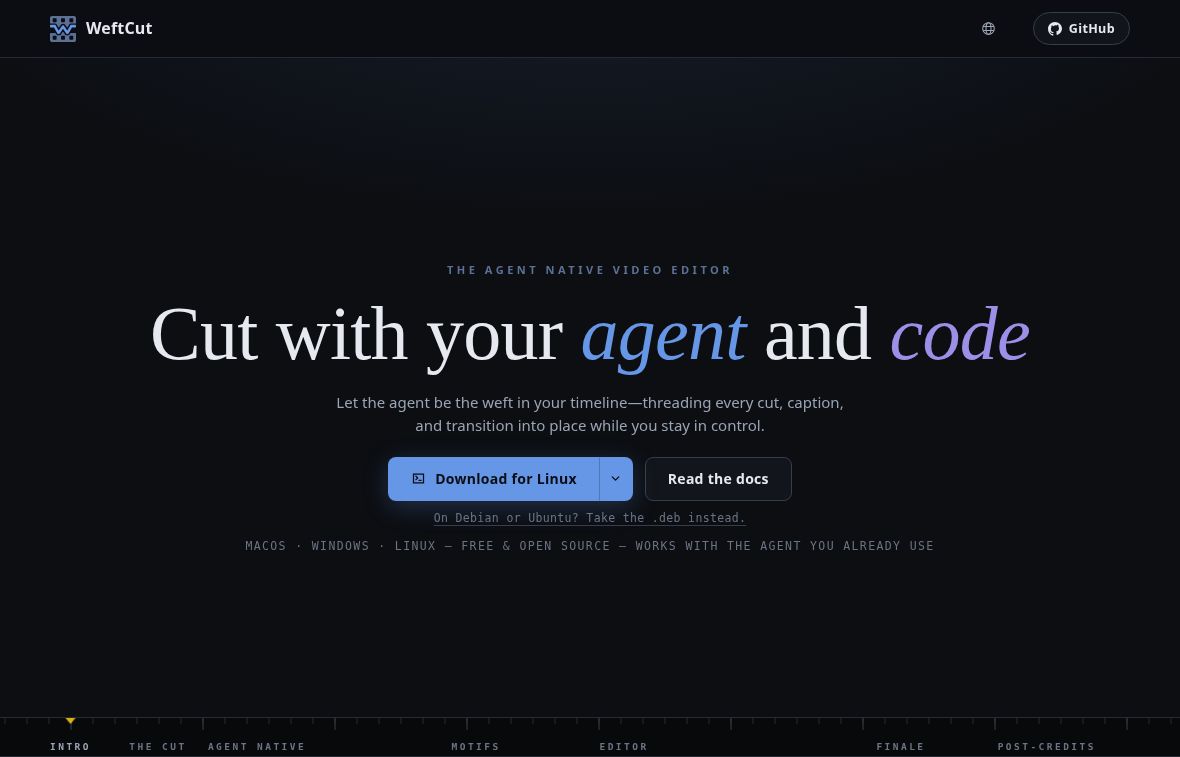
WeftCut is a desktop video editor designed to let an external AI agent work directly on an editable timeline. Rather than generating a finished video in a separate chat window, an MCP-compatible client can request changes that appear inside the editor, where you can inspect and revise them.
The official release history lists version 0.5.3 on October 23, 2026. That is a recent release, not a claim that the product first launched on that date. This overview is based on the project’s documentation, not hands-on performance testing.
What makes WeftCut different?
The application runs on Windows, macOS, and Linux. Its installer does not bundle AI model weights: you bring the connected agent, and optional speech or vision engines are separate downloads or configured cloud services. Editing and export run locally, but that does not mean every connected AI service operates offline.
WeftCut also works as a manual editor. The documented feature set includes an A/B-roll timeline, keyframes, effects, titles, captions, and audio controls. A creator can therefore review the same project an agent is changing instead of relying only on a text description of its edits. See the project’s explanation of its AI editing model.
What can an agent change?
The official MCP guide describes tools for moving, trimming, and splitting clips; adjusting keyframes; styling captions; and working with audio and project structure. It also documents undo, checkpoints, and a dry-run option. Export is initiated through the application’s Export interface, so do not assume an agent can autonomously complete every delivery step.
Connection details come from the editor’s Agent settings. Use the current connection instructions rather than assuming a fixed localhost port. Treat the connection token as a credential and share it only with the client you intend to authorize. No token is needed to read the public documentation.
An example workflow to evaluate
Suppose you have a short interview and want a social clip with captions. The following is a suggested evaluation exercise, not a tested result or a promise about output quality:
- Prepare a disposable project. Use footage you own or have permission to process. Keep the original media and a separate project backup.
- Define a bounded edit. Ask for a specific change, such as enlarging captions in a selected section while preserving the wording and clip order.
- Inspect the timeline. Check whether the requested range was used and whether unrelated layers moved. Review names, punctuation, and line breaks rather than accepting captions because they look polished.
- Compare playback before and after. Listen for clipped words, awkward pauses, and music covering speech. Undo an unsuitable change instead of building more edits on top of it.
- Export a short sample. Open the exported file outside the editor and inspect resolution, sound, captions, and the beginning and end before committing to a full project.
A useful instruction would be: “Increase the caption size in the selected section. Keep every word and the current timing unchanged. Show what changed before making any other edit.” You would still need to verify that the instruction was followed.
Pricing and licensing
The official site describes WeftCut as free and open source, with no paid app tier or per-seat charge. Its source repository uses the MIT license; bundled components such as FFmpeg have their own terms. External AI clients, hosted models, or cloud analysis can have separate costs. Check those providers rather than treating “free editor” as “free end-to-end AI workflow.”
Limitations to consider
The repository identifies the project as under active development before version 1.0. Features and interface details can change. Its README also flags the macOS installer as not yet verified at the time checked. Review the current release and platform requirements; do not bypass a security warning simply because a download link appears in a tutorial.
Local editing does not provide a blanket privacy guarantee. The connected agent and any optional cloud service have their own data handling. For confidential footage, check the full data path and your organization’s rules before connecting tools.
Who should consider it?
WeftCut is worth evaluating if you want an agent-assisted timeline that remains directly editable. It is a less obvious choice if you need a proven production workflow without setup or experimentation. Start with a small, non-critical project and judge the actual exported result. The official releases page is the appropriate place to check the current build.
Before sharing project context with any connected model, use our guide to removing sensitive details from AI prompts as a starting checklist.