Updated October 25, 2026
| Name | GoodNotes |
| Overview | GoodNotes is a note-taking application designed to replicate the traditional pen-and-paper experience digitally. It offers a digital handwriting experience. AI features such as spellcheck, word completion and correction assistance depend on the platform, language and plan. Review suggestions rather than assuming error-free results. Access and synchronization across a laptop, tablet or smartphone depend on the supported app, account and plan. The application is compatible across various platforms, including iOS, Android, Windows, and web browsers, without implying that every feature is identical across platforms or that availability is guaranteed. Check current plans and any legacy Goodnotes 6 entitlement separately; earlier upgrade promotions are not a current universal offer. |
| Key features & benefits |
|
| Use cases and applications |
|
| Who uses? |
|
| Pricing | Free access is limited to three files and a 5 MB import size. The current public individual/business page lists:
Education is a separate offer, with an advertised free route through an Admin Console; do not label legacy consumer purchases as school or business plans. Storefront prices and eligibility can vary. Verify the official site and selected plan before purchase. |
| Tags | note-taking app, digital ink handwriting experience, AI features, AI note-taking |
| App available? | Goodnotes offers iOS/iPadOS, Android, Windows and web access; platform-specific features and synchronization depend on the selected plan. |
Sources: Current individual, business and education plans · Platform, AI and legacy-entitlement terms
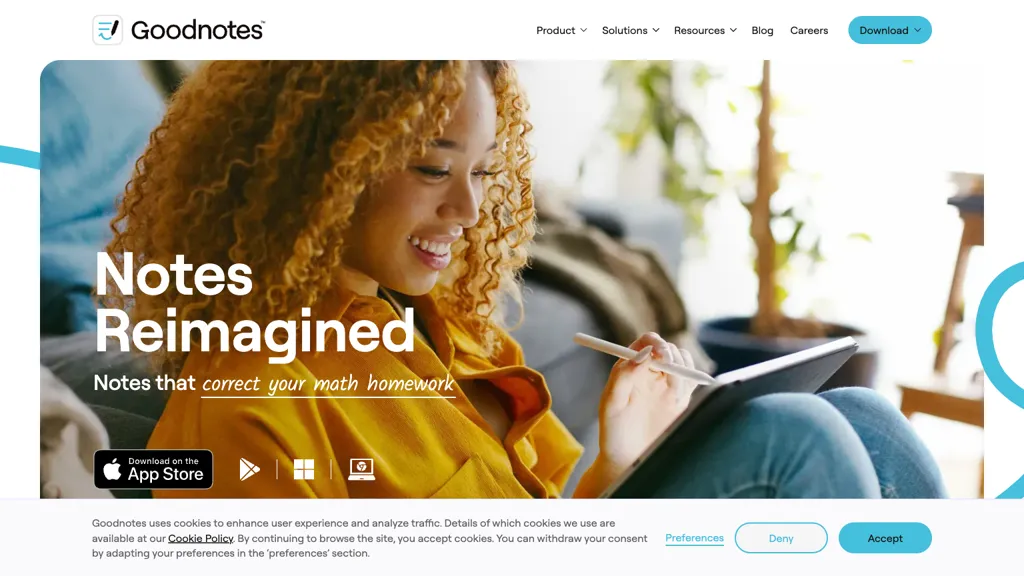
Historical image: The existing Goodnotes “Notes Reimagined” homepage screenshot illustrates earlier product marketing. Its photograph and cookie banner are not evidence of current plan pricing or identical features on every platform.
Before changing devices: check the backup, not just sync
Backup workflow added: November 13, 2026. This note covers the official help documentation retrieved for this addition. It does not refresh the October 25 pricing review above, and no account, backup or recovery was tested.
- Separate the two jobs. Goodnotes describes iCloud Sync as two-way synchronization across devices. Auto Backup instead sends copies to supported cloud storage; changes made to those remote copies do not flow back into the app. Getting an Auto Backup copy back requires manual import.
- Check the platform and latest completion. The reviewed guide lists Auto Backup for iOS and iPadOS, not macOS. It says background backups on Apple devices normally wait about 12 hours after a successful backup under the default schedule. This is not a promise that every recent edit is already backed up, nor a statement about iCloud Sync timing. Check the backup status rather than assuming the newest notes are protected.
- Finish a manual backup before a risky change. Before a device reset, OS update or device switch, the manual-backup guide recommends saving a library backup ZIP. Keep Goodnotes open in the foreground until completion; closing the app means restarting that backup. Do not erase the original device or delete the app merely because backup was started.
Editorial check: confirm that the completed backup exists in a location you can still access after the device change. Goodnotes documents restoring its manual backup by importing the ZIP, but that instruction is not evidence that a particular reader’s archive is complete or recoverable. If completion or access is uncertain, resolve that uncertainty before taking a destructive step.
Workflow sources: Auto Backup scope, timing and sync differences; Manual library backup and restore. Retrieved November 13, 2026, Vietnam time. The retrieved pages did not provide an absolute last-update date; platform support, menus and scheduling may differ in other versions.