Updated October 15, 2026. This review is based on Granola’s public documentation and pricing pages. We did not record a meeting or run a hands-on accuracy test.
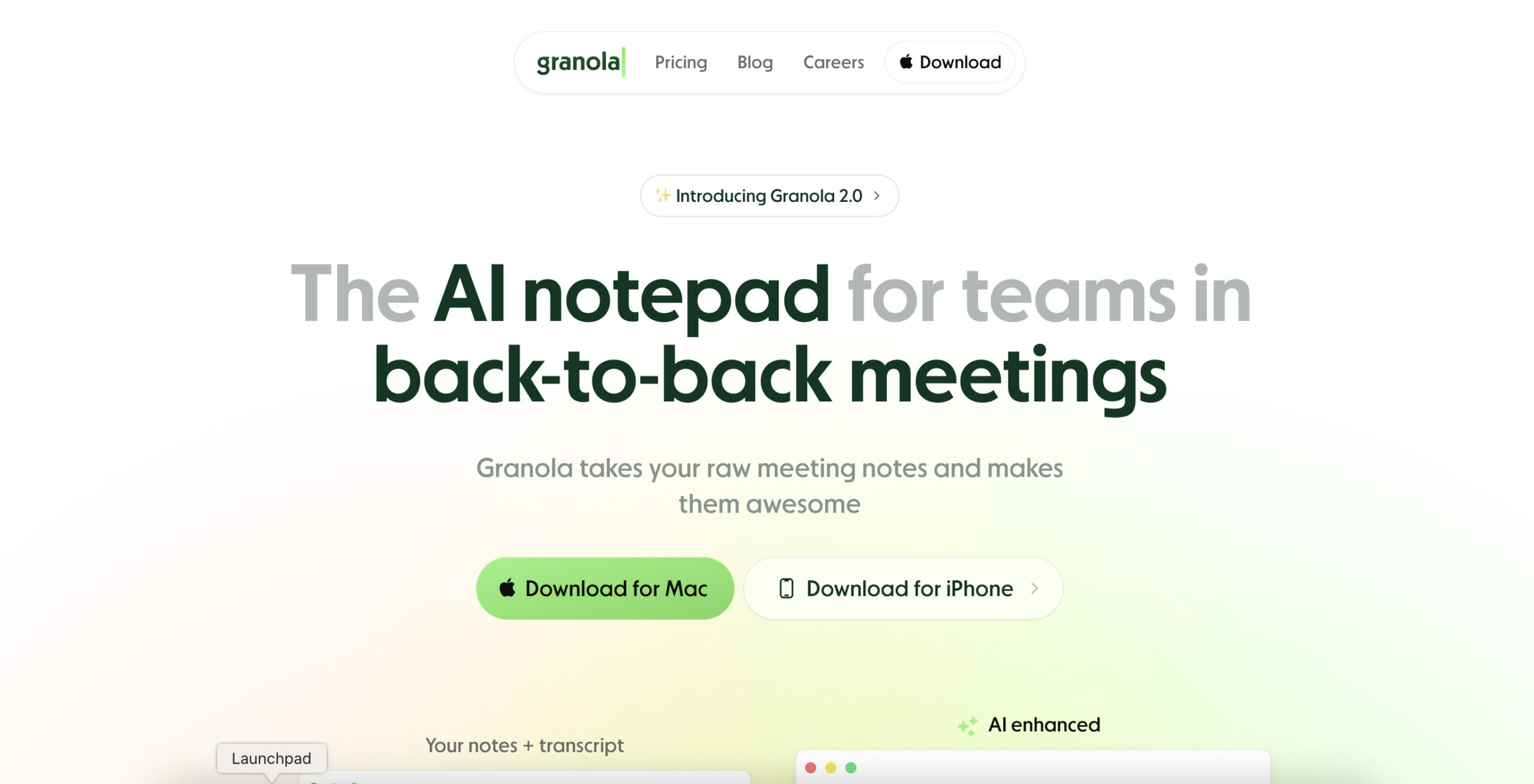
Historical Granola homepage image retained from the original May 2025 listing. The platform buttons and interface shown are archival; see the current availability details below. This is not a GPTOnline product test.
Granola AI is a meeting notepad that expands your own notes using a conversation transcript. It suits people who want to capture decisions while still writing down what matters to them. Its practical trade-offs are cloud processing, plan-dependent history access, and the need to review generated notes before treating them as a reliable handoff.
How the notepad works
Granola combines the meeting transcript, your rough notes, and calendar context to generate an editable summary. Its note-enhancement guide describes checking a point against the transcript or original notes and changing the template or wording afterward.
On desktop, it captures microphone and system audio without adding a meeting bot. System audio is combined rather than isolated by application. Opening a future meeting note can start transcription at the scheduled time, so check the activity indicator. Manually stop between calls to prevent unrelated conversations entering the same transcript. See Granola’s transcription controls.
Current device support
The setup guide lists macOS, Windows, iOS, and Android. Windows is already available; macOS requires version 14 or later. Desktop captures online meetings through the computer’s audio.
The mobile guide describes in-person capture on iPhone and Android, plus outbound calls through Granola’s built-in iOS dialer. Mobile cannot capture another app’s virtual meeting audio. Templates and several sharing integrations require desktop. Granola Chat is available on iPhone but currently absent from Android and iPad. Apple Watch support requires an iPhone and watchOS 11 or later.
Pricing and limits
The current pricing page lists three plans. Prices below reproduce its dollar symbol; the public pricing and billing pages checked do not explicitly identify an ISO currency code. Confirm the currency and tax-inclusive total at checkout.
| Plan | Listed price per user/month | Main distinction |
|---|---|---|
| Basic | $0 | 30-day meeting history; Auto-only Chat |
| Business | $14 | Full history, model selection, and additional integrations |
| Enterprise | From $35 | Workspace-wide policies and administrative controls |
Billing documentation states that all three have no daily transcription limit. Basic hides older notes in the app while continuing to store them. Business is billed monthly; annual contracts are available only for Enterprise. A workspace uses one plan, with a paid seat for each active member. Individuals can use their own Business workspace. The billing guide qualifies Enterprise SSO for teams with 50 or more users, so confirm eligibility before buying. The former 25-meeting trial and $18 Individual tier should not guide a new purchase.
Tell participants first
Ask participants for permission before capturing their speech, explain the purpose and intended audience, and follow your organization’s rules. Granola’s consent guidance leaves responsibility with the user and advises seeking legal or IT guidance where needed.
Its transparency settings offer an automated meeting-chat notice and a video watermark. These need setup; Google Meet uses an extension. They help communicate that transcription is happening, but a displayed notice does not establish everyone’s permission.
The chat-notice guide says the message sends after transcription starts and another participant joins. Disabled chat, a nonempty message composer, or a background Zoom window on Windows can prevent or delay it. The watermark guide also warns that video cropping can hide the indicator. Verify participants can see the notice and inform late arrivals directly.
Audio and transcript retention
Granola’s security page describes real-time desktop transcription and temporarily cached mobile audio. Its policy is to delete audio after transcription, while retaining text. Audio capture still involves transcription providers, and meeting notes are stored in US-hosted cloud infrastructure. Avoid interpreting this as an offline-only service or a guarantee that nothing is stored.
The privacy FAQ says notes and transcripts remain indefinitely unless a retention policy is configured. Basic’s 30-day viewing window is therefore different from deletion.
Transcript auto-deletion can be set by individuals; enabling or changing it has a one-week cooldown. Enterprise policies override individual settings and delete already-expired transcripts immediately when activated. Deleting transcripts leaves notes intact, prevents regeneration, and limits Chat to retained notes. Review essential details before choosing a short retention period.
Training and sharing controls
According to Granola’s training policy, anonymized data may support its own model improvements unless you opt out. Enterprise workspaces are opted out by default. Third-party providers are prohibited from training on customer data. Set your preference before the first meeting; Android users currently need desktop or iOS to change it.
Processing retention is a separate question: the Chat model guide says Fable 5 input-output logs are retained by Anthropic for 30 days for safety purposes.
Notes start private according to the privacy FAQ. Review link and folder permissions before sharing. Public links can reach people outside your company. Tightening a default does not remove access already granted to named people or folders.
A project handoff example
Consider a fictional catalog-migration handoff. Everyone agrees to AI transcription and to sharing the reviewed summary only with the project team. The organizer writes three rough notes: “supplier mapping unresolved,” “Maya checks missing fields Friday,” and “launch depends on validation.”
Afterward, review the summary under three headings: decisions, open questions, and actions. Check that it preserves the conditional launch date instead of inventing approval. Confirm Maya’s task and deadline with her, and mark any unassigned validation work as needing an owner. Compare unclear wording with the transcript before deleting it. Share only the checked summary with the agreed recipients.
This is an illustrative workflow, not observed Granola output. For another meeting-note workflow, see our Tactiq overview and compare capture, consent, and sharing requirements separately. Granola is worth considering when structured, editable meeting notes fit your process. If you need replayable audio, strict local-only processing, or a record accepted without human review, assess those requirements separately before adopting it.