| Name |
Pixelcut |
| Overview |
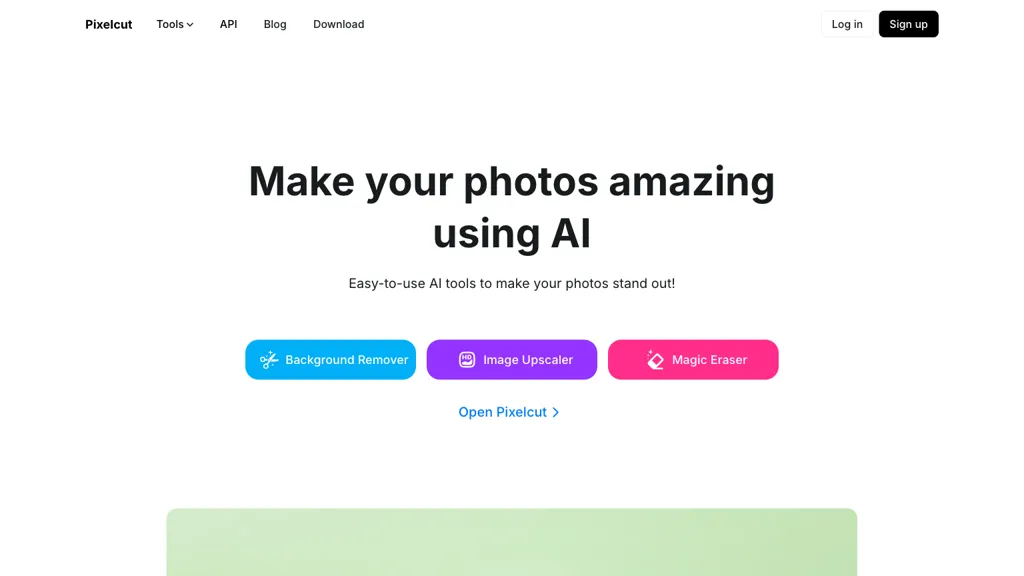
Pixelcut is an AI-driven design tool designed for effortless creation and editing of product photos. It allows users to easily remove backgrounds, eliminate unwanted objects, upscale images, and perform batch edits with minimal effort. With an intuitive interface, it caters to both professionals and novices, making it easy for anyone to enhance their images. Ideal for photographers and businesses, Pixelcut enables users to produce significantly more product images without the overhead of a physical studio. The platform features a vast collection of expertly crafted templates that facilitate effective collaboration among team members, ensuring compelling content for various businesses. Additionally, users can harness the power of Pixelcut’s virtual photo studio and API access for seamless integration of its powerful features into their applications. |
| Key features & benefits |
- Background removal
- Erase unwanted objects effortlessly
- Image upscaling capabilities
- Batch photo editing functionality
- Access to a library of curated templates
|
| Use cases and applications |
- Background removal for product images
- Erasing unnecessary objects from product photos
- Batch editing for eCommerce product images
|
| Who uses? |
Graphic designers, e-commerce business owners, marketing professionals, and social media managers. |
| Pricing |
Offers a free version; additional pricing details can be found on the official website. |
| Tags |
AI design tool, photo editing, product photography, background remover, batch editing. |
| App available? |
Yes, available on iOS and Android platforms. |
KEEP EXPLORING
More tools to discover.

Explore AIFaceSwap.io photo, GIF and video tools, with current credit pricing, conflicting limits, refund cautions and consent-based use.
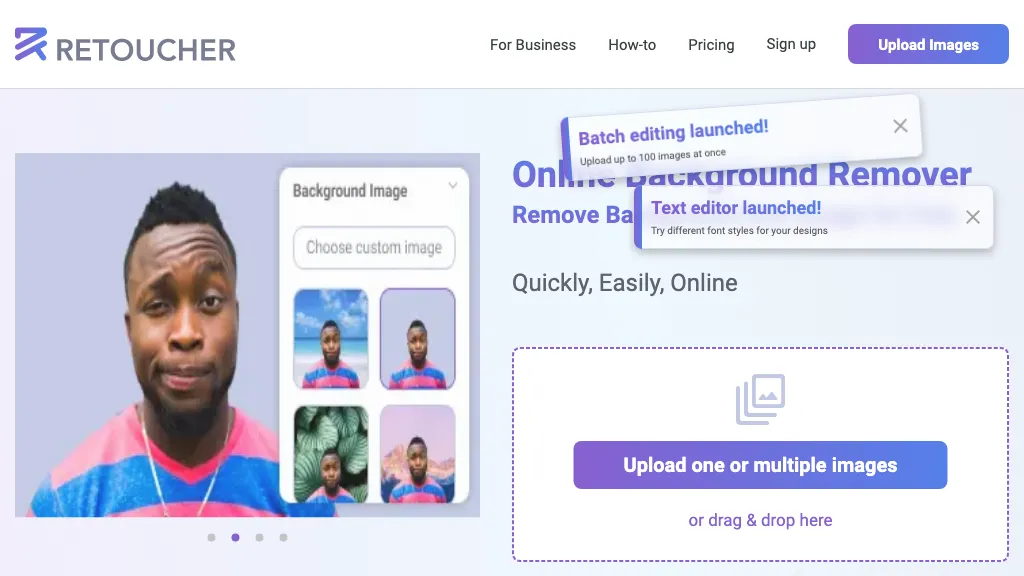
Review Retoucher AI's background-editing features, published prices and limits, refund conditions, and privacy gaps before choosing a plan.

Explore PixZap AI’s WhatsApp photo tools, credit costs, subscriptions and privacy policy. Learn what to check before uploading photos or buying credits.
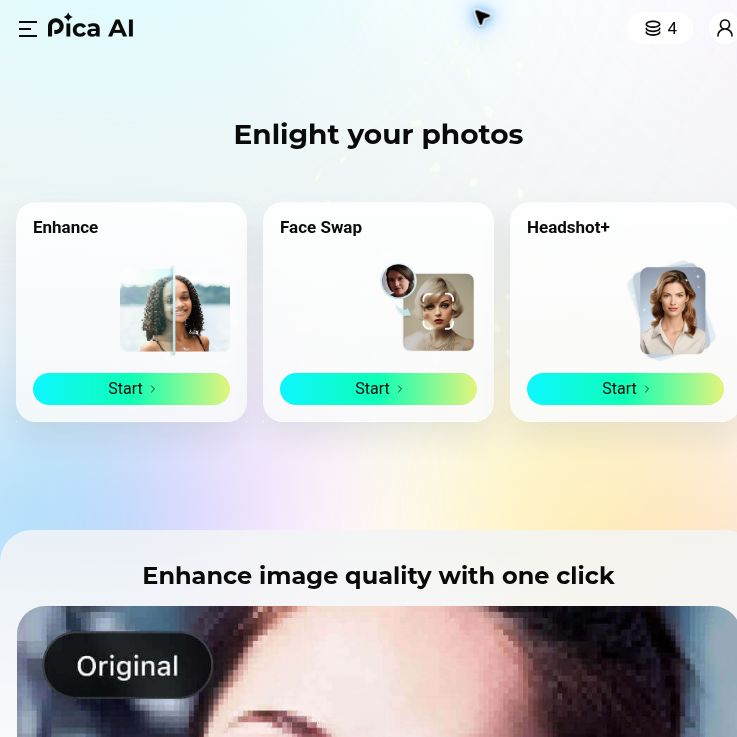
Explore Pica AI face swaps and headshots, its photo-tool move to Artguru, current free-access limits, privacy caveats and a practical portrait workflow.

StockImagery AI helps creators produce hyper-realistic images, videos, and designs with AI tools like face swap, upscaler, and text-to-video.

Review nano-banana.org features, credit pricing and privacy disclosures. Learn what is verified and how it differs from Google’s official Nano Banana pages.