Updated October 18, 2026. Pica AI still offers browser-based face swapping and AI headshots, but its photo enhancement tools have changed destination. An official homepage notice captured for this update dates the Photo Enhancer move to Artguru to October 31, 2025. Pica’s enhancement and old-photo-restoration links now lead to Artguru. This distinction matters when checking features, prices and upload policies. Visit the official Pica AI website.
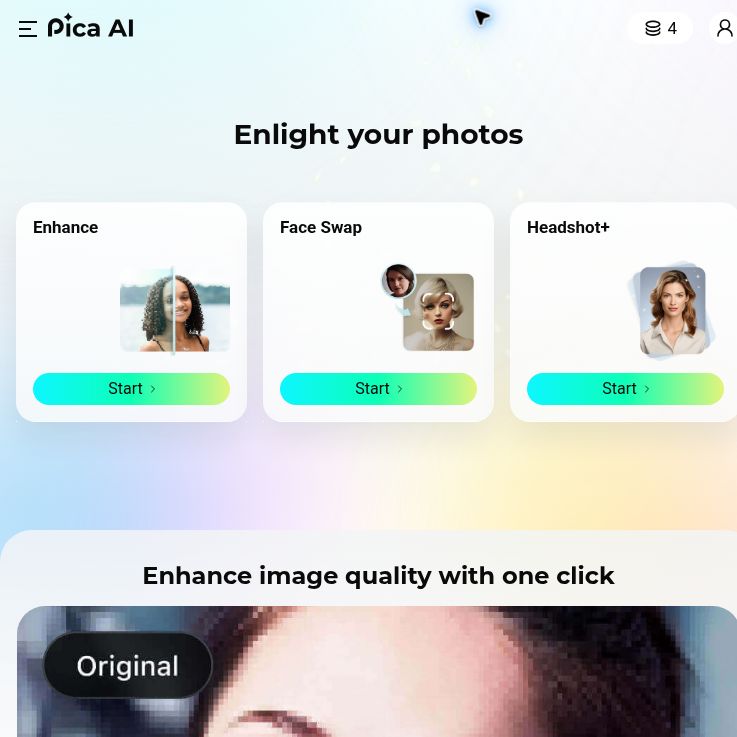
Screenshot of the official Pica AI homepage, captured October 18, 2026. The portraits shown are vendor examples; no photo was uploaded or processed for this review.
What does Pica AI do now?
Pica AI remains relevant for people exploring portrait editing, creative face replacements and profile pictures. Its current tools should be considered separately rather than treated as one unlimited photo-editing subscription.
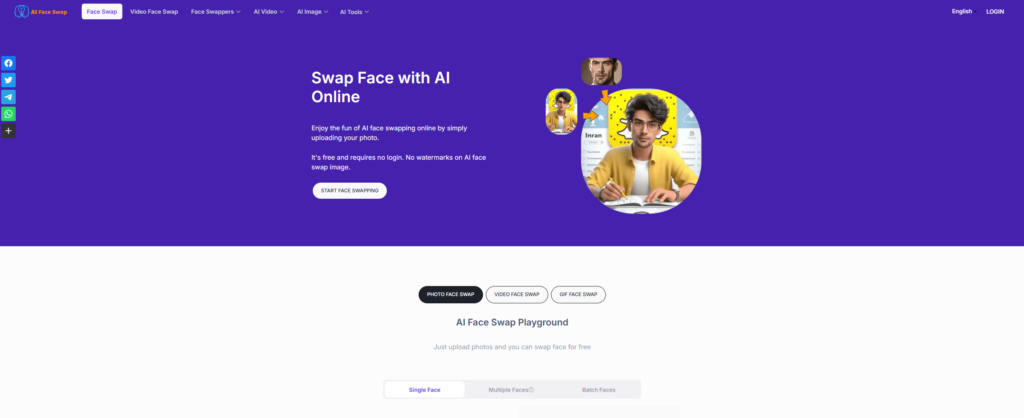
- Face Swap: Pica’s website accepts an original photo or video and replacement face photos. Its FAQ specifies a maximum of three faces in one photo or video. Video results can be downloaded as GIF or MP4. These are advertised capabilities, not a guarantee of convincing results. Face Swap details.
- Headshot+: The headshot workflow asks users to select styles and provide 6–12 clear selfies, then review generated portraits in their library. The vendor estimates 40 minutes to two hours, with longer waits possible at busy times. Headshot workflow and FAQ.
- Photo enhancement through Artguru: Pica’s former enhancer opens Artguru’s Image Enhancer. That page describes sharpening, noise reduction, higher-resolution output and batch processing. It offers a free HD enhancement and download without signing in; advanced settings and higher usage limits are paid. Do not assume every advertised resolution or batch option is included free. Current Artguru Image Enhancer.
- Old-photo restoration through Artguru: The restoration page focuses on scratches, creases and other physical damage. Its FAQ lists 20 credits per image and says restoring faded or yellowed colors is not currently included in that tool. This corrects the earlier description of general color restoration. Current restoration features and limits.
Pricing and free access
Pica labels its face-swap page as free, but the public pages reviewed for this update did not establish a current numerical allowance, a complete paid price list, or consistent watermark and download entitlements. Headshot packages were mentioned without readable package amounts. We therefore cannot confirm a current Pica subscription price, currency, billing interval or headshot package total from these pages.
Check the specific tool’s offer before uploading or paying. Pica’s terms describe paid features and auto-renewing subscriptions with varying periods. The earlier claim that premium unlocks unlimited AI features is not supported by the evidence reviewed here. Artguru’s restoration charge is expressed in credits, not a verified cash price per image, and should not be presented as part of a Pica-wide free allowance.
Privacy, consent and commercial use
Use photos you are entitled to upload and obtain permission from anyone whose face you edit. Avoid deceptive impersonation, and make the edited nature clear when viewers could mistake a face swap for a real event.
Pica’s privacy policy identifies Wegital HK Limited as the operator. It says uploaded photos and videos are not used to train its AI technologies, but generated content may be. It also describes facial-feature processing and account content that can remain until deletion, with possible delays for backup copies.
The feature FAQs make narrower statements about deleting uploaded photos within 24 hours, while the headshot FAQ also describes training a personal face model. These statements do not establish that every image, model and backup disappears after one day. Ask the provider to clarify retention for your chosen feature before supplying sensitive or confidential images.
The headshot FAQ advertises commercial rights, whereas Pica’s general terms describe personal use. Confirm permission for the intended business or client use rather than assuming a blanket license for every tool and input.
A practical workflow to evaluate a profile portrait
The following is an illustrative workflow, not a hands-on test or a promise of output quality:
- Decide whether you need a new generated portrait or simply a clearer version of an existing photo. Start with the matching tool, remembering that enhancement now opens Artguru.
- Keep your original files. Before uploading, review the destination’s current price, included outputs, retention policy and rights for your intended use.
- For Headshot+, prepare clear selfies of yourself with varied angles and lighting, then select styles appropriate for the profile.
- Inspect the results closely. Check facial resemblance, skin detail, glasses, clothing, background edges and any invented accessories. Reject images that misrepresent you.
- Review the final crop and resolution at the size where the portrait will appear. Save an approved copy and use the service’s deletion controls for files you no longer need.
Platforms and important limitations
Web access is confirmed. The iOS App Store listing previously linked by this article could not be verified during this update, so current mobile availability and in-app prices remain unconfirmed. That verification gap does not by itself prove the app has been discontinued.
AI editing may change meaningful details, particularly in low-quality faces or damaged originals. Preserve an untouched copy and do not use generated detail as evidence of what was originally photographed. This article is based on public vendor documentation; no account, paid package or image-processing job was tested.
For more options, browse the GPTOnline AI tools directory and compare the exact editing task, upload policy and download limits you need.