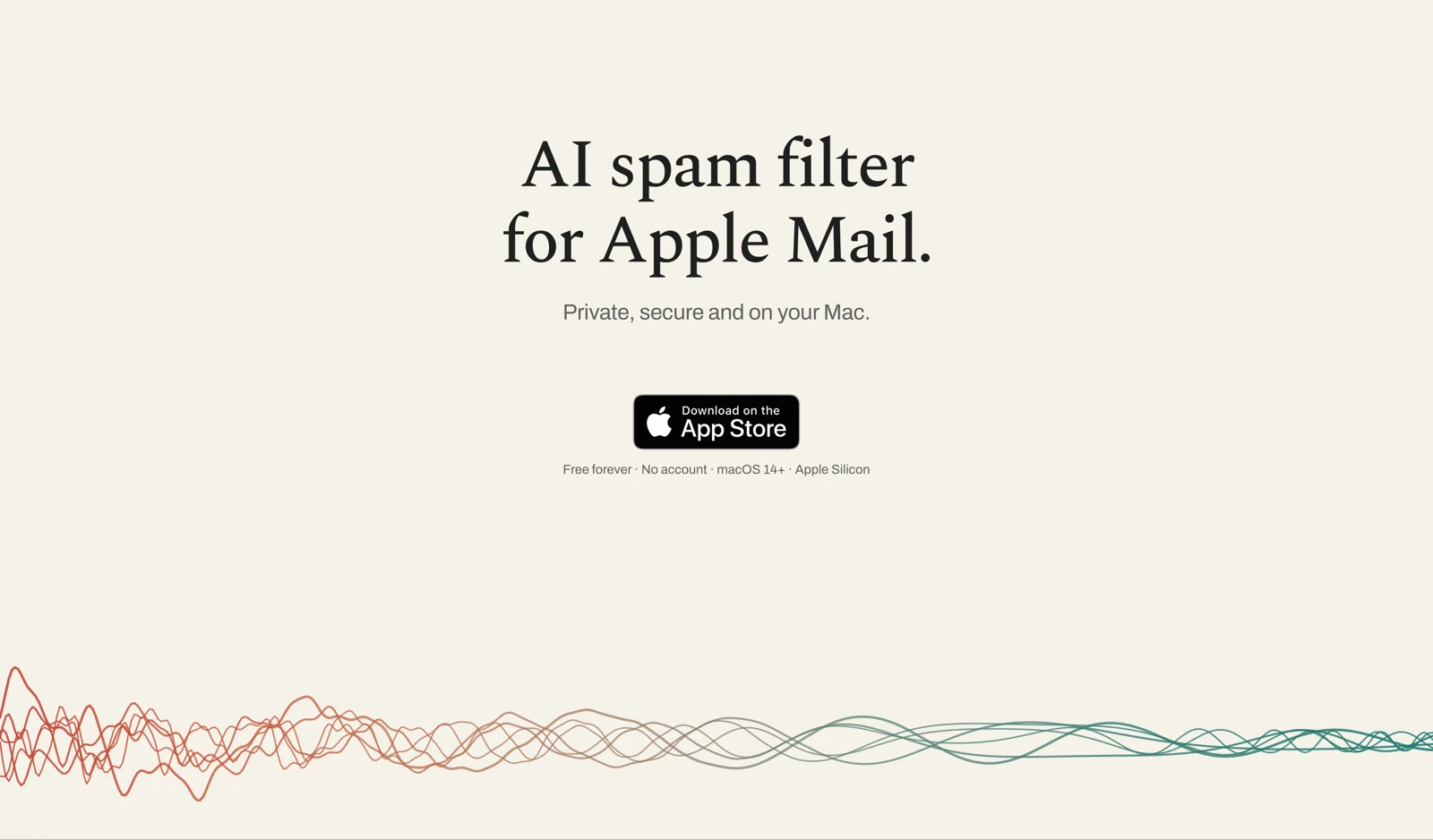
Official Klar homepage visual supplied in its press kit; reproduced for editorial coverage. Vendor artwork, not a GPTOnline product test.
Klar is a free AI spam filter for Apple Mail on a compatible Mac. It evaluates incoming messages on the device, aiming to identify spam and phishing without sending the inbox to a cloud model. It is worth considering if you already use Apple Mail and want additional filtering while keeping message classification local. The product covered here is Klar at klar.im.
Research note: October 17, 2026. This guide uses official product information, support documentation and policies. GPTOnline has not installed Klar or tested its detection accuracy.
What Klar does
Klar works as an Apple Mail extension. The official product page describes a multilingual AI model supporting more than 100 languages and three sensitivity choices: Cautious, Standard and Aggressive. The setting changes the balance between catching unwanted messages and mistakenly flagging legitimate mail. There is no need to select the language of each message.
The filter works with accounts that Apple Mail can read, including iCloud, Gmail, Outlook, Fastmail and custom IMAP accounts. That does not make it a Gmail website extension or a server-wide filter. Its place in the workflow is the Mail application on your Mac. If you need assistance with replies and scheduling instead, GPTOnline’s Lindy guide covers a different email-assistance workflow.
Setup and the first 30 days
The support guide specifies macOS 14 Sonoma or later and Apple Silicon, meaning an M1 or newer Mac. Install through the official App Store link, enable Klar under Mail’s Settings → Extensions, then quit and reopen Mail. Review the requested permissions before approving them.
One detail matters when checking whether it works: support documentation says the first 30 days use flags rather than moving messages. Suspected spam gets a red flag and clean mail a green one. Afterward, spam moves to Junk unless you have selected the flag-only setting. This more specific explanation qualifies the homepage’s simpler description of automatic Junk filtering.
Mail must be running, and the free extension checks newly arriving messages. It does not clean the historical inbox. The support page recommends checking recent classification activity rather than treating a green status indicator alone as proof that the extension is currently running.
Local app privacy versus the website demo
According to Klar’s privacy policy, the free App Store application and Mail extension have no network access and send no automatic telemetry. Local classification is the relevant privacy benefit; it is not an independent security certification.
The website demo has different behavior. Text pasted or uploaded into that demo goes to Klar’s server in France for classification. The policy says it is discarded after scoring unless you choose to submit feedback that stores the example. Use invented or non-sensitive sample text if you want to explore the demo without sharing real correspondence.
Reporting an app mistake is also a separate, voluntary disclosure. The Email report option prepares an editable email that can include the original message, diagnostics and a removable monthly usage summary. Check the draft and its attachments before sending. Local filtering does not mean every optional support action keeps every piece of information on your device.
Is Klar free? What about Klar Plus?
The official pricing page lists the core Klar filter at €0, without an account or expiry. Klar Plus is an optional paid companion that is still in development and is not on sale as of this review.
- Klar: free filtering of new mail.
- Klar Plus monthly: advertised launch price of €3.99 per month; the page lists €9.99 after launch.
- Klar Plus yearly: advertised launch price of €39 per year; the page lists €99 after launch.
Those Plus figures are prospective launch offers, not subscriptions currently available to purchase. The planned features include learning from corrections and processing existing mail. The pricing FAQ says one Plus licence will cover one person using one personal Apple Account, across their Macs and inboxes. Check the final offer and applicable taxes when the product becomes available.
A sensible first evaluation
Hypothetical workflow, not a GPTOnline test: a freelancer receives client approvals, newsletters and unwanted sales messages in Apple Mail. Before relying on the filter, they could keep a short checklist of important expected senders and review Klar’s classifications alongside the original messages.
- Begin with a conservative sensitivity setting and a small observation period.
- Inspect legitimate messages that were flagged, especially invoices, meeting changes and client approvals.
- Look for missed spam without opening suspicious attachments or following its links.
- Record both kinds of error. A quieter inbox alone does not show whether important mail was hidden.
- Recheck behavior after changing sensitivity or moving from flagging to Junk handling.
The practical decision is whether the filter reduces unwanted mail without creating unacceptable review work. Avoid evaluating it only on obviously fraudulent samples. Real newsletters, unusual legitimate senders and multilingual conversations are more relevant to your own inbox.
Limits to understand before relying on it
Moving or unflagging a message does not retrain the free filter; correction-based learning belongs to the planned Plus companion. Klar also cannot assess messages your provider already diverted away from the inbox before they reached the extension. The vendor acknowledges that no independent third-party audit has been completed.
Klar is a focused option for Apple Mail users who value on-device processing. Judge it on recoverable handling, compatibility and observed errors in your own mail. Keep checking Junk and expected correspondence, and treat a message’s apparent acceptance by any filter as insufficient proof that its sender or links are trustworthy.