Lindy is an AI work assistant for handling inboxes, calendars, meeting preparation and follow-ups. These personal-assistant functions belong to the same Lindy service used for shared team work. This guide concentrates on the everyday administrative tasks described in its official documentation.
About this listing: Our Lindy AI guide covers team workflows and automation with the same service. The two listings are different editorial views of one product, with overlapping features and pricing.
Updated October 15, 2026. This is a documentation-based review, not a hands-on test.
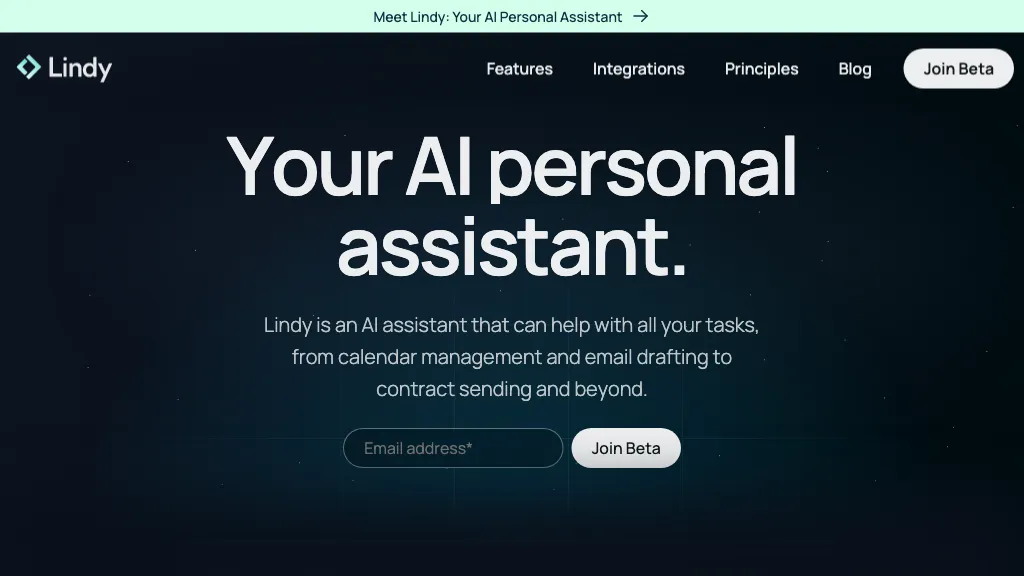
About the featured image: Historical marketing retained from this listing’s 2024 version. Its beta signup and contract-sending wording do not establish current availability or verified capabilities.
What can Lindy help with?
Email drafts
The built-in drafting routine prepares replies in a connected Gmail or Outlook account. Drafts remain available for you to review, edit and send. You can specify tone, length and which messages should be escalated. This review-first behavior applies to that routine; it is not a guarantee about every action Lindy can take. See email drafting.
Calendar coordination
Lindy can work from availability rules such as working hours, buffers and meeting length. Its scheduling documentation covers draft replies with proposed times and direct scheduling requests. CC-based scheduling is still marked coming soon, so do not assume that workflow is available. See scheduling features.
Daily briefings
A personal daily brief can combine your schedule, meeting context, priorities and selected news. You choose what it covers and when it arrives, with delivery through Lindy chat, a Slack DM or phone messaging. See daily briefs.
Meeting notes and follow-ups
Lindy documents a visible notetaker for Google Meet, Zoom and Microsoft Teams calls. Recording settings control which meetings it joins and who receives recaps. Review those recipients before enabling automatic follow-ups, and notify participants or obtain consent as required. See meeting recording and sharing.
Where can you use it?
Access includes the web app, Slack and email. Setup supports Google or Microsoft email and calendar accounts. Microsoft Teams assistant access is marked coming soon; that is separate from recording Teams meetings. See supported setup options.
On a phone, Lindy supports iMessage and SMS without a separate mobile-app installation. Its messaging documentation also describes voice notes and summaries of YouTube or other links. A verified phone number is needed for messaging. See iMessage and SMS.
The official Chrome extension adds a Gmail sidebar, draft editing, labels and a brief inside the inbox. The extension is described as free to install; Lindy service usage has its own pricing. A current native App Store or Google Play app was not verified for this review.
A practical way to evaluate it
Illustrative scenario: Imagine a freelance consultant preparing for three client calls. Start by requesting a morning schedule summary and one draft response to a routine email. Compare the output with the original messages, check names and dates, and decide whether the editing time is lower than writing from scratch. Only then consider adding another task. This is a suggested evaluation, not a reported customer result.
Permissions and privacy to check first
Do not assume every action needs approval. Lindy documents integration guardrails for writes in shared Slack threads; those controls do not cover reads, web chat, Slack DMs, iMessage or SMS. Review the channel-specific permission limits before connecting accounts.
Lindy states that data is encrypted and not used to train AI models. Its privacy notice nevertheless allows service-provider processing and certain retention exceptions. Review the data you would connect and your organization’s requirements before using it for confidential work.
Lindy pricing
On October 15, 2026, the live pricing page displayed Team from US$29.99 per active user/month, including 3,000 monthly credits. It advertised US$50 in free credits lasting seven days, without a credit card. Enterprise pricing is custom.
Official billing documentation still uses different plan names, so confirm your current offer in Billing before subscribing. See billing details.
The terms of service state that purchases are non-refundable and cancellation takes effect at the end of the paid term. Applicable tax may be added.
Who should consider Lindy?
Lindy is worth evaluating when email and calendar administration are recurring problems and you are comfortable granting access to the relevant accounts. Define a small task and a clear review standard first. If your main question is shared workflows, permissions or credit administration, continue with our Lindy AI team-workflow guide.