Updated October 19, 2026. Reviewed and revised for current information.
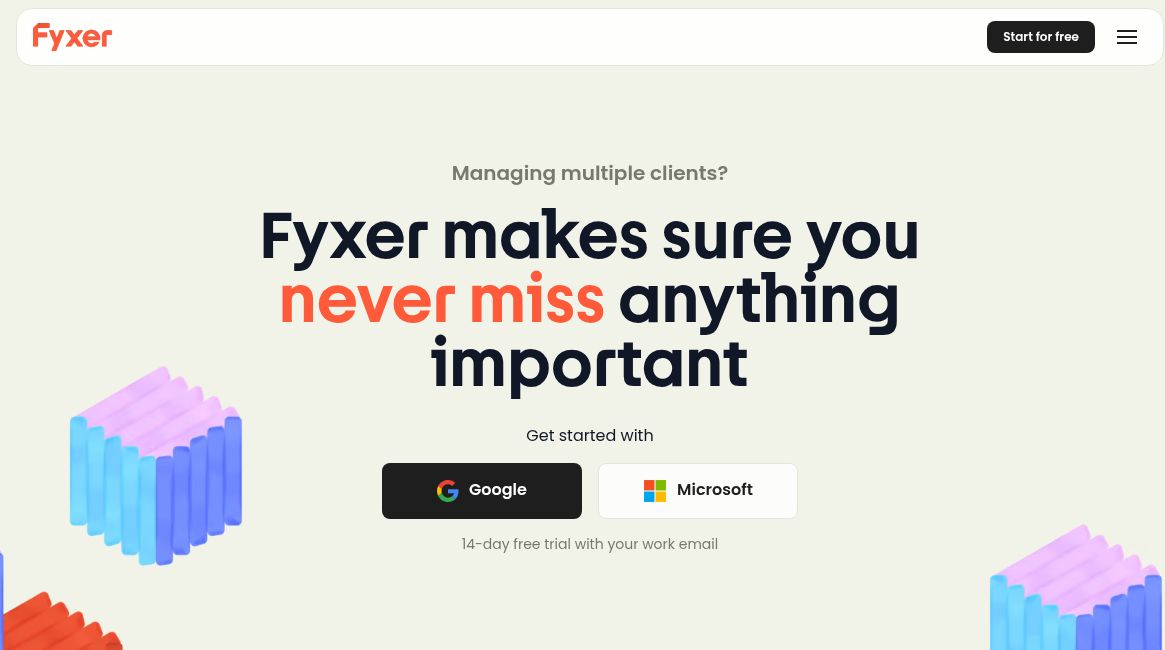
Image: Official Fyxer homepage with its Google and Microsoft start options and advertised 14-day work-email trial, captured October 19, 2026. This is the provider’s public presentation; no email account was connected or product workflow tested.
Fyxer AI is an AI assistant for email, meetings and follow-ups. It connects to Gmail or Outlook and brings inbox organization, draft replies and meeting notes into one workflow. Its current product also includes a follow-up list and shared workspaces for teams.
The clearest reason to consider Fyxer is a workday split between client messages and calls. It can prepare material for your review, but the quality of its drafts and summaries still needs checking against the original conversation.
What does Fyxer AI do?
- Organizes email: the official inbox organizer describes labels such as To Respond and FYI, with lower-priority messages filed away. Check the resulting categories rather than assuming every important message will be identified correctly.
- Prepares replies: Fyxer says its email writer adapts drafts to your writing style. The draft stays available for you to review, edit and send; the provider says it does not send email on your behalf.
- Captures meetings: its meeting notetaker supports Google Meet, Microsoft Teams and Zoom, producing structured notes, actions and a draft follow-up.
- Helps arrange calls: the scheduling assistant offers availability links based on Google or Outlook calendars. Recipients can book a slot, which creates calendar invitations and confirmations.
Meeting admission and recording choices still matter. Set which meetings the notetaker should attend, confirm participants are comfortable with recording, and check where recaps will be shared before a sensitive discussion.
Who might find it useful?
Fyxer is relevant to executives, consultants, salespeople and client-service teams who repeatedly move between email threads and meeting follow-ups. A useful evaluation is whether it helps you identify the next action and prepare a sound reply with less manual searching.
For occasional email or infrequent meetings, a broad assistant may be more than you need. For a team, compare which information should remain personal and which should be shared before inviting colleagues.
Pricing, free access and current plans
As checked on October 19, 2026, the official pricing page lists Free, Pro, Team and Enterprise. Paid plans use per-person pricing with monthly or annual billing, and features and usage allowances differ by plan. Enterprise is quoted separately.
The current help article describes a 14-day Team trial, followed by a move to Free if you do not choose a paid plan. Free includes 400 credits per month, but automatic email labeling and personalized reply drafting start with Pro. Check the live plan comparison for credit costs, shared workspaces and any introductory offers.
Fyxer introduced new plans in September 2026. Starter and Professional are legacy plans, so older quoted prices may not describe a new signup. Exact monetary amounts are omitted here because billing options and offers can change.
A practical way to evaluate Fyxer
- Begin with routine messages you can easily verify. Check recipients, promised dates, attachments and commitments in every suggested reply.
- Review categorized mail for missed requests, including threads that were filed away.
- Compare one meeting summary with your own notes. Confirm the owner and due date of each action before sharing it.
- Check recording, recap-sharing, connected-account permissions and your workplace’s requirements before expanding the rollout.
- Compare the time saved with the actual number of paid seats and expected usage.
This is a suggested evaluation workflow, not a report of hands-on testing. The overview does not establish a measured time saving, error rate or security guarantee.
Access and limitations
Start through Fyxer’s official website and its supported Google or Microsoft connection flow. Its email features work with your existing inbox. Third-party desktop wrappers should not be treated as evidence of a native Fyxer application.
AI-generated wording and meeting summaries can miss context or introduce mistakes. Human review remains especially important for contracts, financial details, client commitments and personal information.