Updated and sources checked: October 15, 2026.
Flair AI is a browser-based tool for creating product photography, on-model images, advertising creative and short product videos. Its scene-building approach can help ecommerce teams explore visual ideas, but a good-looking image still needs checking against the real item before it becomes a listing or an ad.
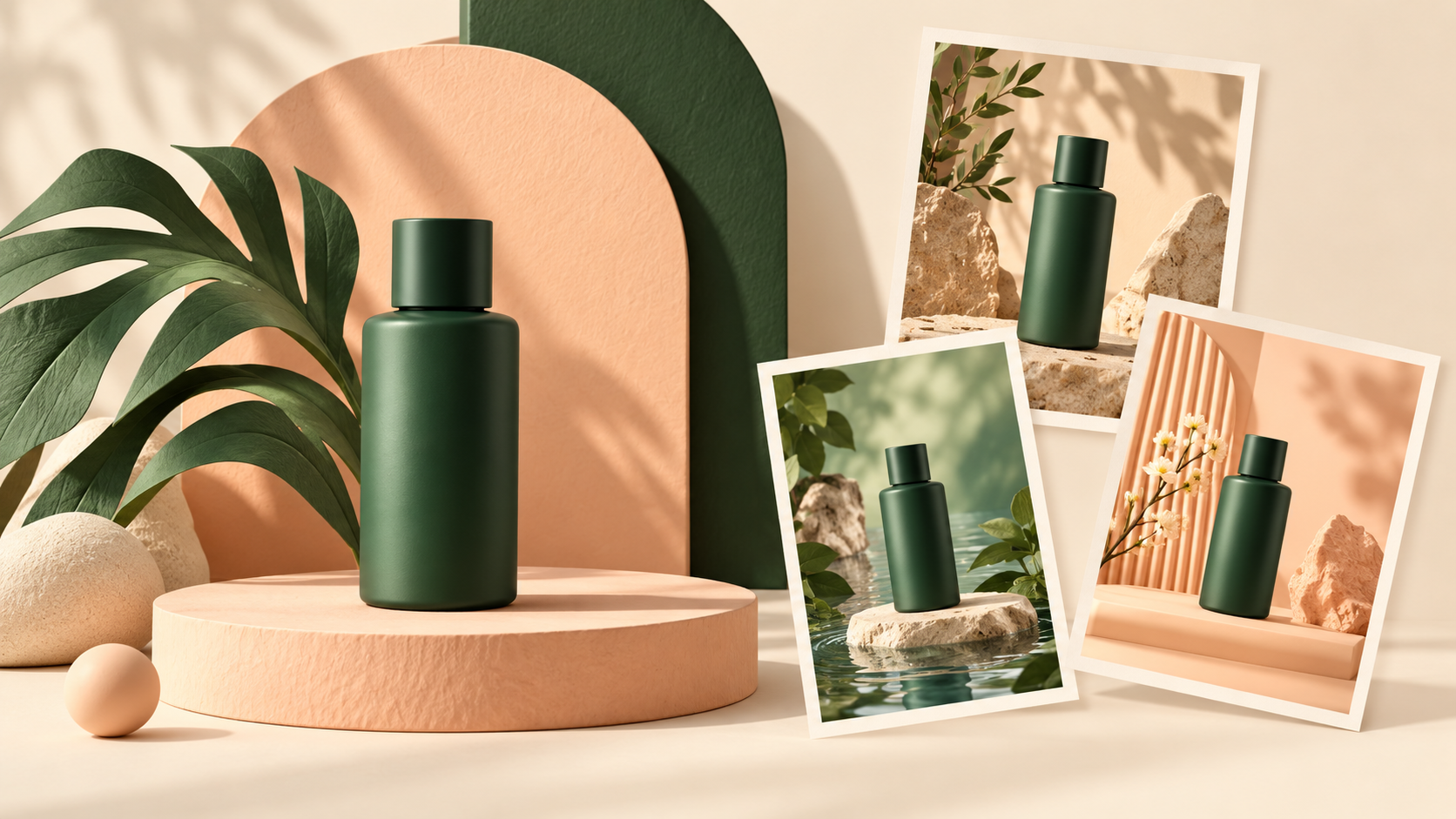
The featured image is an original AI-generated editorial illustration commissioned for GPTOnline.ai. It represents product-scene planning; it is not a Flair screenshot or a result produced with Flair.
What can Flair AI do?
The official Flair website presents a drag-and-drop canvas for arranging products, props and backgrounds, reusable templates, custom models, on-model photography and team collaboration. It also promotes ad creation and AI human-model customization. These are vendor-described capabilities, not independently measured quality guarantees.
- Plan a product scene: arrange objects and backgrounds to explore compositions before generating an image.
- Develop a repeatable look: use templates or a product-specific model for a campaign rather than starting each visual from scratch.
- Refine individual elements: the Regenerate Product tool is designed to replace or revise a product within an existing image. Treat this as an editing option, not a guarantee of accurate labels or geometry.
- Add motion: Flair’s product-video workflow starts from a product image, adds a scene description and camera movement, then generates an exportable clip.
Flair AI pricing and generation limits
The following snapshot comes from the pricing page. Both positions of its Annual discount switch were checked. The payment terms identify the currency as US dollars. Annual figures below are the displayed per-month equivalents, not monthly-billed offers; confirm the annual total and applicable taxes before subscribing.
| Plan | Monthly billing | Annual option: monthly equivalent |
|---|---|---|
| Free | $0 | Free |
| Pro | US$10 | US$8 |
| Pro+ | US$35 | US$26 |
| Scale, Tier 1 | US$55 | US$38 |
| Enterprise | Custom quote | |
- Free: 1 custom model, 5 images and 1 video generation.
- Pro: 2 video generations, upscaling and variations. Image/model quota is not specified on the public card.
- Pro+: up to 8 Standard or 2 Fast custom models, 80 images and 3 video generations.
- Scale Tier 1: up to 15 Standard or 4 Fast custom models, 150 images and 5 video generations.
- Enterprise: custom credit amounts and negotiated requirements.
Instant images and ad generation use four times the standard image allowance. Scale pricing changes with its tier selector. These allowances should not be read as unlimited generation, and the Free card does not establish a monthly reset.
The FAQ explicitly describes Pro+’s 80 images as monthly and says unused image/model credits do not roll over. The pricing card includes one Free video generation, but the FAQ describes video generation as available to paid plans; confirm availability in your account. Check your selected plan’s usage dashboard and renewal rules before budgeting a batch.
A practical way to evaluate Flair
Hypothetical example, not a hands-on test: a small skincare shop wants three promotional images for one bottle: a neutral studio scene, a botanical setting and a close-up with room for campaign copy.
- Start with clear reference photos of the actual bottle and a written list of details that must remain accurate: cap shape, label spelling, color and proportions.
- Choose one composition first. Keep the product and intended crop fixed while varying the background or lighting, so it is easier to understand what changed.
- Compare each candidate with the reference at full size. Reject a result if it changes the package, adds unsupported certification marks or makes the quantity look different.
- Inspect the intended mobile crop. Check that the label remains readable and that text you add later has enough clear space.
- Record attempts, usable outputs and retouching time. Track how credits are deducted for each attempted generation and compare spend with accepted outputs. Plan for rejected images before choosing a subscription.
A useful comparison is cost per approved asset, including review and cleanup, rather than a promise that AI automatically replaces a photographer. Keep conventional product photos when exact reproduction is essential.
Privacy, licensing and practical limitations
According to Flair’s FAQ, content from Free, Pro and Pro+ users may appear in its Community, while Scale is private by default. This should matter to teams working on unreleased products. It is not a claim that every uploaded reference file is publicly exposed.
The terms contain conflicting language about commercial use of Free assets: one section grants a limited personal/commercial license, while another says commercial use requires a paid plan. They also distinguish individual Pro usage from team licensing. Ask Flair to confirm the license and privacy conditions for your intended use before publishing client or commercial work; do not assume a free generation grants unrestricted rights.
The FAQ recommends desktop Chrome or Safari and says mobile support is limited. It also lists collaboration for Pro+ and Scale. Test the workflow on the devices your team actually uses rather than assuming desktop functionality is identical on a phone.
Who should consider Flair AI?
Flair is worth evaluating for product-scene exploration, social campaign variants and teams that can review outputs carefully. It is a less straightforward fit when you need confidential work on an entry plan, exact product reproduction without retouching, or a primarily mobile workflow.
This overview is based on the linked official pages and live pricing controls. We have not run a hands-on generation benchmark, tested checkout or verified output accuracy. For more options, browse GPTOnline’s art-generation tool directory and compare each tool’s current terms and allowances.