
Updated October 25, 2026
| Name | Remaker AI |
|---|---|
| Overview | Remaker AI is an AI-powered platform designed for image and video editing and enhancement. With its intuitive tools, users can swap faces, upscale images, remove backgrounds, and even erase watermarks with just a few clicks. The platform is tailored for creators, professionals, and businesses looking for high-quality, efficient editing solutions without needing advanced design skills. |
| Key Features & Benefits |
|
| Use Cases & Applications |
|
| Who Uses? |
|
| Pricing |
|
| Tags | AI Image Editing, Video Enhancement, Face Swap, Background Removal, Upscaling, AI Art, AI Video Editing, Watermark Removal |
| App Available? | Web-based; Mobile app availability not specified |
Remaker AI is an AI-powered platform built to simplify the way we edit images and videos. Whether you’re a creator, entrepreneur, designer, or just someone who wants to enhance their content quickly, Remaker AI provides an intuitive suite of tools that can assist editing, with results depending on the source media and selected tool.
The platform stands out for its ability to perform face swaps, generate headshots, enhance videos, remove backgrounds, and upscale images – all through AI automation. It’s like having a full creative studio at your fingertips, without the steep learning curve or expensive software licenses.
Looking for alternatives? Try Remove.bg for background removal or Fotor AI Headshot Generator for fast professional portraits.
Why Choose Remaker AI?
What makes Remaker AI shine is its balance between power and simplicity. Its guided tools can reduce manual editing work, but outputs still need review for artifacts, likeness and suitability.
For example:
- Want to try a face swap in a scene? Use authorized source material and consenting likenesses; processing time varies.
- Need a professional headshot for LinkedIn without hiring a photographer? The headshot workflow requests one to four clear selfies.
- Have an old blurry video? Run it through Remaker’s AI Video Enhancer and request an upscaled 4K output; resolution is not a guarantee of authentic detail.
Best of all, you only pay for what you use. There are no recurring subscriptions. Purchased credits can be used without expiry, while promotional bonuses have separate limits.
Key Tools and How They Work
AI Face Swap
Upload authorized source media for a face swap. The result may contain artifacts; obtain consent and avoid presenting a manipulated scene as an authentic event.
AI Headshot Generator
Save time and money by turning casual photos into high-quality portraits suitable for resumes, websites, and professional profiles.
Video Enhancer
Remaker can upscale low-res videos to 4K and fix blurry or grainy clips using deep learning algorithms.
Image Upscaler
Enlarge small or pixelated images for print or HD displays. Inspect generated detail and distortion before using the output.
Background Remover
Automatically remove backgrounds from supported images; difficult edges can need review. Ideal for product photos, banners, or profile pictures.
Photo Enhancer
Improve lighting, sharpness, and detail in one click. The output is an enhancement, not a substitute for detail captured by a camera.
Who is Remaker AI For?
Potential audiences for Remaker AI include:
- Content creators looking to stand out with eye-catching visuals
- Small business owners who want polished product photos or team headshots
- Social media managers crafting better engagement with fast edits
- Designers and developers needing quick assets without Photoshop
- Photographers enhancing client shots with AI precision
- Casual users who just want to have fun with face swaps or memes
Currently, Remaker AI is available via the web, and it’s fully responsive – meaning you can use it easily from both desktop and mobile browsers. Whether you’re editing on the go or working from your computer, performance depends on the browser, connection and selected tool.
Conclusion
Remaker AI is a powerful yet approachable platform that bridges the gap between AI technology and everyday creative needs. Whether you’re upgrading your visuals for work, fun, or content creation, its guided tools can help with common editing tasks. Compare the output with the original and check credit costs, permissions and export requirements before relying on it.
Sources: Current tools and credit model · Current one-time credit packs · Headshot reference-photo workflow · Video enhancement and 4K scope · Consent, billing and refund conditions
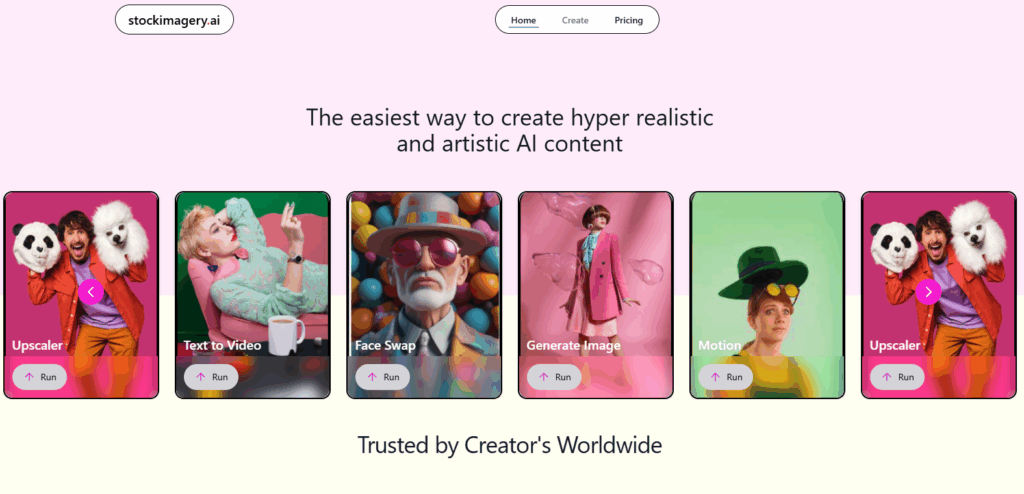
Image context: The retained historical Remaker homepage image identifies its earlier image-editing and image-to-video presentation. It is not a current credit-price display or evidence that we tested the sample outputs.