Updated October 25, 2026
| Name |
Fotor GoArt AI |
| Overview |
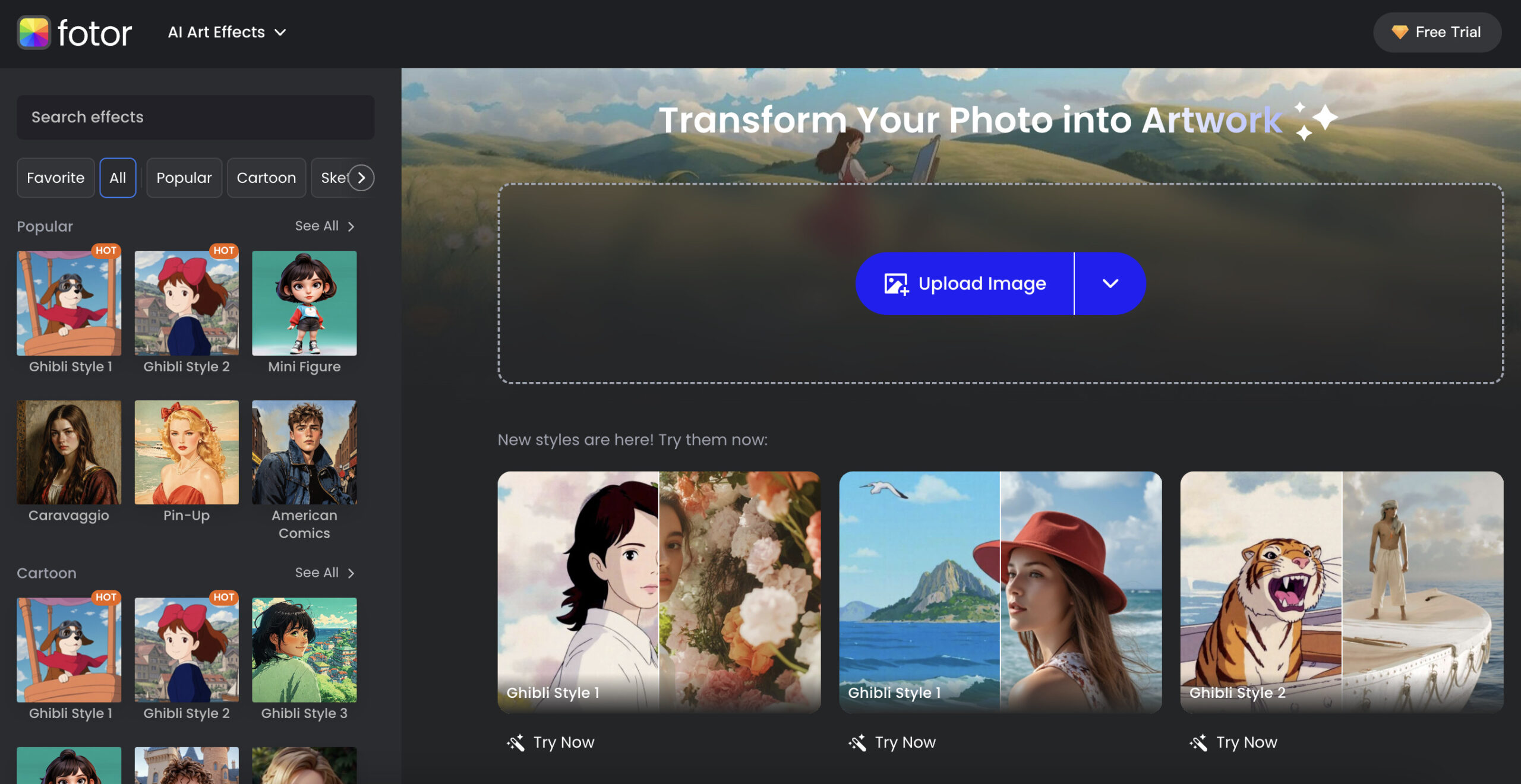
Fotor GoArt applies artistic styles to photos and also offers text-to-image and cartoon features through its dedicated mobile app. The original GoArt web address redirects to Fotor’s current art-effects workspace. Web tools and the separate GoArt app can have different features, subscriptions and export conditions; review results rather than assume every generated image is unique or ready for commercial use. |
| Key Features & Benefits |
- AI Art Filters: Choose from a diverse range of art styles inspired by renowned artists and movements, such as Van Gogh, Monet, and Picasso, to give your photos a distinctive artistic flair.
- High-Definition Output: Export higher-resolution artwork subject to the chosen tool and plan; the GoArt app listing specifies up to 8 megapixels. Check print dimensions and applicable usage rights.
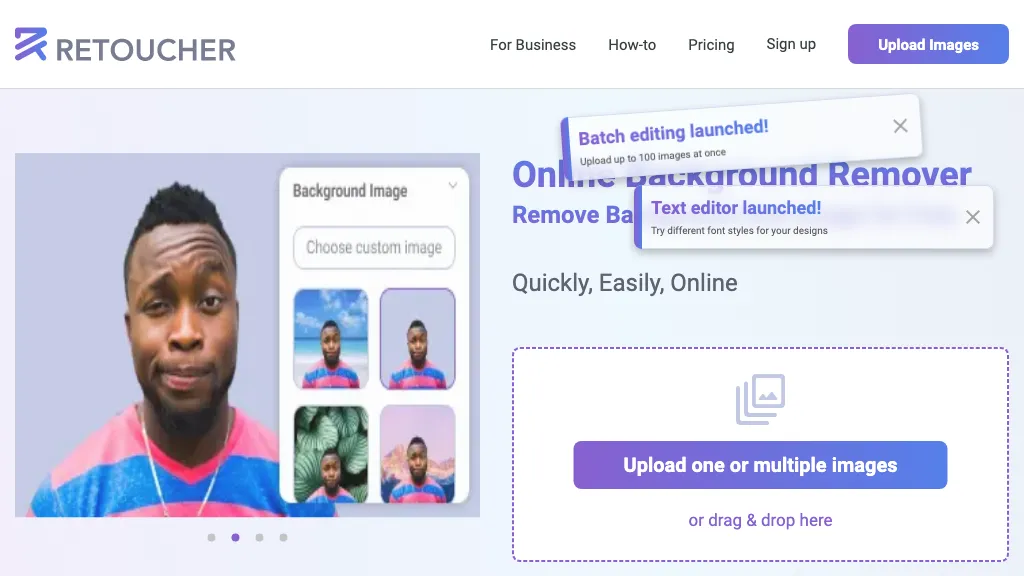
- AI Background Removal: Effortlessly remove backgrounds from images, enabling seamless editing and creative possibilities.
- NFT Creation: The official GoArt app listing advertises NFT minting. Check current in-app availability and applicable rights; an NFT does not itself confer copyright or guarantee sale value.
- User-Friendly Interface: Designed for both beginners and professionals, GoArt offers an intuitive interface that simplifies the art creation process.
|
| Use Cases and Applications |
- Personal Art Creation: Transform personal photos into artistic pieces for home decor or gifts.
- Social Media Content: Enhance your social media presence with unique, eye-catching images.
- Marketing and Branding: Create distinctive visuals for marketing campaigns, advertisements, and brand storytelling.
- NFT Art: Explore the advertised NFT workflow for digital artwork, subject to current availability, input rights and marketplace conditions; no sale or investment outcome is assured.
- Educational Projects: Use as a tool for art education and creative projects in academic settings.
|
| Who Uses? |
- Artists and Designers: Seeking to explore new mediums and styles.
- Photographers: Looking to add artistic effects to their photographs.
- Social Media Influencers: Aiming to stand out with unique visual content.
- Educators and Students: Utilizing the tool for educational purposes and creative projects.
- Entrepreneurs: Creating distinctive branding and marketing materials.
|
| Pricing |
- Fotor Basic: Free access with limited credits and 512 MB storage.
- Fotor Pro: The owner-observed Individual Monthly display lists US$10.99 billed monthly, 100 credits and 2 GB storage.
- Fotor Pro+: The same display lists US$23.99 billed monthly, 300 credits and 100 GB storage. The higher Max tier defaults to US$49.99 billed monthly with 1,000 credits and 500 GB storage.
These are broader Fotor web plans, not the separate GoArt app’s purchase prices. GoArt Terms specify platform-specific subscriptions that do not automatically transfer, store-specific payment/refund rules, and limited free personal-use versus paid commercial Effect licences. Check the selected product, currency and billing term before subscribing. Current Fotor pricing.
|
| Tags |
AI Art Generator, Photo to Art, Digital Art, Photo Editing, Artistic Filters, NFT Creation, Background Removal, High-Definition Output |
| App Available? |
Yes. The official GoArt iPhone app is listed by Chengdu Everimaging Science and Technology Co., Ltd., with in-app purchases. Fotor also advertises cross-device photo-to-art access; do not infer that every web feature or purchase is included in the separate GoArt mobile app. |
Sources: Current GoArt web destination · Photo-to-art styles and workflow · Broader Fotor web plans · Official GoArt iPhone listing · GoArt platform subscriptions and effect-use terms · Current Fotor web terms
Image context: The existing image is a historical Fotor web art-effects interface with an upload panel and style cards. It identifies the web workflow, not a tested result or proof that separate GoArt app purchases include every pictured feature.