Updated October 30, 2026
Current Stylize features, pricing and access could not be verified from the original website during this review. The earlier photo-editing description is retained as historical context. A failed retrieval does not establish that the service has closed.
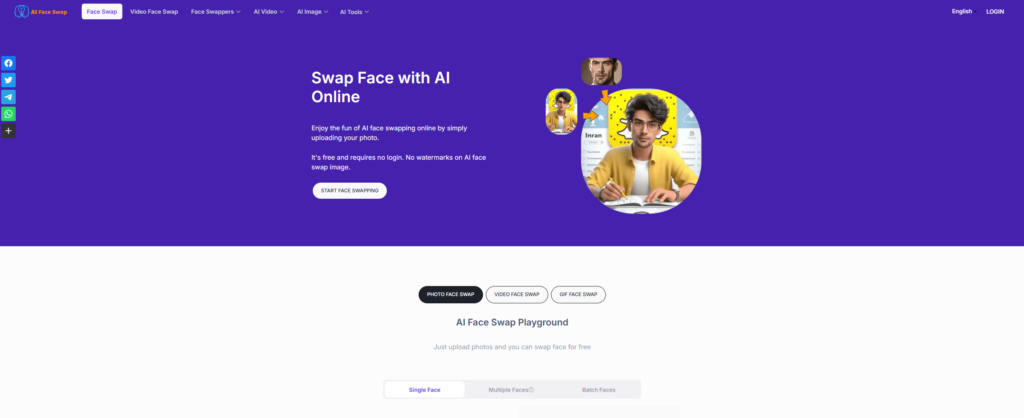
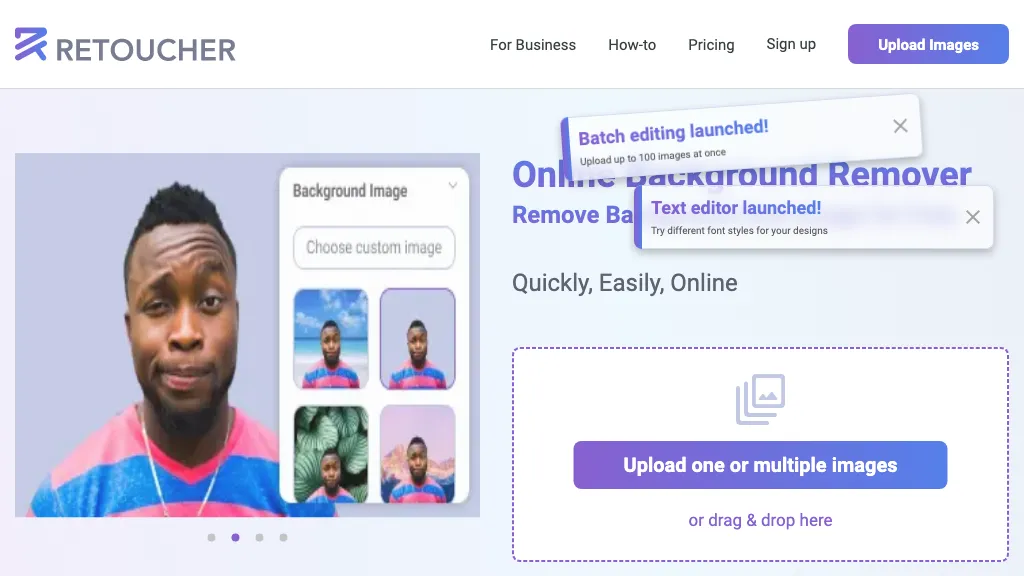
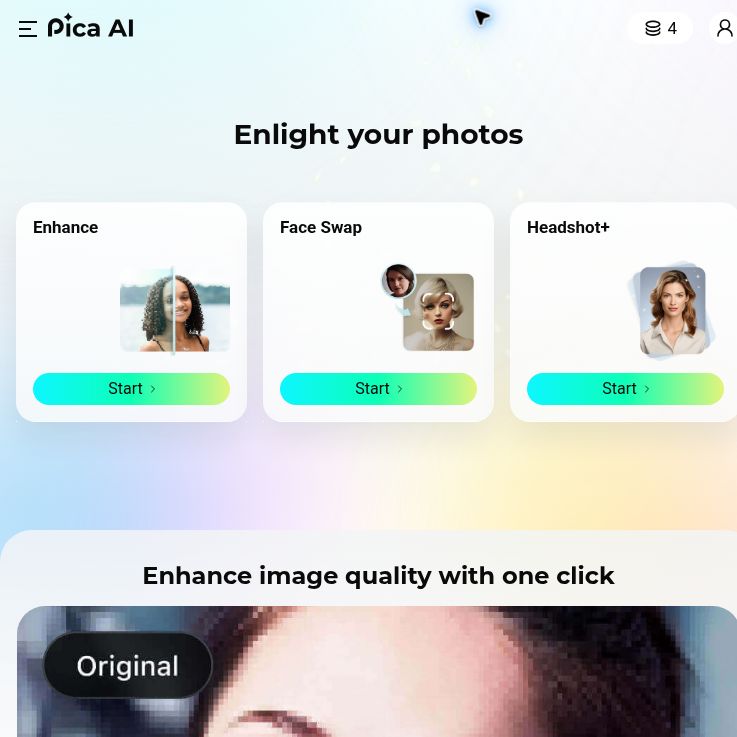
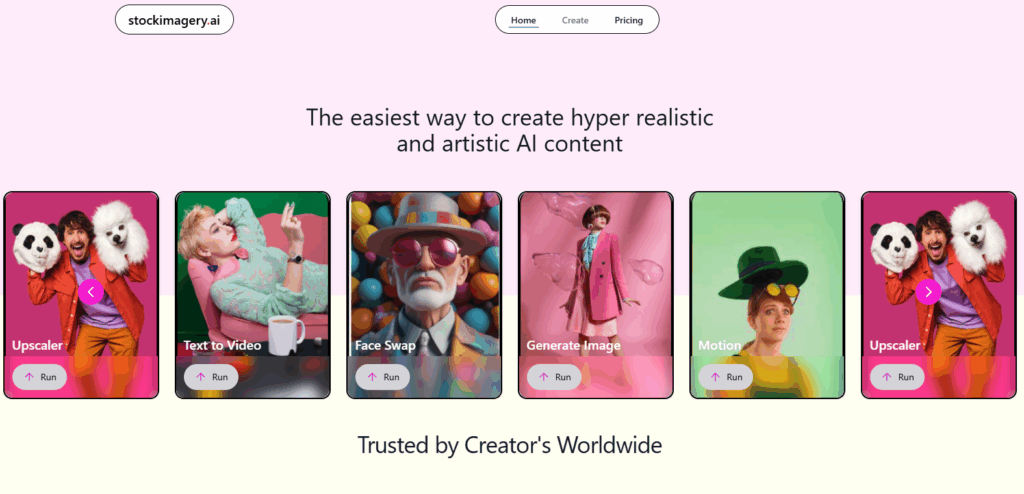
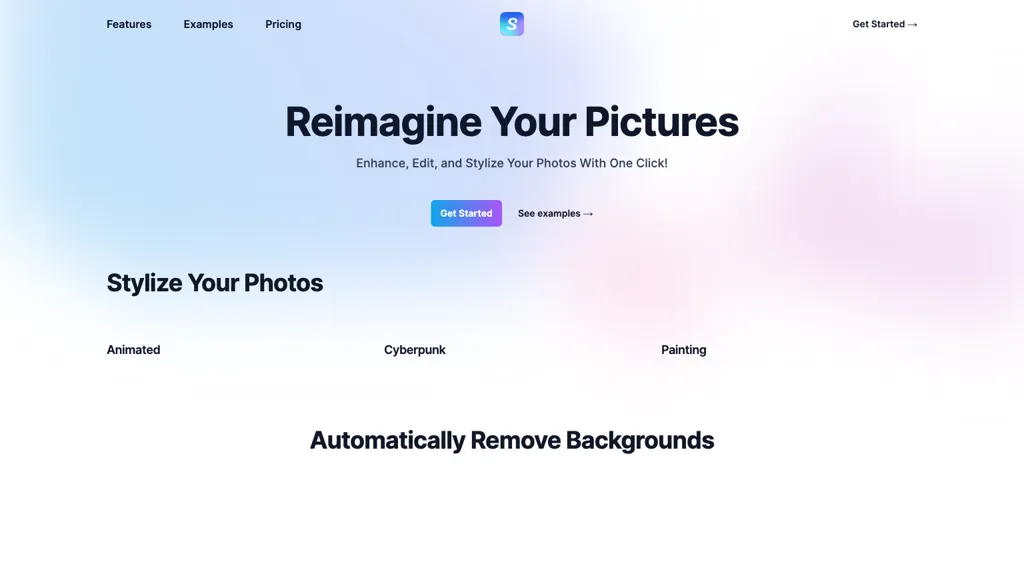
The historical Stylize homepage screenshot shows photo-style labels and a background-removal heading, but no completed example images are visible in the captured areas. Its capture date is unknown; reviewed October 30, 2026. It does not demonstrate an edit performed in this review or verify current features and results.
| Name | Stylize |
| Overview | The earlier listing described Stylize as an AI photo-editing service with text-guided edits, style transformations, background removal, colorization and upscaling. Current availability and output quality were not verified. A style transformation should not be confused with confirmed video animation, and increasing pixel dimensions does not guarantee recovery of authentic detail. |
| Key features & benefits |
|
| Use cases and applications |
|
| Potential users | Photographers, graphic designers, artists, social-media managers, history enthusiasts and people exploring image-editing technology. These are possible audiences, not verified users. |
| Pricing | The earlier listing mixed currency and usage units in phrases such as “$2 credits” and “$3 credits.” Those are not reliable monetary prices. Current credit costs, pack prices, currency, free allowances and billing conditions were not verified; the old 50-credit offer should not be treated as current. |
| Tags | Photo editing, AI tools, background removal, image enhancement |
| App available? | Historically described as a web service. Current browser access or dedicated mobile-app availability was not verified. |
Review an edit before using it
For example, a seller could compare an edited photograph of their own mug with the original, checking the handle, rim, logo and background edges. That is a hypothetical quality-review exercise, not a Stylize upload or output test. Keep an unedited copy and do not assume an AI edit preserves every factual detail.
Current retention, privacy and output-use terms were not verified. Avoid submitting private or unlicensed images without establishing suitable permissions and processing conditions. The existing Stylize website could not be retrieved on October 30, 2026. No account, image upload, payment or editing test was performed; the legacy social links’ current affiliation was not independently verified.