Updated November 11, 2026: report-to-deck workflow only. Existing product, pricing and policy review: October 24, 2026.
| Name | SlidesPilot AI |
|---|---|
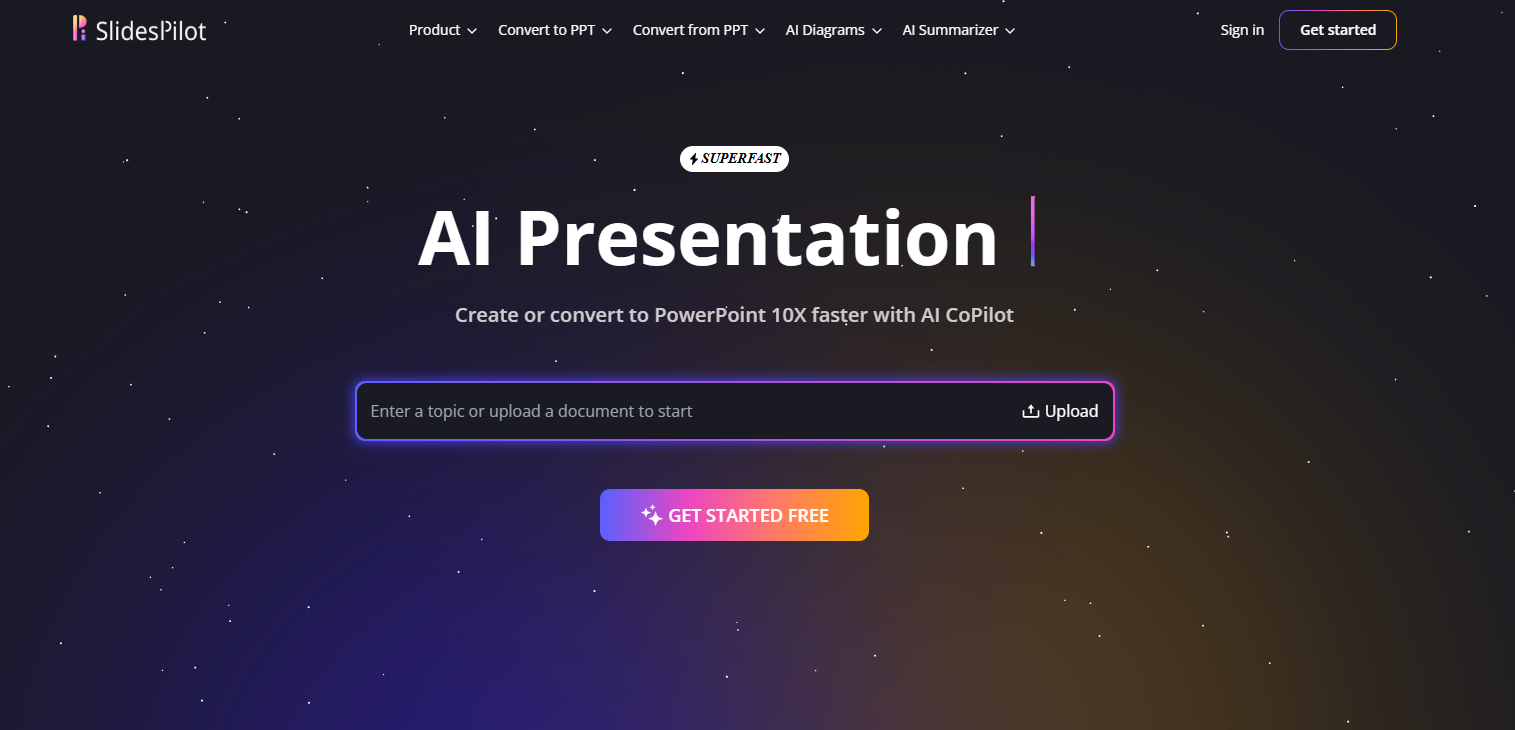
| Overview | SlidesPilot AI is an advanced AI-powered tool designed to simplify presentation creation. It allows users to draft structured slides from text or topics. Perfect for professionals, educators, and businesses, it combines speed with design quality. |
| Key features & benefits |
|
| Use cases and applications |
|
| Who uses? |
|
| Pricing | Plans use a shared AI-credit balance rather than separate creation and conversion counts. The current credit guide lists Standard presentation creation at 1 credit per slide and Beautify at 4 credits per slide; costs vary by action and model. Check the signed-in pricing screen for the current subscription amount, billing period and included credits before paying. The earlier $8.25/$15 annual-equivalent prices and creation quotas were not reverified in this review.
The Help Center describes a one-time refund request for the first payment within three calendar days, excluding renewals, while the general terms contain a no-refund clause. Confirm the applicable checkout policy rather than assuming every payment is refundable. |
| Tags | Presentation maker, AI slides, business tools, productivity, design |
| App available? | Available on the web and through official iPhone and Android apps. Check the linked store listing for your device and region. |
Turn a report into a briefing deck
Workflow section updated November 11, 2026. The October 24 review above remains the basis for the existing pricing and policy summary.
For a briefing based on an existing report, use the document converter rather than asking the tool to invent a presentation from a topic. The following workflow follows SlidesPilot’s documentation; it is not a report of a hands-on product test.
- Choose your input. In the workspace, open Convert to PPT, then PDF, Word to PPT for a document. The guide lists PDF, Word and PowerPoint uploads up to 50 MB. Use material you are authorized to upload. For a short excerpt or your own notes, choose Paste in text instead.
- Set length and density separately. Length controls the intended slide count; density controls how much detail appears on each slide. Reducing density does not reduce the slide count. Choose a tone for your audience and add instructions identifying the source facts and sections that must survive the conversion.
- Generate a draft and reconcile it with the source. Follow the guide’s sequence: choose Generate Presentation, pick a theme, then select Continue. Compare the resulting slides with the report, especially figures, qualifications and recommendations. A polished diagram or slide is not evidence that its content is correct.
Fictional practice example: Use these notes: “A pilot invited 40 people; 30 attended. Of the attendees, 18 requested a follow-up. No purchase data was collected.” Ask for three slides: attendance, follow-up interest and limitations. In your review, check that attendance is 30/40 = 75% and follow-up interest is 18/30 = 60% of attendees, not 60% of invitees. Reject any slide describing requests as sales or claiming the pilot increased revenue. This is an original checking exercise, not generated output or a promise that the tool will follow every instruction.
Use the export checks below before presenting. For the documented workflow, see the official document conversion guide and text conversion guide, consulted November 11, 2026.
Before presenting
Give the tool an audience, purpose and source material. Review the outline before generating a long deck, since slide count and generation mode affect credit use. Check facts, citations and image suitability, then open the exported file to inspect layout and readability in the application you will present from.
Official sources: AI credit costs · Current plan selection · Official mobile apps · Refund policy · Service terms