Current features, pricing and access have not been reverified. This listing summarizes official product information reviewed on October 19, 2026. It does not confirm that those features or offers are available today.
Slides Orator AI was described as a way to turn an existing PDF slide deck into a browser-playable presentation with generated narration and a 3D presenter avatar. The reviewed workflow included sharing a presentation through a web link and letting viewers ask questions about its content. These are vendor descriptions, not results of a hands-on product test.
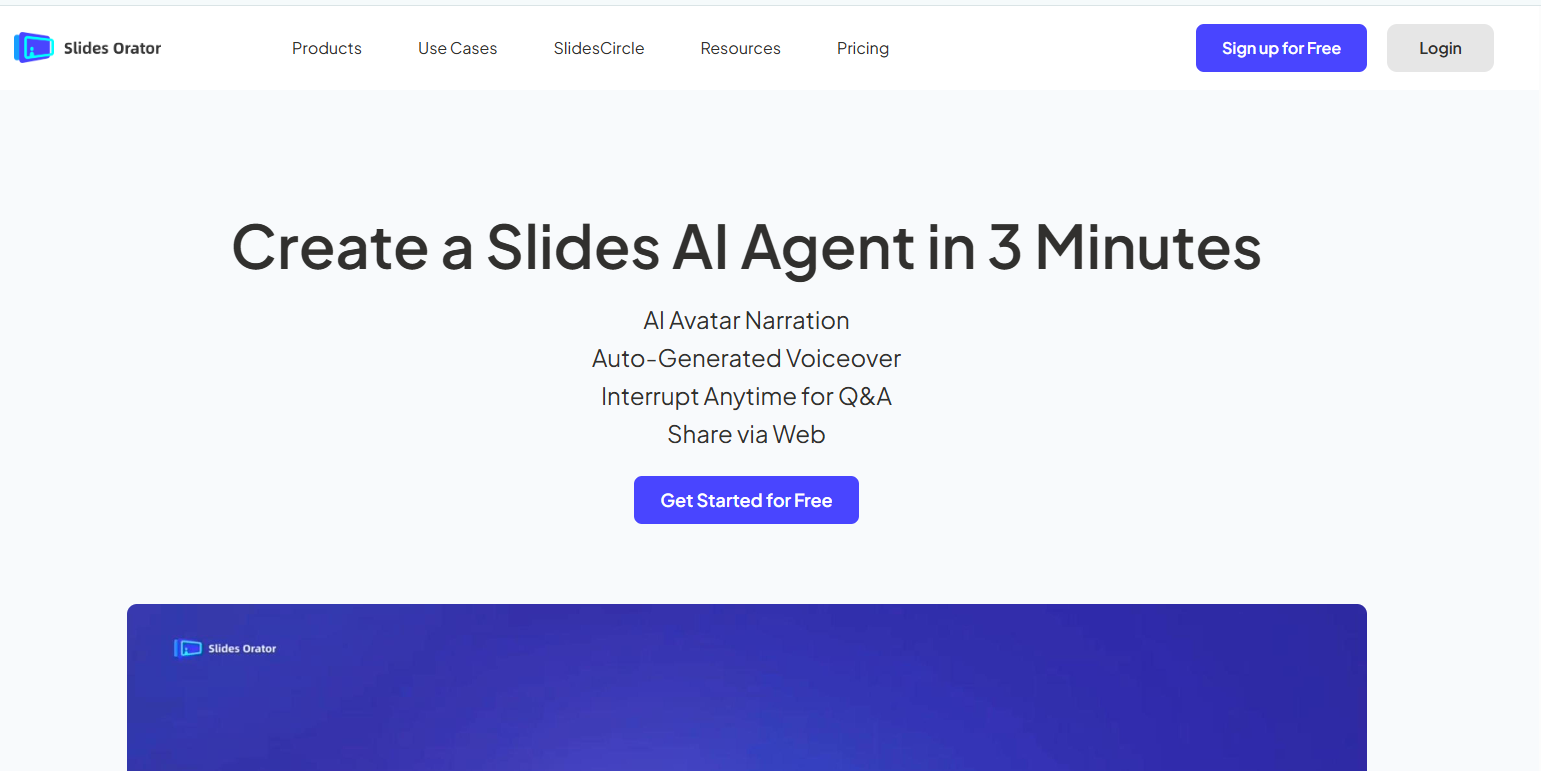
The retained homepage screenshot comes from the earlier GPTOnline listing; its capture date is unknown. Its “3 Minutes” and “Free” messages are marketing statements, not verified completion times or a confirmed current free offer. The image’s current relevance and reuse basis remain unresolved.
What the earlier product information described
- PDF input and narration: Upload an existing slide deck in PDF form and generate a spoken explanation.
- Virtual presenter: Choose a 3D avatar to accompany the presentation.
- Browser sharing and questions: Share a web link, collect audience questions and use the advertised question-analysis features.
- Study features: The homepage advertised summaries and mini quizzes. The pricing page separately labelled some document FAQ, exercise and grading features as coming soon; the review did not establish that all study features were included in every plan.
The earlier review did not confirm downloadable video output, a complete list of supported languages or voices, or a separate native mobile or desktop app. Claims of guaranteed engagement, accuracy, time savings or lower costs are not established here.
Practical checks for educators and businesses
Possible uses include lesson explanations, staff training, product demonstrations and pitch presentations, subject to current availability and the needs of the audience. Before relying on the tool:
- Confirm that your intended input, playback, sharing and export formats are supported.
- Review data-handling terms before submitting confidential slides, student information or client material.
- Check any generated narration against the original slides, including names, figures and specialist terms.
- If interactive questions are available, test representative questions and review the answers before sharing the presentation.
This is a suggested evaluation process, not a report that those tests were performed.
Pricing and availability
The October 19 review found Free, Pro and Premium labels and credit-based allowances on the official pricing page, but the paid amounts and annual totals were internally inconsistent. The earlier Basic and Pro subscription amounts in this listing were not supported by that review and have been removed.
No current price, free allowance or account requirement is confirmed here. Check the provider’s current offer for the currency, billing period, credits, document limits and relevant feature entitlements before subscribing.
Historical source references: official homepage and pricing page, reviewed October 19, 2026. The terms-link redirect observed during that review does not establish a product rebrand.
Editorial correction, November 9, 2026: removed unsupported claims and clarified verification limits.