presentationsai
Presentations

PresentationsAI

Visit website

PresentationsAI creates editable slide drafts with branding and collaboration tools. Compare Starter access, annual Pro and Gold pricing, and export options.

presentationsai

Updated: October 25, 2026.

Name PresentationsAI
Overview Presentations.ai is an AI-driven platform for creating presentation drafts. Users can transform ideas, documents or URLs into slides and apply brand settings for more consistent formatting. Its editing tools and real-time collaboration features let teams refine a deck together; the time saved depends on the input and the review required. Users can focus more on their core message and strategic content rather than the mechanics of design.
Key features & benefits
  • Generate an editable slide-deck draft from an idea or source document.
  • Use AI-generated structure and layouts as a starting point for editing.
  • Edit slide content and layouts before presenting.
  • Export supported presentations to PowerPoint or PDF.
  • Real-time collaboration for shared presentation work.
Use cases and applications
  • Prepare presentation drafts for review.
  • Apply brand settings and check consistency throughout presentations.
  • Collaborate effectively in real-time with team members.
Who uses? Professionals, business owners, educators, students, designers, and marketers.
Pricing The current US pricing page lists:

  • Starter: $0, with 200 credits and decks of up to 20 slides.
  • Pro: US$240 billed annually, displayed as US$20/month equivalent, with 5,000 AI credits per annual billing cycle.
  • Gold: US$1,200 billed annually, displayed as US$100/month equivalent, with 50,000 AI credits per annual billing cycle.
  • Team or enterprise requirements: contact the provider for the applicable offer rather than assuming the old public-beta price still applies.

The paid monthly equivalents are not month-to-month charges. Prices can vary by country; confirm the final amount and plan entitlements before subscribing.

Tags AI Presentation Tool, Presentation Maker, Business Tool, Collaboration Tool
App available? Browser-based platform, with an official Chrome extension for webpage-to-slide workflows. A separate native mobile app was not verified; browser access is not the same as an iOS or Android download.

Treat generated decks as drafts: check facts, citations, slide order, brand details and any third-party image rights before presenting or distributing them. No generation or collaboration test was performed for this profile. Sources: product workflow and collaboration, features, and AI-output and service terms.

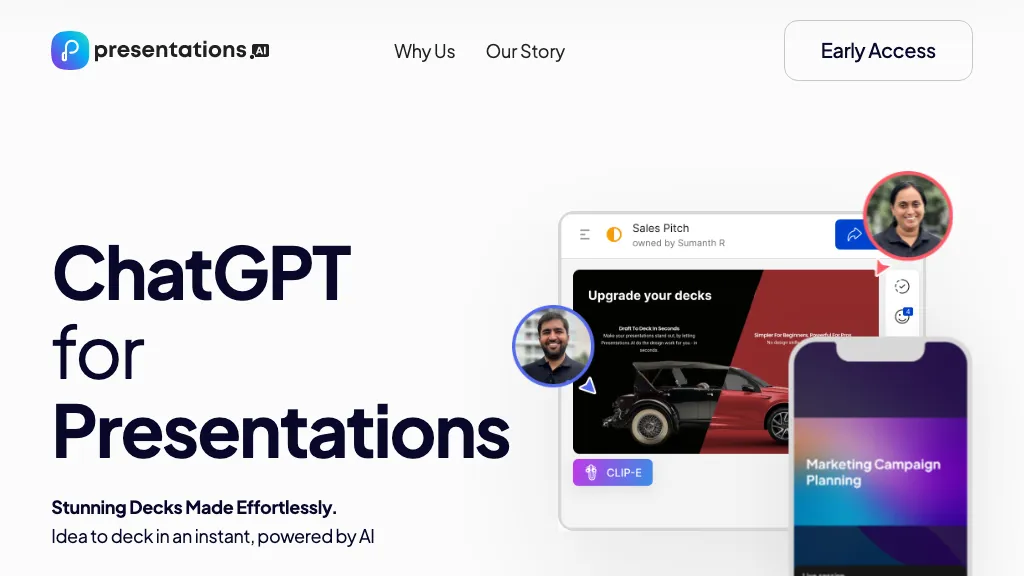
Image context: The existing Presentations.AI homepage screenshot shows an earlier marketing page with a sample slide interface and avatars. Its capture date is unknown; the pictured design is not a presentation generated or tested for this review.
KEEP EXPLORING

More tools to discover.

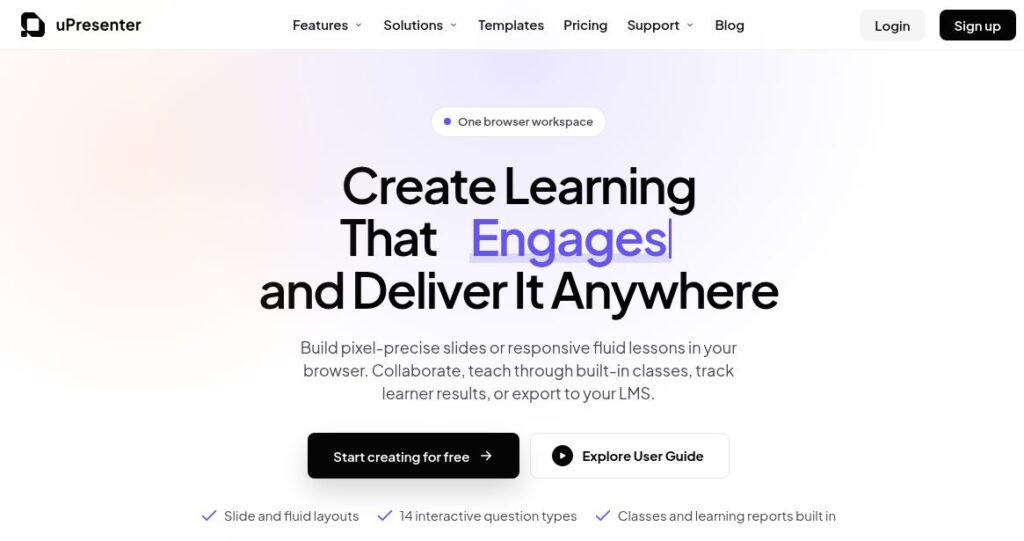
uPresenter official homepage with the headline “Create Learning That Engages and Deliver It Anywhere” and slide, fluid-layout and interactive-question features.

Explore uPresenter AI for presentations, quizzes and eLearning. Compare Free and Pro limits, export formats, pricing, privacy and practical checks.

PresentationsExplore
Slides Orator AI

Slides Orator AI turns static slides into dynamic presentations with lifelike voiceovers, enhancing engagement and saving time for creators and businesses.

PresentationsExplore
SlidesPilot AI

Explore SlidesPilot AI presentation drafting, exports and mobile apps, with current credit mechanics and checks for pricing, refunds and slide quality.

PresentationsExplore
Preview unavailable

Explore SlideMake AI’s topic-based presentation drafts, free slide limits, optional credits and web access, with editing and source review before presenting.

Top AI ToolsExplore
Historical Gamma homepage with a colorful presentation headline, pastel stairways and portals, and a small astronaut illustration.

Explore Gamma’s AI presentation tools, free and paid credits, export options, mobile availability and privacy settings before choosing a plan.

PresentationsExplore
Earlier GPT-PPT interface with an empty presentation-title field, Generate button and Google login control

Read the earlier GPTOnline description of GPT-PPT’s title-to-presentation concept, with current access, pricing and output-verification limits.

PresentationsExplore
Find your next starting point