PixNova AI
Image Editing

PixNova AI

Visit website

PixNova AI offers browser-based photo editing and generation tools. Compare free access, paid credit packs, export conditions and authorized media use.

PixNova AI

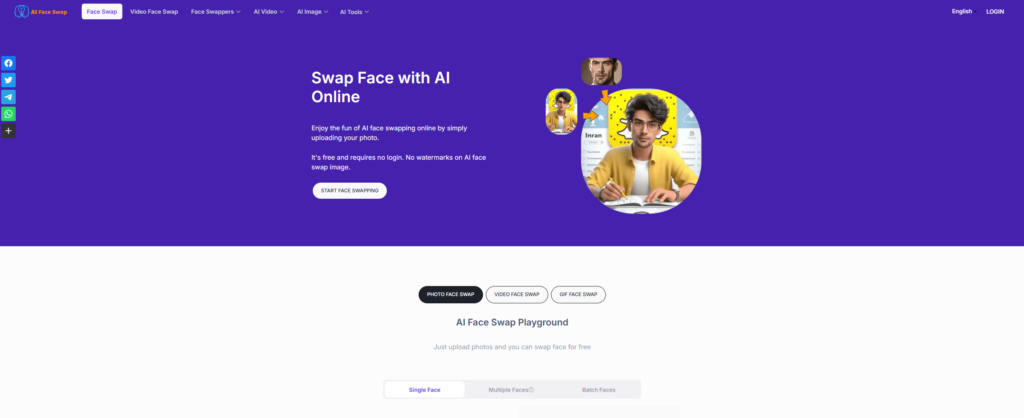
Historical image context: The retained PixNova landing-page screenshot promotes free photo creation. It identifies the earlier service presentation, not a promise that every current tool, credit-dependent task or export is free and unlimited. Its capture date is unknown.

Updated October 25, 2026

Field Details
Name PixNova AI
Overview PixNova AI is an all-in-one AI photo editing and generation platform that lets users create, enhance, and manipulate images. Whether swapping faces in a GIF, generating a headshot, transforming a selfie into anime, or upscaling a photo, it offers browser-based creative tools. Some tools are advertised as free or watermark-free, while credit-dependent tasks have paid options. Registration, credits and export conditions depend on the selected tool; the platform should not be described as universally free and unlimited.
Key Features & Benefits
  • Face Swap (Image, Video, GIF): Create swaps for authorized creative projects; use faces and media you have permission to use.
  • AI Headshot Generator: Generate headshot-style images and review them before professional use.
  • Photo Enhancer & Upscaler: Improve supported images; results depend on the input.
  • Background/Object/Watermark Removers: Edit images you own or are authorized to modify; a removal tool does not grant rights to third-party content.
  • AI Art Generators: Convert text to anime, pixel art, oil paintings, and more.
  • Free and Paid Access: Check the selected tool’s registration, credit and watermark conditions rather than assume a universal free entitlement.
Use Cases and Applications
  • Creating fun social media content with face swaps
  • Enhancing photos for professional use (headshots, profiles)
  • Removing unwanted objects for clean presentations
  • Generating AI art for blogs, design, or personal use
  • Virtual try-ons for hairstyles and outfits
  • Converting images to anime for avatar creation or entertainment
Who Uses?
  • Content creators
  • Social media users
  • Designers
  • Marketers
  • AI art enthusiasts
  • Photographers
  • Students
  • Meme creators
Pricing

Free tools coexist with paid credits. The selected Monthly Subscription cards on October 25, 2026 show Basic at $16.9 for 4,200 credits per month, Plus at $29.9 for 10,000 and Pro at $59.9 for 20,000. These are recurring monthly offers, not one-time packs; the reviewed display uses dollar symbols without an independently confirmed currency code.

Separate Pay as You Go packs are one-time purchases, currently ranging from a promotional $7.99 for 1,600 credits to $194.35 for 100,000 credits. The cards say purchased credits do not expire. Promotional discounts are observed offers, not permanent prices. Free daily credits do not accumulate, and listed video, talking-photo and editor capacities are alternatives rather than stacked allowances. Confirm the selected plan, renewal and refund conditions before buying; not every task is free and unlimited.

Tags AI photo editing, face swap, image upscaler, AI art generator, watermark remover, background remover, AI avatar, anime converter, AI tools
App Available? The listed pixnova.ai service describes browser access on desktop and mobile without installation. A separate native app for this exact operator was not verified; similarly named apps on other domains should not be assumed to be the same product. Provider privacy and security claims are not an independent audit.

Sources: Official source · Official source
KEEP EXPLORING

More tools to discover.

Historical AI Face Swap homepage with a purple background, face-replacement illustration, start button and photo, video and GIF tabs

Explore AIFaceSwap.io photo, GIF and video tools, with current credit pricing, conflicting limits, refund cautions and consent-based use.

Image EditingExplore
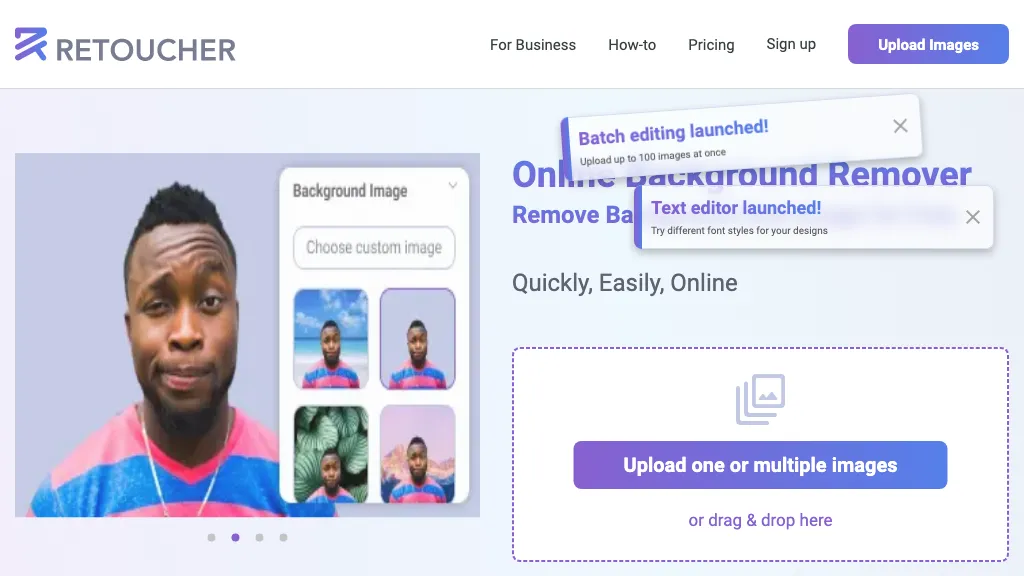
Historical Retoucher homepage with portrait background examples and batch-editing and text-editor banners

Review Retoucher AI's background-editing features, published prices and limits, refund conditions, and privacy gaps before choosing a plan.

Image EditingExplore
Two mountain-lake photo prints beside a teal paper chat bubble, paintbrush and magnifying glass.

Explore PixZap AI’s WhatsApp photo tools, credit costs, subscriptions and privacy policy. Learn what to check before uploading photos or buying credits.

Image EditingExplore
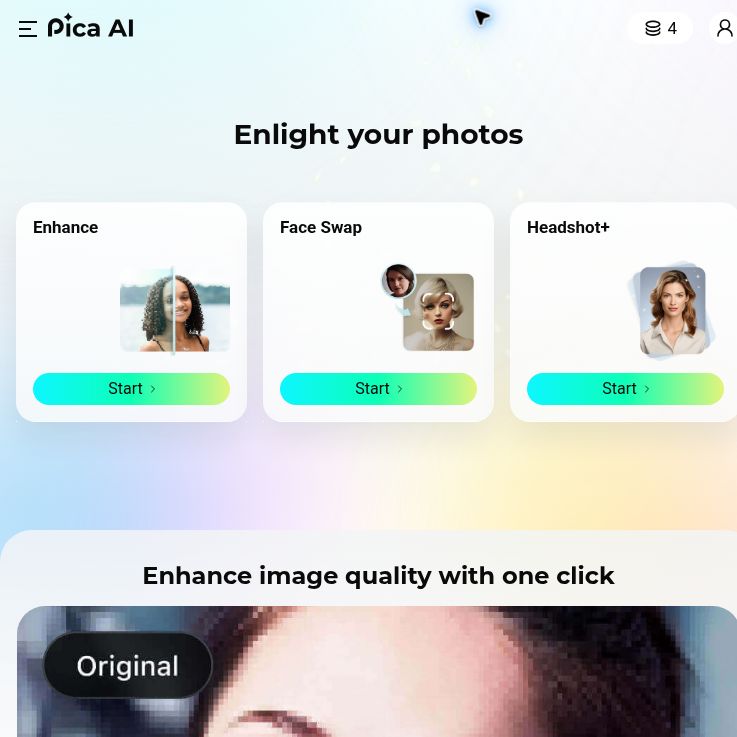
Pica AI homepage with Enlight your photos headline and Enhance, Face Swap and Headshot+ cards.

Explore Pica AI face swaps and headshots, its photo-tool move to Artguru, current free-access limits, privacy caveats and a practical portrait workflow.

Image EditingExplore
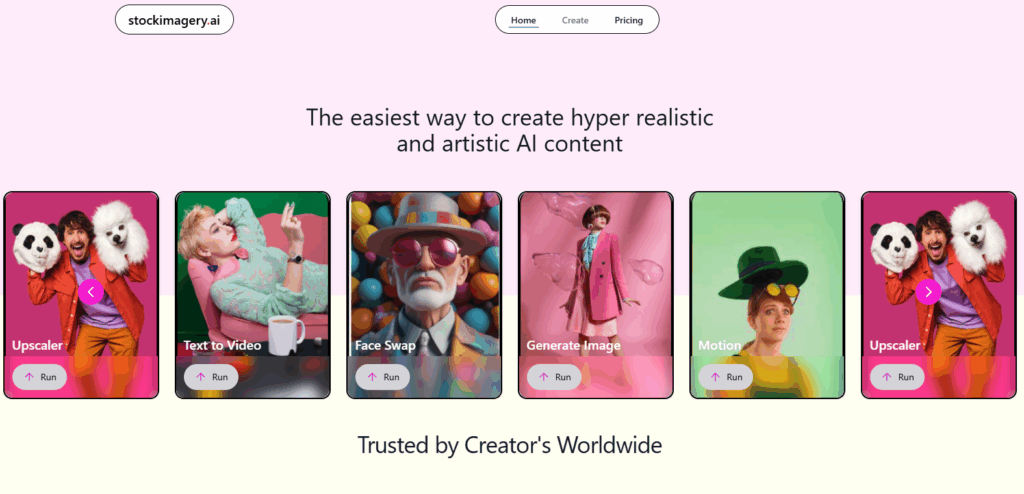
StockImagery AI

StockImagery AI helps creators produce hyper-realistic images, videos, and designs with AI tools like face swap, upscaler, and text-to-video.

Image EditingExplore
Find your next starting point