
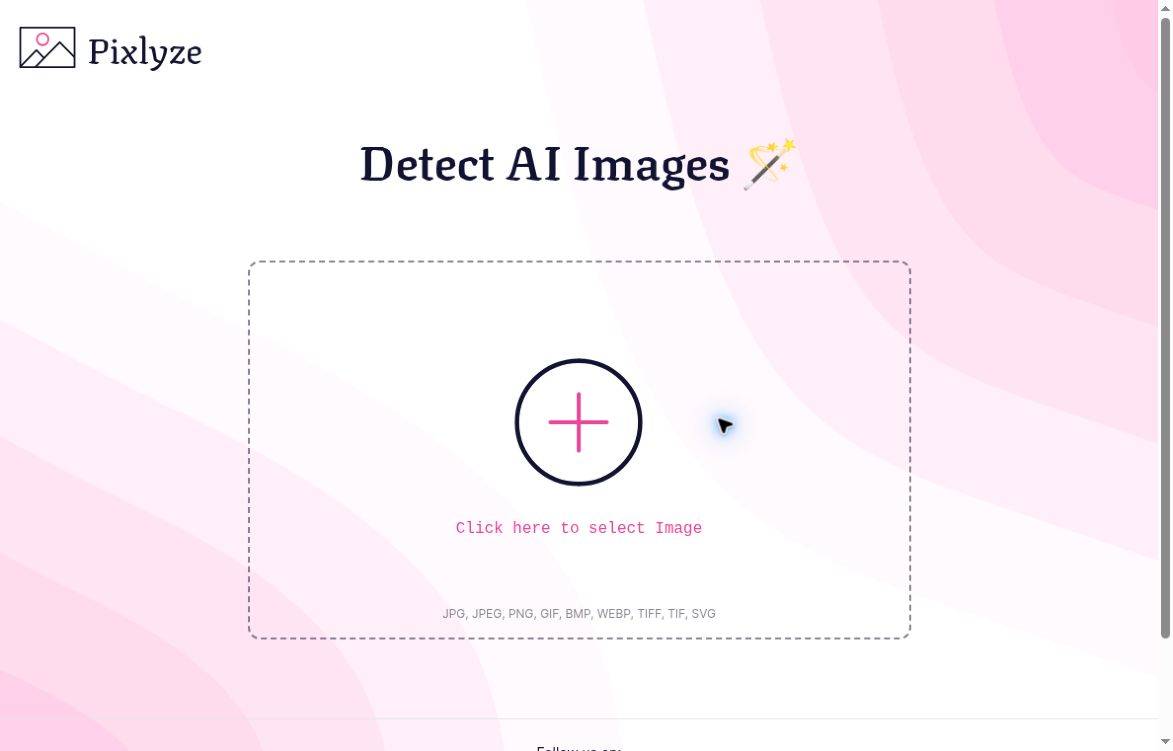
Pixlyze image-selection interface with an empty upload area and supported image formats
Image Scanning

Pixlyze

Visit website

Learn how Pixlyze’s image-upload interface is presented, what detector results cannot prove, and the pricing and privacy limits to check.

Pixlyze image-selection interface with an empty upload area and supported image formats

Updated October 29, 2026

Image source note: Official website screenshot of Pixlyze’s image-selection page, captured October 29, 2026 (UTC). No image has been uploaded in this view; it is not an analysis result or accuracy test. Source: Pixlyze.

Features, uses and access

Name Pixlyze
Overview Pixlyze is a browser-based tool by Vishwa Gaurav for assessing whether an uploaded image may be AI-generated. Its website promotes quick analysis and a simple upload workflow. Treat any detector result as a screening signal, not proof that an image is genuine, original or unedited. This review did not independently test its accuracy or processing speed.
Key features & benefits
  • Web-based image upload and AI-image assessment.
  • Supports common image formats including JPEG, PNG and WebP.
  • A straightforward image-selection interface.
Use cases and applications
  • Journalists can use a result as one lead for further image-source checks.
  • Photographers and social media creators can explore AI-image detection while checking provenance separately.
  • Educators can discuss the capabilities and limitations of image detectors.
Who uses? Journalists, photographers, content creators and educators exploring image analysis.
Pricing No pricing schedule was visible on the official pages checked. Confirm any current usage limits or charges on the site before use.
Tags AI tools, AI image detection, image analysis
App available? Browser-based tool; no standalone mobile app was identified on the official pages checked.

Use results as a lead, not a verdict

Detector results can be wrong and do not establish authenticity or ownership. For example, if a news photo receives an AI-generated label, investigate its original publication and provenance rather than treating that label as proof. Pixlyze says uploaded images are not stored or shared; this is a provider statement, not an independently verified privacy guarantee. Avoid uploading sensitive images without understanding the service’s data handling.

Sources checked October 28, 2026 (UTC): official homepage, image-selection interface, and NIST synthetic-content overview. NIST describes general detection limitations, not a test of Pixlyze. No image was uploaded or analysed for this review.

KEEP EXPLORING

More tools to discover.

Earlier Imagetomp3 interface with an empty image-upload area and Convert to text button

Read the earlier GPTOnline description of Imagetomp3’s image-to-text workflow, with current access, starting-credit and privacy verification limits.

Image ScanningExplore

Read PIXMO’s earlier image-monitoring description and the original address’s unrelated destination, with current service and enforcement limits.

Image ScanningExplore
campedia

Campedia’s earlier photo-question workflow, identification and recipe uses, with current availability, pricing and verification limits explained.

Image ScanningExplore
Earlier Thing Translator experiment page with Launch experiment and Get the code controls

Learn what Thing Translator’s camera-based language experiment did, its current inactive status, and how its public source code fits.

Image ScanningExplore
PoseTracker pricing page showing Freemium, Developer and Business plans

Compare PoseTracker’s SDK and WebView routes, free and paid limits, movement-analysis features and data considerations before building an integration.

Image ScanningExplore
MagiScan official homepage with its 3D and AR description and App Store and Google Play links

Explore MagiScan’s iOS and Android scanning workflow, export formats, paid-access limits and model-use terms before capturing objects.

Image ScanningExplore
Find your next starting point