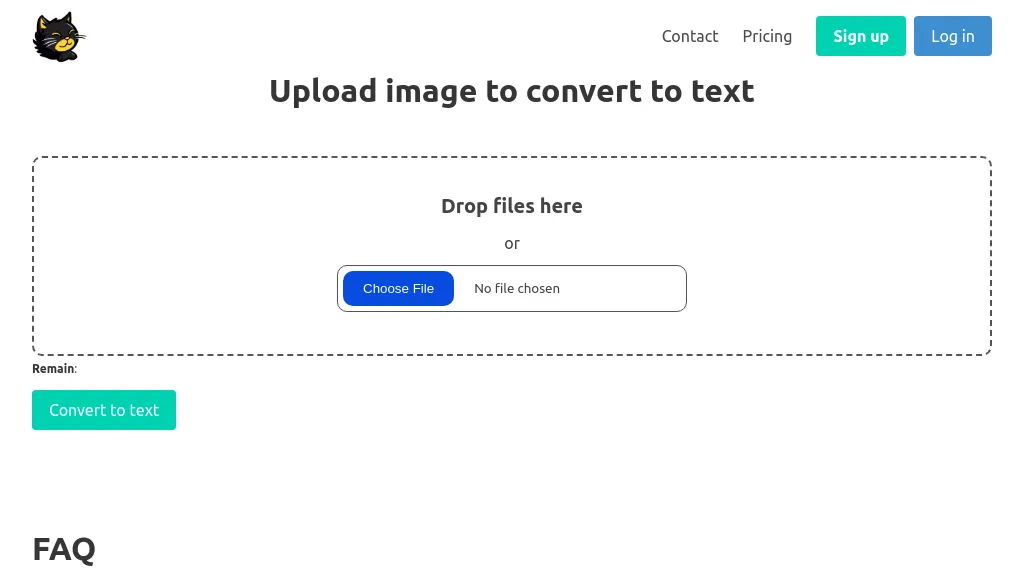
Earlier Imagetomp3 interface with an empty image-upload area and Convert to text button
Image Scanning

Imagetomp3

Visit website

Read the earlier GPTOnline description of Imagetomp3’s image-to-text workflow, with current access, starting-credit and privacy verification limits.

Earlier Imagetomp3 interface with an empty image-upload area and Convert to text button

Earlier Imagetomp3 interface; original capture date unknown. The empty image-upload area and Convert to text control do not verify current access, successful conversion or an active account. No image was uploaded or processed for this review.

Name Imagetomp3
Overview The earlier GPTOnline article described Imagetomp3 as an image-to-text tool for extracting editable text from uploaded images, including JPG, PNG and JPEG files. The original site could not be accessed during the October 28, 2026 check, so that description is retained as inherited editorial context, not independently verified current functionality. The product name alone does not establish an audio-conversion feature.
Key features & benefits

Features described in the earlier GPTOnline article:

  • Image-to-text extraction.
  • JPG, PNG and JPEG input.
  • An account-based workflow; current registration requirements were not verified.
Use cases and applications
  • Prepare text from a document image for further review, if a suitable tool is available.
  • Editorial example: compare an OCR draft of a non-sensitive notice with the original, checking names, dates and punctuation before reuse. This is a general exercise, not an Imagetomp3 test.
Who uses?
  • Information workers
  • Students
  • Content creators
  • Researchers
  • Business professionals
Pricing The earlier GPTOnline article mentioned 5 starting credits for registered users. That allowance, current prices, paid features and subscription terms could not be verified; no current free offer is asserted.
Tags Image-to-text, OCR, text extraction, document conversion, AI solutions
App available? The earlier listing linked to a web service. Current web access and any standalone app were not verified.

Source and access limits

Original Imagetomp3 address was inaccessible to the retrieval tool on October 28, 2026. This does not establish permanent closure. No similarly named converter was substituted, and no image, receipt, invoice or account was submitted. Current data handling and support responsiveness were not verified; avoid sending sensitive documents without reviewing the service’s policies.

KEEP EXPLORING

More tools to discover.

Read PIXMO’s earlier image-monitoring description and the original address’s unrelated destination, with current service and enforcement limits.

Image ScanningExplore
campedia

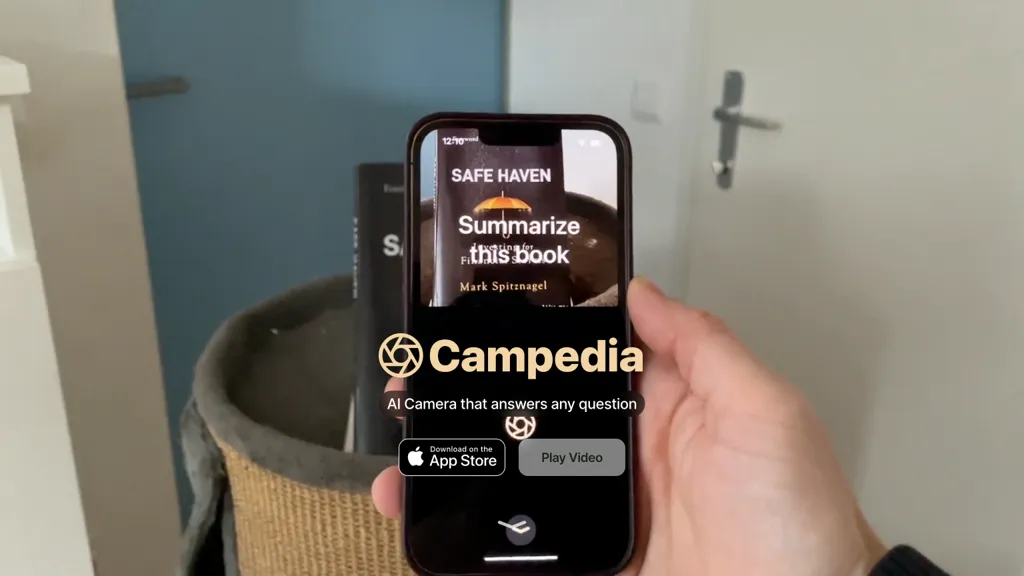
Campedia’s earlier photo-question workflow, identification and recipe uses, with current availability, pricing and verification limits explained.

Image ScanningExplore
Earlier Thing Translator experiment page with Launch experiment and Get the code controls

Learn what Thing Translator’s camera-based language experiment did, its current inactive status, and how its public source code fits.

Image ScanningExplore
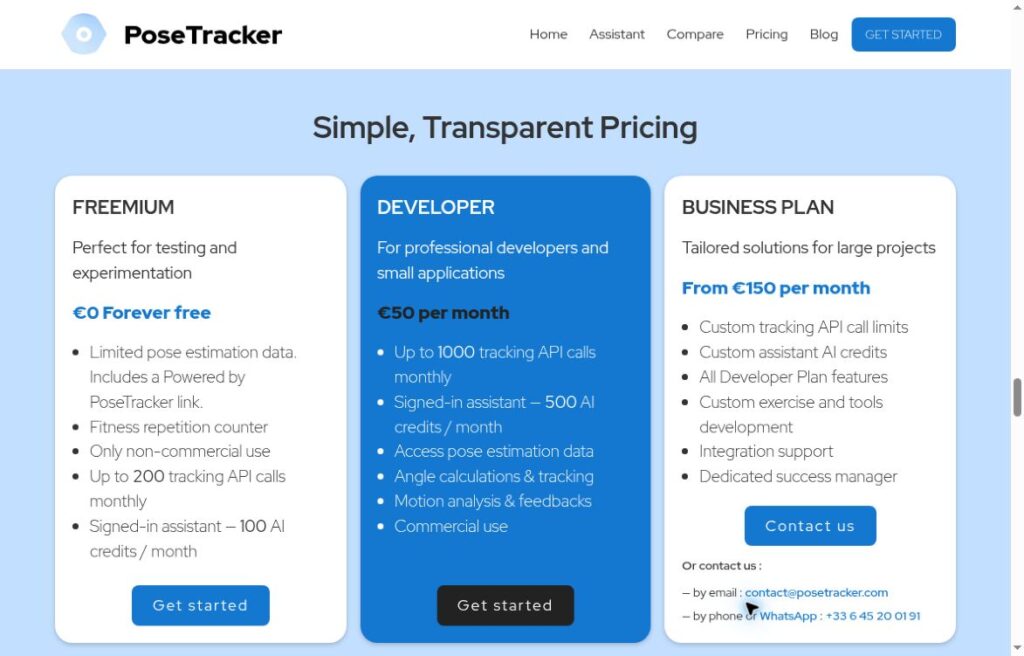
PoseTracker pricing page showing Freemium, Developer and Business plans

Compare PoseTracker’s SDK and WebView routes, free and paid limits, movement-analysis features and data considerations before building an integration.

Image ScanningExplore
MagiScan official homepage with its 3D and AR description and App Store and Google Play links

Explore MagiScan’s iOS and Android scanning workflow, export formats, paid-access limits and model-use terms before capturing objects.

Image ScanningExplore
Pixlyze image-selection interface with an empty upload area and supported image formats

Learn how Pixlyze’s image-upload interface is presented, what detector results cannot prove, and the pricing and privacy limits to check.

Image ScanningExplore
Find your next starting point