Updated: October 25, 2026.
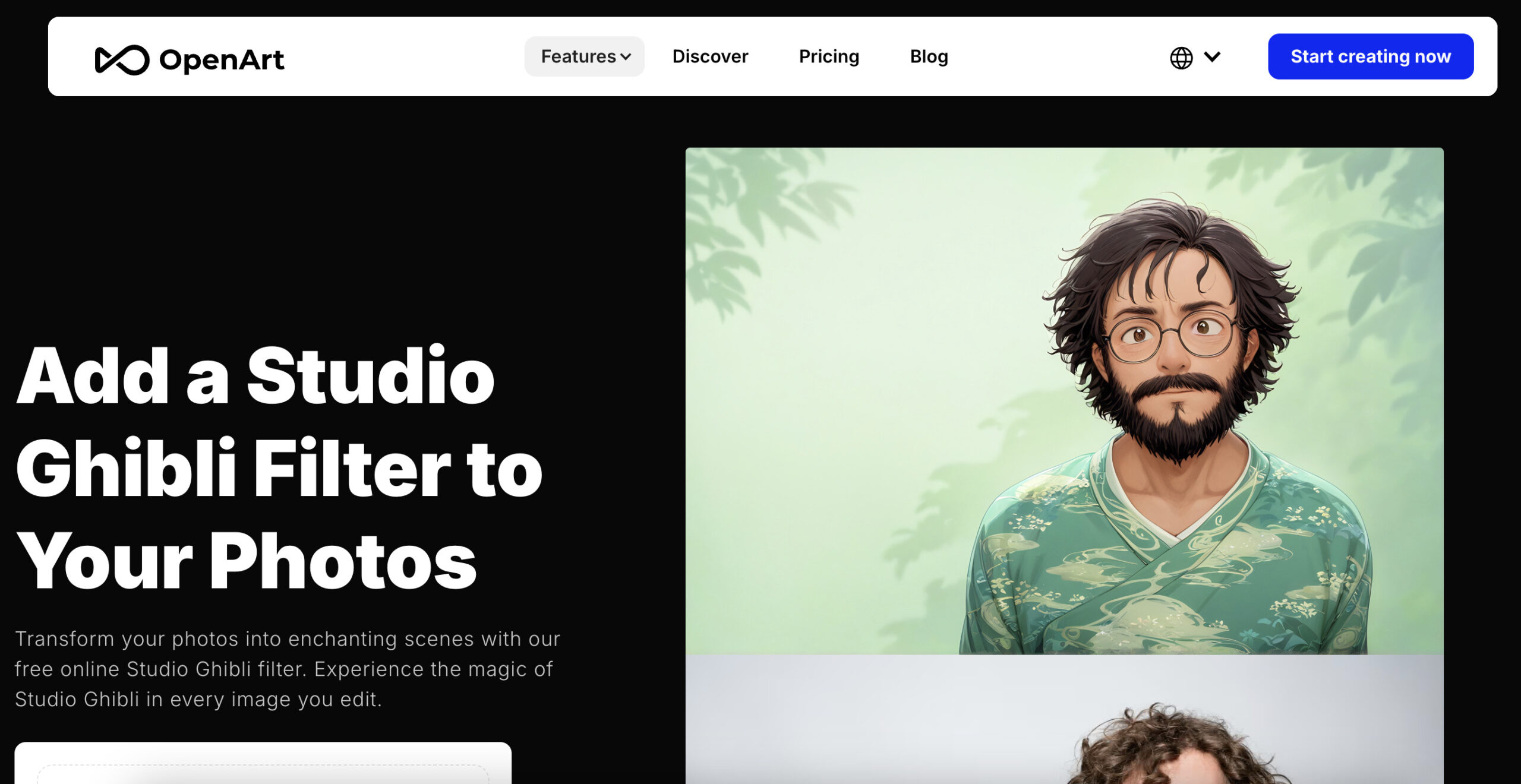
Image context: The existing OpenArt Ghibli feature screenshot shows an earlier promotional page with two illustrated portraits and free-online wording. Its capture date is unknown; the image is not a current free-plan offer or a result generated or tested by GPTOnline. Current credit and use limits are described below.
| Name | OpenArt AI Ghibli Filter |
|---|---|
| Overview | OpenArt’s AI Ghibli Filter is a web-based feature for creating Ghibli-inspired illustrations from uploaded photos or prompts. It is an OpenArt tool, not an official Studio Ghibli product. Access uses trial or paid credits rather than an unrestricted free production plan, and generated details may differ from the source image. |
| Key Features & Benefits |
|
| Use Cases & Applications |
|
| Who Uses? | Artists, designers, marketers, educators, and anyone interested in transforming their photos into Ghibli-style artworks. |
| Pricing |
The current Suite plans above replace the older Essential/Pro/Elite amounts in this listing. Annual equivalents are not verified invoice totals; credits are not fixed image quantities. Applicable taxes and temporary offers should be checked before payment. Under the July 30, 2026 terms, commercial output use requires Plus or higher; Free and Starter use is non-commercial. The broader FAQ wording alone is not sufficient to establish a commercial licence. |
| Tags | AI Art, Studio Ghibli, Photo Editing, Creative Tools, Art Generator |
| App Available? | The verified access route is the official Ghibli feature webpage. A separate native app specifically for this filter was not verified; do not confuse it with similarly named third-party apps. |
In the age of AI-driven creativity, OpenArt’s Studio Ghibli Filter stands out as a whimsical tool that allows anyone to infuse their photos with the enchanting essence of Studio Ghibli animation.
What is OpenArt’s Studio Ghibli Filter?
The OpenArt AI Ghibli Filter is an online generative-AI feature that reimagines photos in a Ghibli-inspired illustrated style, subject to the credit and licence limits above. Unlike ordinary filters, it leverages machine learning to mimic the dreamy, storybook visuals that have captured the hearts of millions around the world.
Whether you’re transforming a portrait, landscape, or object photo, the tool aims for warm, nostalgic illustrations; likeness, details and composition may change and need review. It’s part of the growing trend of Ghibli AI tools that blend machine learning with magical art styles.
Why Creators Love This Tool: Key Features & Benefits
- Photo-to-Illustration Workflow: Upload a photo and choose or describe the desired style. You can start without professional design skills, but results and processing time vary.
- Customizable Prompts: Want your photo to look like a scene from Princess Mononoke or Kiki’s Delivery Service? Add a prompt, and the AI adjusts the style accordingly.
- Upload and Sharing Choices: Use images you have permission to process, check visibility settings, and review the privacy policy before uploading sensitive photos.
- Flexible Use Cases: The tool is incredibly versatile, whether you’re an illustrator creating a children’s book, a marketer looking for unique social media visuals, or a fan making custom art for fun.
Who Is It For?
This tool is designed for:
- Artists and illustrators who want fast, unique concepts in a Ghibli style.
- Educators seeking to create magical teaching materials for young students.
- Content creators and social media marketers looking to stand out with stylized, nostalgic visuals.
- Fans and hobbyists who simply want to turn selfies or everyday photos into Ghibli scenes.
Conclusion
OpenArt’s Studio Ghibli Filter is more than a novelty, it’s a creative playground for dreamers, designers, and storytellers. Whether you’re illustrating a children’s tale, building unique marketing content, or just playing with the magic of AI, this tool invites you to step into a world of wonder.
If you’ve ever dreamed of seeing yourself in a Ghibli movie, now’s your chance. Try it out and bring your imagination to life, Ghibli style!
The provider feature page identifies this as an unofficial Ghibli-inspired tool. A subscription does not by itself clear third-party character, trademark or source-image rights. OpenArt also announces a transition from its previous workspace in the workspace FAQ; this is not a shutdown of the entire service.