gpt for slides
Presentations

GPT for Slides

Visit website

See how GPT for Slides relates to MagicSlides, what its Google Slides add-on drafts, and the limits of its free plan before installing.

gpt for slides

Updated October 28, 2026

Field Details
Name GPT for Slides — the MagicSlides Google Slides add-on
Overview GPT for Slides is an AI-powered add-on for Google Slides offered under the MagicSlides brand. It turns a topic or source material into a presentation draft in a Google Slides sidebar. The official install link leads to MagicSlides in Google Workspace Marketplace; it is a third-party add-on, not a Google or OpenAI product.
Key features & benefits
  • Summarize text into editable presentation drafts.
  • Use source material such as PDF or Word files, YouTube links, and webpage URLs.
  • Choose slide count and review the draft in Google Slides.
  • Optional AI-generated visuals, subject to plan limits.
Use cases and applications
  • Turn written content into a first presentation draft.
  • Condense a report or lesson into slides for review.
  • Adapt source material for a class, meeting, or conference.
Who uses?
  • Busy professionals
  • Students
  • Teachers
  • Content creators
  • Anyone needing quick presentation solutions
Pricing
  • Free: $0; 3 presentations per month, up to 10 slides each, 2,500-character input, and a watermark.
  • Essential: $8 monthly or $79 billed annually; 10 presentations per month, up to 10 slides each, 8,000-character input, and no watermark.
  • Pro: $16 monthly or $159 billed annually; 50 presentations per month, up to 15 slides each, 12,000-character input, AI-generated images, and 50 clone slides per month.
  • Premium: $29 monthly or $290 billed annually; the page describes an unlimited allowance plus 50 premium presentations per month, up to 50 slides each, 100,000-character input, AI-generated images, and priority support.

These are the published prices checked October 28, 2026. The page uses the $ symbol without identifying a currency code; confirm currency, tax, and final charge before paying. Annual totals are quoted directly rather than treating rounded per-month equivalents as exact charges.

Tags AI, Presentation, Google Slides Add-on, Text to Slides, Automation
App available? Google Slides add-on available through Google Workspace Marketplace.

For the broader product profile, see MagicSlides App.

A practical example

To turn a short training brief into slides, provide approved text, choose a suitable slide count, and review the resulting structure. Check every statistic against the brief and adjust crowded slides before presenting. This is an editorial example, not a generation test.

Sources and verification

Official product and plan details; Workspace Marketplace listing; terms of service.

Verification note: Checked October 28, 2026. These are published capabilities and plan limits, not hands-on results. Review the requested Google permissions and provider terms before granting access or submitting sensitive material.
KEEP EXPLORING

More tools to discover.

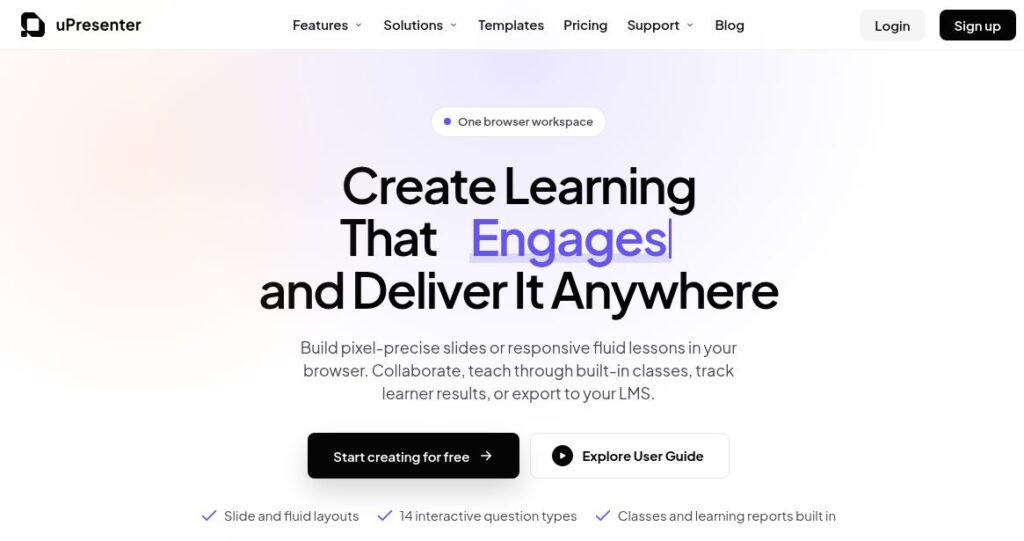
uPresenter official homepage with the headline “Create Learning That Engages and Deliver It Anywhere” and slide, fluid-layout and interactive-question features.

Explore uPresenter AI for presentations, quizzes and eLearning. Compare Free and Pro limits, export formats, pricing, privacy and practical checks.

PresentationsExplore
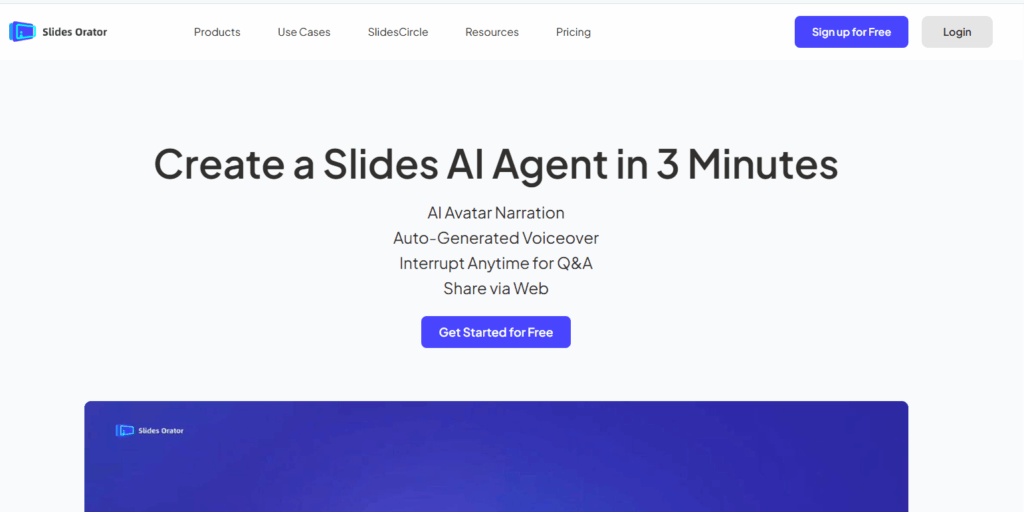
Slides Orator AI

Slides Orator AI turns static slides into dynamic presentations with lifelike voiceovers, enhancing engagement and saving time for creators and businesses.

PresentationsExplore
SlidesPilot AI

Explore SlidesPilot AI presentation drafting, exports and mobile apps, with current credit mechanics and checks for pricing, refunds and slide quality.

PresentationsExplore
Preview unavailable

Explore SlideMake AI’s topic-based presentation drafts, free slide limits, optional credits and web access, with editing and source review before presenting.

Top AI ToolsExplore
Historical Gamma homepage with a colorful presentation headline, pastel stairways and portals, and a small astronaut illustration.

Explore Gamma’s AI presentation tools, free and paid credits, export options, mobile availability and privacy settings before choosing a plan.

PresentationsExplore
Earlier GPT-PPT interface with an empty presentation-title field, Generate button and Google login control

Read the earlier GPTOnline description of GPT-PPT’s title-to-presentation concept, with current access, pricing and output-verification limits.

PresentationsExplore
Find your next starting point