goodnotes
Note Taking

Goodnotes

Visit website

Compare Goodnotes handwriting, PDF annotation and collaboration features, with current individual, team and education plan distinctions and app limitations.

goodnotes

Updated October 25, 2026

Name GoodNotes
Overview GoodNotes is a note-taking application designed to replicate the traditional pen-and-paper experience digitally. It offers a digital handwriting experience. AI features such as spellcheck, word completion and correction assistance depend on the platform, language and plan. Review suggestions rather than assuming error-free results. Access and synchronization across a laptop, tablet or smartphone depend on the supported app, account and plan. The application is compatible across various platforms, including iOS, Android, Windows, and web browsers, without implying that every feature is identical across platforms or that availability is guaranteed. Check current plans and any legacy Goodnotes 6 entitlement separately; earlier upgrade promotions are not a current universal offer.
Key features & benefits
  • ✔️ Integrate both handwritten and typed text in a single document.
  • ✔️ Create equations, diagrams, and lists all on one page.
  • ✔️ Edit and annotate PDF files.
  • ✔️ Utilize AI-powered digital paper with Word Complete functionality.
  • ✔️ Search and locate handwritten notes, typed text, and PDF content.
Use cases and applications
  • Convert handwritten notes into digital text quickly, facilitating easy editing and sharing with AI-assisted spellcheck and error correction.
  • Use plan-supported real-time collaboration, sharing and cloud synchronization across compatible devices; access and feature parity vary.
  • Leverage word completion features to accelerate the note-taking process, while reviewing suggestions for errors.
Who uses?
  • Students
  • Professionals
  • Researchers
  • Individuals seeking an effective note-taking solution
Pricing Free access is limited to three files and a 5 MB import size. The current public individual/business page lists:

  • Essential: $11.99 per year.
  • Pro: $35.99 per year.
  • AI Pass: a separate $9.99 per month add-on.
  • Teams: $120 per seat per year; Enterprise is quoted separately.

Education is a separate offer, with an advertised free route through an Admin Console; do not label legacy consumer purchases as school or business plans. Storefront prices and eligibility can vary. Verify the official site and selected plan before purchase.

Tags note-taking app, digital ink handwriting experience, AI features, AI note-taking
App available? Goodnotes offers iOS/iPadOS, Android, Windows and web access; platform-specific features and synchronization depend on the selected plan.

Sources: Current individual, business and education plans · Platform, AI and legacy-entitlement terms

Historical image: The existing Goodnotes “Notes Reimagined” homepage screenshot illustrates earlier product marketing. Its photograph and cookie banner are not evidence of current plan pricing or identical features on every platform.
KEEP EXPLORING

More tools to discover.

Historical NotebookLM homepage with an Understand Anything headline and a Try NotebookLM button.

NotebookLM AI is now Gemini Notebook. Explore sources, syncing, plans, privacy, mobile limits, and a practical citation-checking workflow.

Note TakingExplore
Historical Granola 2.0 homepage with a meeting-notepad headline and Mac and iPhone download buttons.

Explore Granola AI meeting notes, current platforms and plans, participant notices, transcript retention, model training, and sharing controls.

Note TakingExplore
mindsera

Explore Mindsera journaling, mental-model templates, AI reflections and mobile apps, with free and paid plans, privacy limits and responsible-use guidance.

Note TakingExplore
reflect ai

Explore Reflect’s AI note assistance, with Open and Classic distinctions, provider-key setup, separate AI costs and edition-specific privacy considerations.

Note TakingExplore
reflect

Reflect offers linked notes and optional AI assistance. Compare local-first Reflect Open with maintained Classic, device access and separate provider charges.

Note TakingExplore
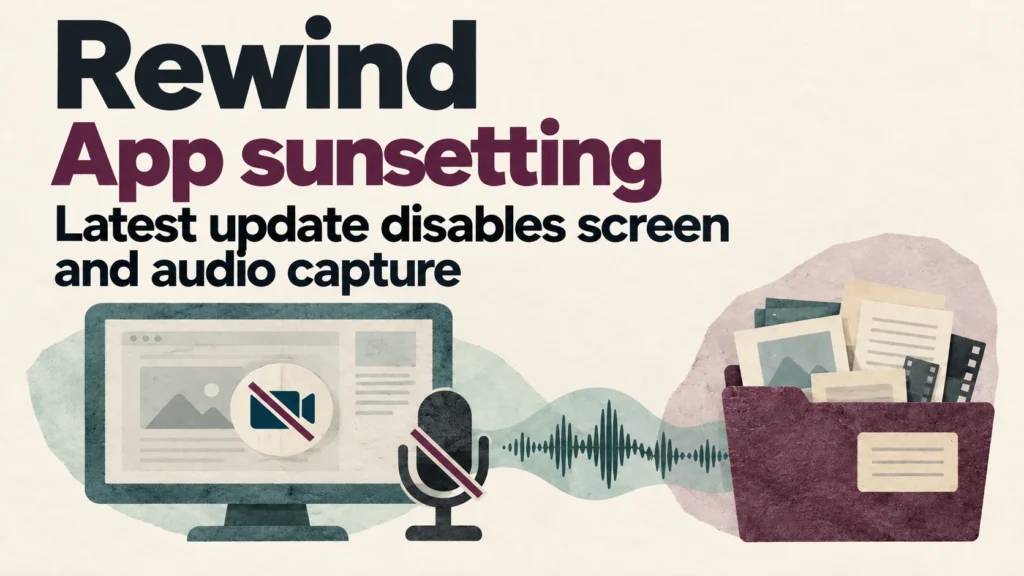
Rewind app sunsetting: the latest update disables screen and audio capture.

The latest Rewind update disables screen and audio capture from December 19, 2025. Read the official notice and guidance for existing users.

Note TakingExplore
Find your next starting point