cutout pro
Image Editing

Cutout Pro

Visit website

Cutout Pro offers background removal, photo enhancement, colorization and API tools. Compare image-credit plans and check official iOS and Android apps.

cutout pro

Updated: October 25, 2026

Name Cutout Pro
Overview Cutout Pro is an advanced platform utilizing artificial intelligence and computer vision for creating and editing visual content. It provides a comprehensive suite of tools tailored for various users including individuals and businesses aiming to enhance workflow efficiency. Key functionalities include background removal, photo enhancements, upscaling of images, segmenting facial features and hair, and photo colorization, supporting e-commerce and marketing workflows. Separate video tools are offered, but video-colorization support was not verified. Developers can also integrate this powerful platform into their applications via an accessible API.
Key features & benefits
  • Background removal
  • Photo enhancement
  • Image upscaling
  • Face and hair segmentation
  • Photo colorization; video-colorization availability not verified
Use cases and applications
  • E-commerce product image editing
  • Creation of visual content for marketing campaigns
  • API integration for enhanced developer experience
Who uses?
  • E-commerce business owners
  • Marketing professionals
  • Digital content creators
  • Social media managers
Pricing Cutout Pro offers limited free previews and 5 free credits, not a verified recurring free quota. Current paid monthly image-credit plans include:

  • 80 credits/month: $5.00
  • 170 credits/month: $9.90
  • 300 credits/month: $16.90
  • 550 credits/month: $29.00

Credit consumption varies by tool; video and API rates are separate. Published pricing and Terms differ on monthly credit rollover, so confirm current expiry and billing conditions on the official website.

Tags AI-powered, Visual Content Creation, Image Editing, E-commerce Tools
App available? Yes, Cutout Pro has a mobile app available on iOS and Android platforms.

Sources: Image-credit pricing; Photo colorizer; API documentation; Terms and credit conditions.

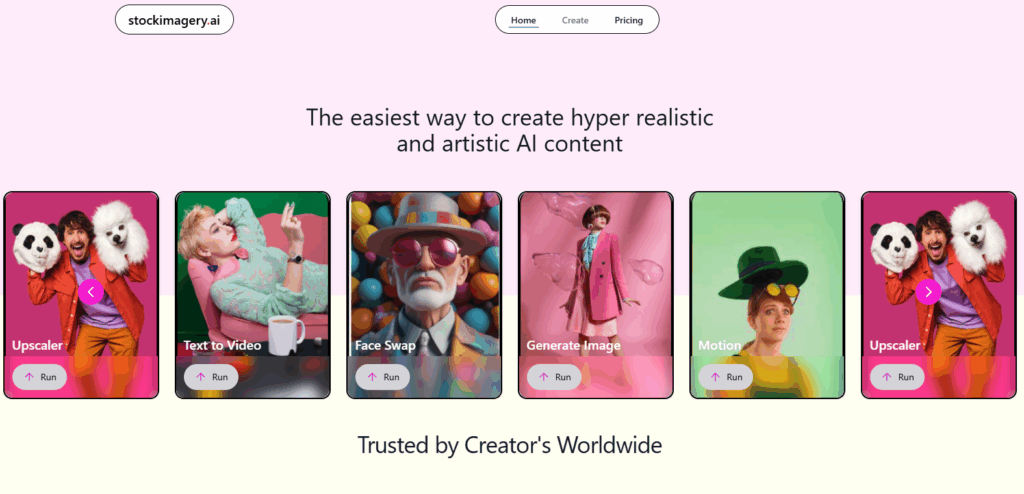
Image context: The retained image shows an earlier Cutout Pro homepage with featured tools and a PromeAI advertising banner. It is historical identification of Cutout Pro, not a current plan comparison or evidence that the advertised third-party product is included.
KEEP EXPLORING

More tools to discover.

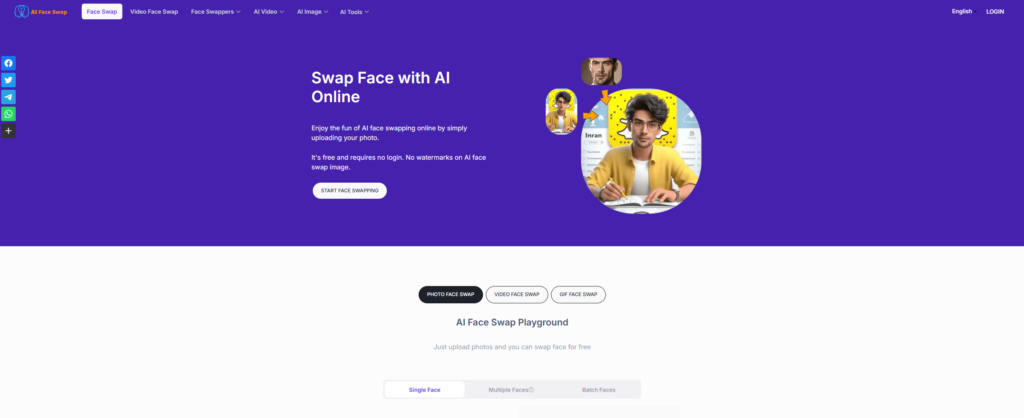
Historical AI Face Swap homepage with a purple background, face-replacement illustration, start button and photo, video and GIF tabs

Explore AIFaceSwap.io photo, GIF and video tools, with current credit pricing, conflicting limits, refund cautions and consent-based use.

Image EditingExplore
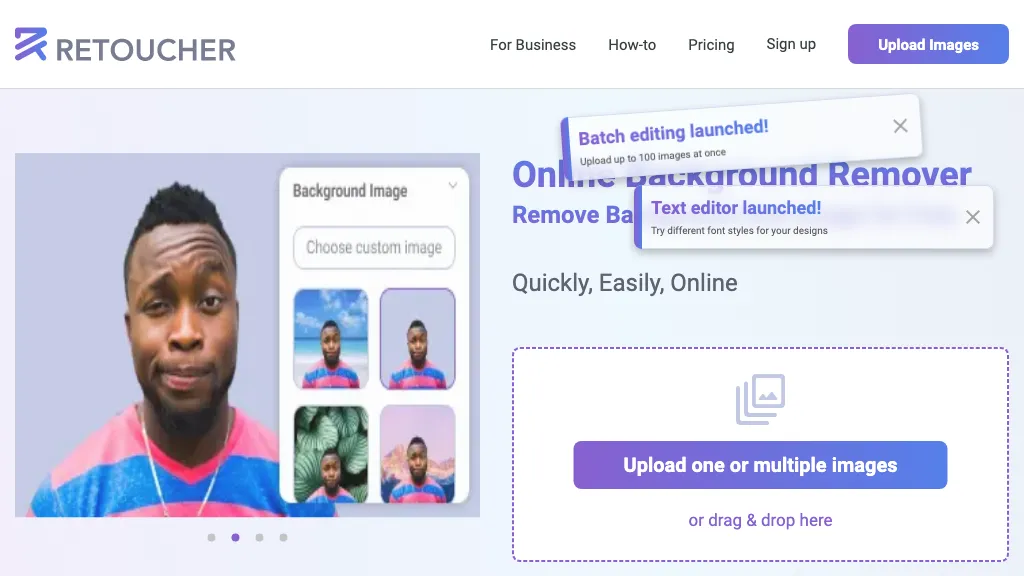
Historical Retoucher homepage with portrait background examples and batch-editing and text-editor banners

Review Retoucher AI's background-editing features, published prices and limits, refund conditions, and privacy gaps before choosing a plan.

Image EditingExplore
Two mountain-lake photo prints beside a teal paper chat bubble, paintbrush and magnifying glass.

Explore PixZap AI’s WhatsApp photo tools, credit costs, subscriptions and privacy policy. Learn what to check before uploading photos or buying credits.

Image EditingExplore
Pica AI homepage with Enlight your photos headline and Enhance, Face Swap and Headshot+ cards.

Explore Pica AI face swaps and headshots, its photo-tool move to Artguru, current free-access limits, privacy caveats and a practical portrait workflow.

Image EditingExplore
StockImagery AI

StockImagery AI helps creators produce hyper-realistic images, videos, and designs with AI tools like face swap, upscaler, and text-to-video.

Image EditingExplore
Find your next starting point