BarberGPT AI
Image Editing

BarberGPT AI

Visit website

Preview hairstyle ideas with BarberGPT AI. Review its three free generations, photo-handling claims and credit options before uploading or purchasing.

BarberGPT AI

Updated October 24, 2026.

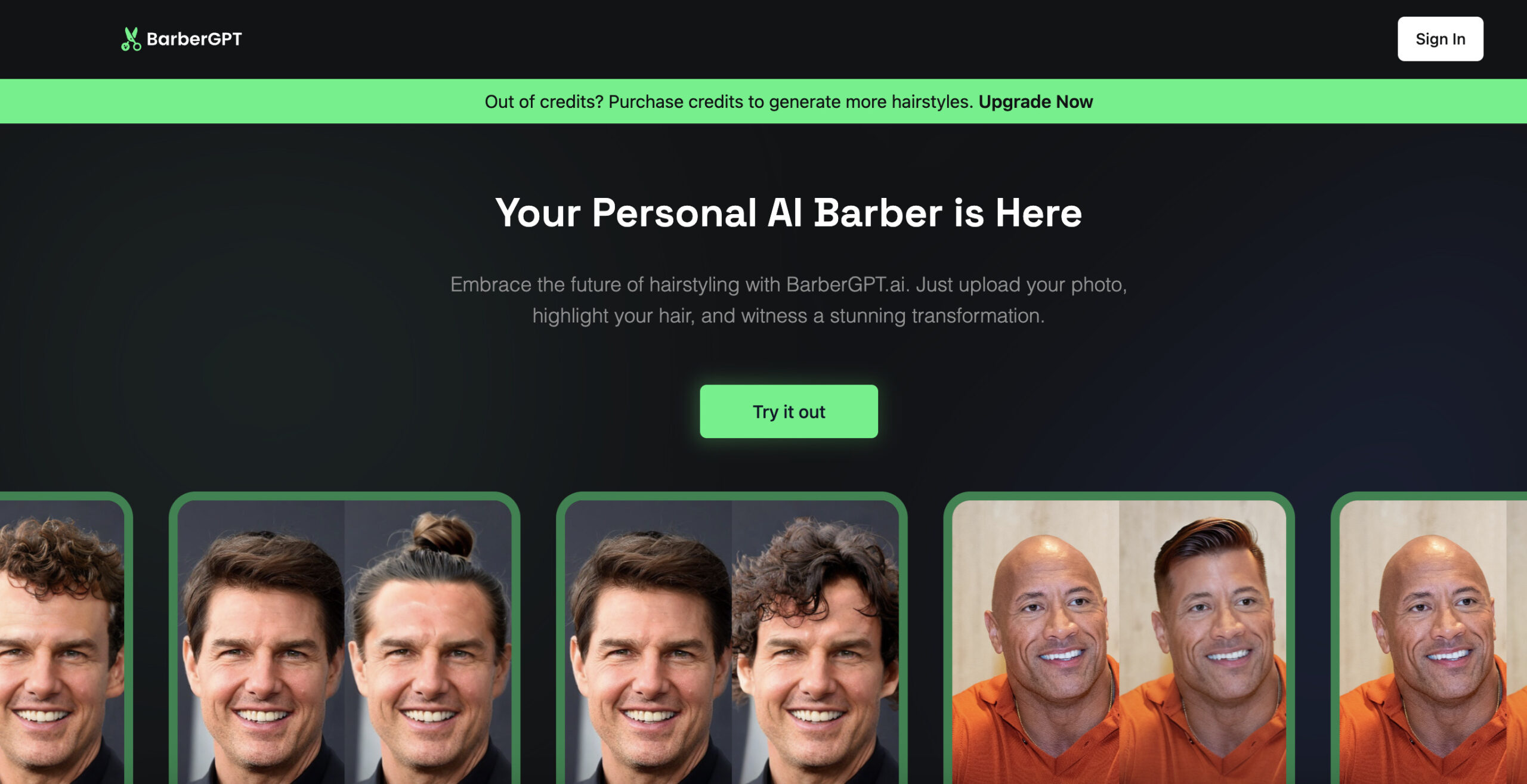
Historical BarberGPT homepage screenshot with sign-in and credit-purchase controls and hairstyle before-and-after marketing examples. Capture date is unknown; these previews are not verified real haircut results or a guarantee of the same outcome.

Name BarberGPT AI
Overview BarberGPT AI is a web-based hairstyle-visualization tool using an uploaded photo and a selected hairstyle to preview men’s styles such as buzz cuts, fades and dreadlocks. Treat generated previews as visual ideas rather than a promise of how a haircut will look on your hair. The current homepage shows an upload-and-select-style workflow and a Sign In control. Its FAQ offers the first three generations free; access without an account was not confirmed.
Key Features & Benefits
  • Generative AI Previews: Provides realistic hairstyle transformations based on user photos.
  • Wide Style Selection: Offers various men’s hairstyles, including modern and classic cuts.
  • User-Friendly Interface: Simple steps to upload, choose a style, and preview the result.
  • No Installation Needed: Accessible directly through web browsers without downloads.
  • Photo Privacy: The current FAQ says the provider does not sell user data to third parties. It does not establish that photos are never stored; retention and deletion details were not verified. Review those terms before uploading a photo.
Use Cases and Applications
  • Personal Style Exploration: Individuals seeking to try new hairstyles before visiting a barber.
  • Barber Consultations: Clients can show barbers potential styles for consideration.
  • Social Media Sharing: Users can share before-and-after images for feedback.
Who Uses?
  • Individuals: Men exploring new hairstyle options.
  • Barbers: Professionals assisting clients in visualizing potential cuts.
  • Content Creators: Users generating content around style transformations.
Pricing

The current official FAQ confirms the first three generations are free and that additional credits can be purchased. The paid package figures below are from the earlier listing and were not confirmed as current checkout offers:

  • Free Trial: First 3 hairstyle generations are free.
  • Starter Plan: $1 for 7 hairstyle generations.
  • Hobbyist Plan: $5 for 50 hairstyle generations.
  • Professional Plan: $15 for 300 hairstyle generations, including early access to new features.

Confirm credit consumption and expiry conditions before purchasing.

Tags AI Hairstyle Preview, Men’s Haircuts, Virtual Barber, Generative AI, Style Visualization, Web-Based Tool
App Available? Web-based access is the described delivery method. Current desktop/mobile compatibility and separate native-app availability were not verified.

Using hairstyle previews carefully

Use a clear photo you have permission to upload, review the official site’s current access and privacy terms, and compare generated hairlines and texture with the original. Bring a preferred image to a barber as a reference, not an assurance of an achievable result. This review did not test photo uploads or purchase credits.
KEEP EXPLORING

More tools to discover.

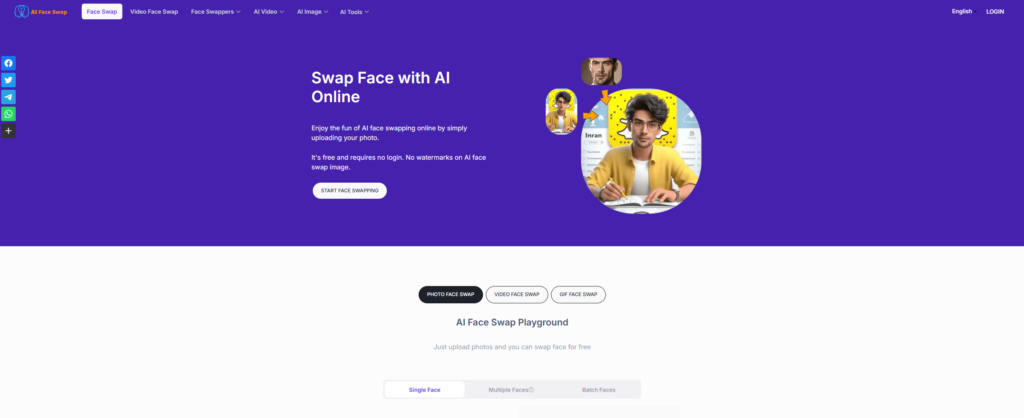
Historical AI Face Swap homepage with a purple background, face-replacement illustration, start button and photo, video and GIF tabs

Explore AIFaceSwap.io photo, GIF and video tools, with current credit pricing, conflicting limits, refund cautions and consent-based use.

Image EditingExplore
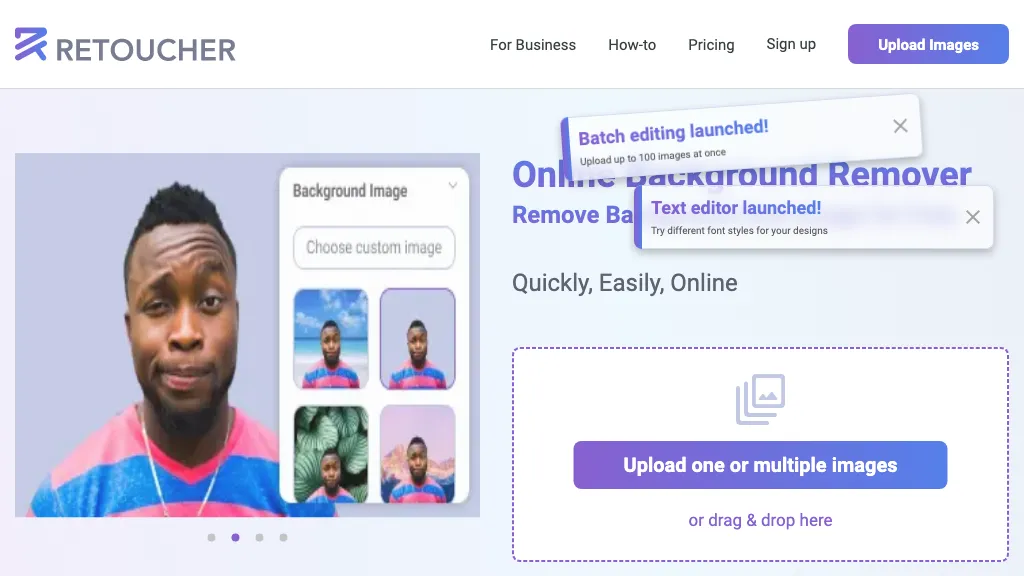
Historical Retoucher homepage with portrait background examples and batch-editing and text-editor banners

Review Retoucher AI's background-editing features, published prices and limits, refund conditions, and privacy gaps before choosing a plan.

Image EditingExplore
Two mountain-lake photo prints beside a teal paper chat bubble, paintbrush and magnifying glass.

Explore PixZap AI’s WhatsApp photo tools, credit costs, subscriptions and privacy policy. Learn what to check before uploading photos or buying credits.

Image EditingExplore
Pica AI homepage with Enlight your photos headline and Enhance, Face Swap and Headshot+ cards.

Explore Pica AI face swaps and headshots, its photo-tool move to Artguru, current free-access limits, privacy caveats and a practical portrait workflow.

Image EditingExplore
StockImagery AI

StockImagery AI helps creators produce hyper-realistic images, videos, and designs with AI tools like face swap, upscaler, and text-to-video.

Image EditingExplore
Find your next starting point