slidesgo
Presentations

SlidesGo

Visit website

Explore Slidesgo’s AI presentation maker, editable PPTX downloads, customization limits, login requirements and monthly free-generation allowance.

slidesgo

Updated: October 25, 2026

Name SlidesGo
Overview SlidesGo is an AI Presentation Maker that generates editable presentation drafts from a topic and instructions. The platform offers an extensive selection of customizable slides and various design styles such as doodle, simple, abstract, geometric, and elegant. Users can adjust text, colors and layouts in the online editor; the current AI-maker FAQ says uploading your own images is not yet available. Templates can include visual resources such as images and icons; resources from Freepik and Flaticon remain subject to their applicable license and attribution requirements. The AI maker currently downloads editable PPTX files for further editing in tools such as PowerPoint or Google Slides. Free accounts can generate up to three AI presentations per month and must be logged in to generate and download them.
Key features & benefits
  • ✔️ Quick presentation generation
  • ✔️ Extensive slide customization
  • ✔️ Multiple design style options
  • ✔️ User-friendly slide modification
  • ✔️ Free PPTX downloads within the monthly AI-generation allowance
Use cases and applications
  • Creating professional presentations for business or educational purposes.
  • Designing captivating slides for marketing campaigns or sales pitches.
  • Making appealing presentations for personal events or projects.
Who uses?
  • Professionals needing AI-generated design for presentations.
  • Educators seeking visually engaging materials for classes.
  • Individuals wanting to generate editable presentations for personal projects.
Pricing The free AI Presentation Maker allows up to three presentations per month, with an account and login required. Downloads are in PPTX format. Premium provides higher allowances and additional templates; check the current plan details for regional prices and limits.
Tags AI Presentation Maker, Customizable Slides, Free Tool, Presentation Generator
App available? No specific app, but accessible via web browser.

Sources: AI maker and FAQ; Plan limits; Terms and content licences.

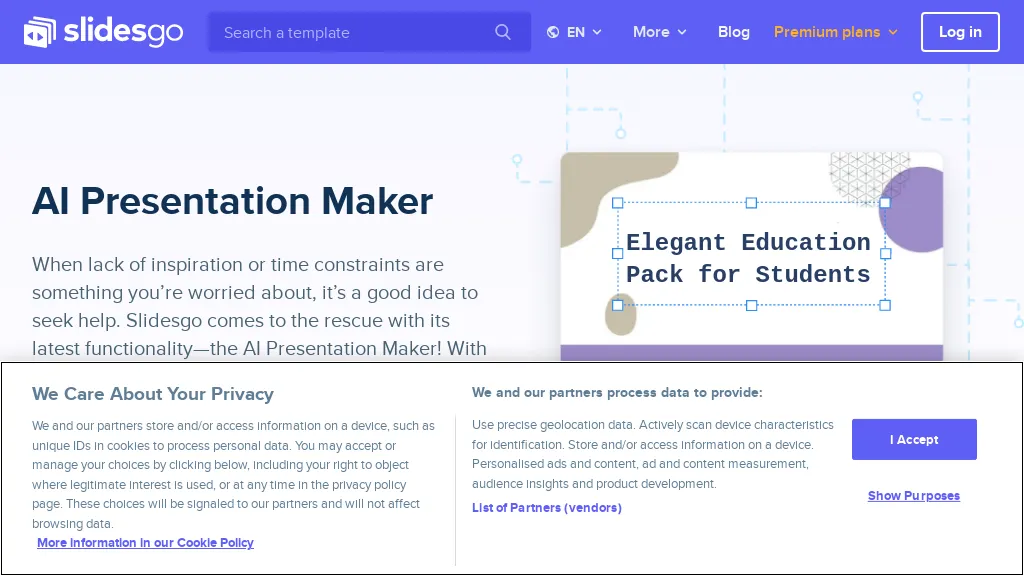
Image context: The existing image shows an earlier Slidesgo AI presentation-maker page with its cookie banner. It illustrates the historical interface, not a presentation generated or tested for this article; current limits are described above.
KEEP EXPLORING

More tools to discover.

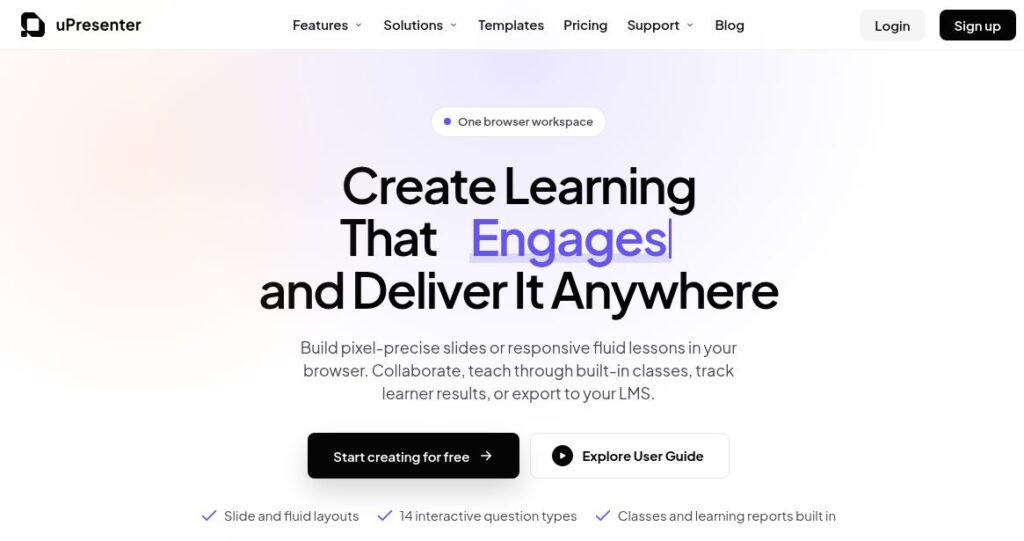
uPresenter official homepage with the headline “Create Learning That Engages and Deliver It Anywhere” and slide, fluid-layout and interactive-question features.

Explore uPresenter AI for presentations, quizzes and eLearning. Compare Free and Pro limits, export formats, pricing, privacy and practical checks.

PresentationsExplore
Slides Orator AI

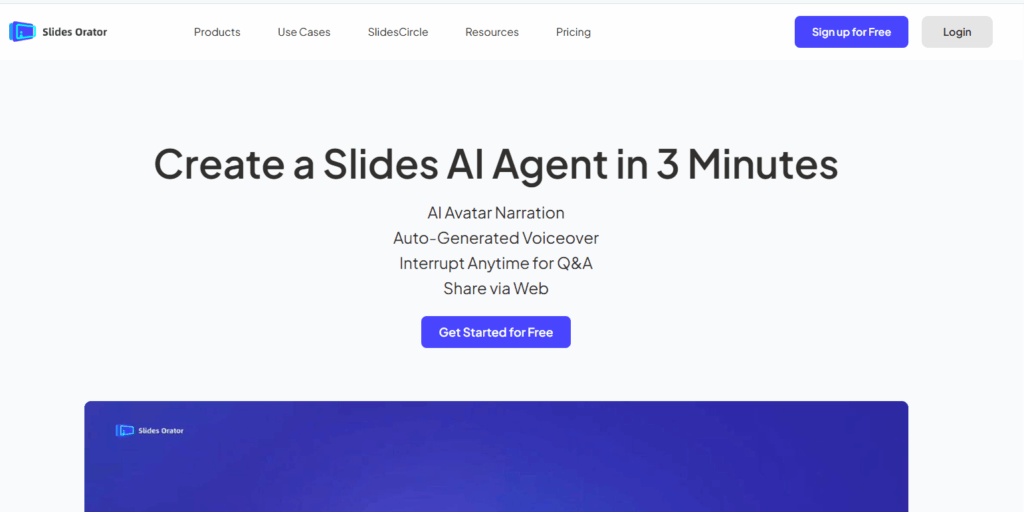
Slides Orator AI turns static slides into dynamic presentations with lifelike voiceovers, enhancing engagement and saving time for creators and businesses.

PresentationsExplore
SlidesPilot AI

Explore SlidesPilot AI presentation drafting, exports and mobile apps, with current credit mechanics and checks for pricing, refunds and slide quality.

PresentationsExplore
Preview unavailable

Explore SlideMake AI’s topic-based presentation drafts, free slide limits, optional credits and web access, with editing and source review before presenting.

Top AI ToolsExplore
Historical Gamma homepage with a colorful presentation headline, pastel stairways and portals, and a small astronaut illustration.

Explore Gamma’s AI presentation tools, free and paid credits, export options, mobile availability and privacy settings before choosing a plan.

PresentationsExplore
Earlier GPT-PPT interface with an empty presentation-title field, Generate button and Google login control

Read the earlier GPTOnline description of GPT-PPT’s title-to-presentation concept, with current access, pricing and output-verification limits.

PresentationsExplore
Find your next starting point