Updated October 25, 2026
| Category | Details |
|---|---|
| Name | VoiceCheap |
| Overview | VoiceCheap helps creators, educators and businesses translate and dub videos. Its current homepage advertises more than 70 languages, voice cloning, lip-sync and subtitles. These tools can support localization, but translation, pronunciation, speaker matching and timing still need review; native-quality results are not guaranteed. |
| Key Features & Benefits |
|
| Use Cases and Applications |
|
| Who uses? |
|
| Pricing |
The current official monthly cards display Beginner $7/month with 15 translated-video minutes; Starter $20/month with 48 minutes, currently advertising $10 today; Creator $59/month with 180 minutes, currently advertising $30 today; Pro $99/month with 252 minutes; and Scale $199/month with 540 minutes. These are displayed dollar-symbol prices, not the older euro plans. Introductory offers are separate from recurring rates; these figures use the selected Monthly display; the dollar symbol alone does not establish an ISO currency code. Lip-sync, API/MCP and team allowances vary by tier. The Beginner card lists 5 GB per file; current higher-plan upload-duration/file limits were not verified. Under the October 2026 Terms, refund requests are limited to five days from the initial subscription payment, not a new window for renewals or plan changes. Cancellation leaves access through the current billing period, subject to applicable terms. |
| Tags | AI dubbing, video translation, voice clone, multilingual videos, LipSync, AI voiceover, video localization, AI subtitle, content repurposing |
| App available? | VoiceCheap is a browser-based service. A current standalone mobile or desktop application was not verified; browser access should not be confused with an app-store release. |
In today’s global digital era, breaking language barriers is key to reaching broader audiences. VoiceCheap emerges as a multilingual Dubbing AI tool that empowers content creators, educators, marketers, and media producers to transform their videos into multilingual experiences with costs and output quality depending on the workflow.
Whether you’re a YouTuber aiming to reach new viewers worldwide, an online instructor teaching in multiple languages, or a business localizing marketing content, VoiceCheap offers a one-stop solution to translate, dub, and sync your videos with AI-generated voices and timing that require review.
What Makes VoiceCheap Stand Out?
VoiceCheap isn’t just another translation tool. It integrates AI voice technology, SmartSync voice matching, and LipSync animation to preserve the tone, timing, and personality of your original content. You can clone your own voice or reuse a speaker’s voice only when you have the necessary rights and consent; review consistency across languages.
For videos with multiple characters or speakers, VoiceCheap’s multi-speaker dubbing supports multiple translated voices, but speaker assignment and translated wording need human checks. Plus, you get automatic subtitle generation, background noise cleanup, and direct export options for platforms like YouTube.
How Can You Use VoiceCheap?
VoiceCheap is usable across several workflows, with real-world applications such as:
- YouTubers repurposing English content into Spanish, Hindi, or Japanese.
- eLearning creators localizing entire course libraries into French, German, and Portuguese.
- Marketing teams deploying regional ad campaigns with native audio.
- Social media influencers expanding content reach to non-English-speaking followers.
- Agencies managing dubbing for clients across industries – education, health, entertainment, and more.
Who Is VoiceCheap For?
VoiceCheap is designed for anyone serious about reaching global audiences through multilingual workflows. Potential users include:
- Independent content creators and influencers
- Digital marketers and ad agencies
- Educators and eLearning developers
- Media production teams
- Startups and SaaS companies creating explainer videos
Built-in collaboration is available with plan-specific team allowances; confirm the selected tier rather than assume ten members are included.
Conclusion
VoiceCheap is an AI-powered dubbing service for anyone who wants to make their video content truly multilingual and globally engaging. With realistic voiceovers, smart synchronization, and advanced LipSync tech, the provider advertises dubbing in more than 70 languages; perceived naturalness varies with the input, language and chosen voice.
Whether you’re a solo creator or a growing business, VoiceCheap simplifies global content creation, with potential editing and localization savings that depend on the project and review required.
Sources: Current workflow and plan cards · October 2026 rights, refund and YouTube integration terms
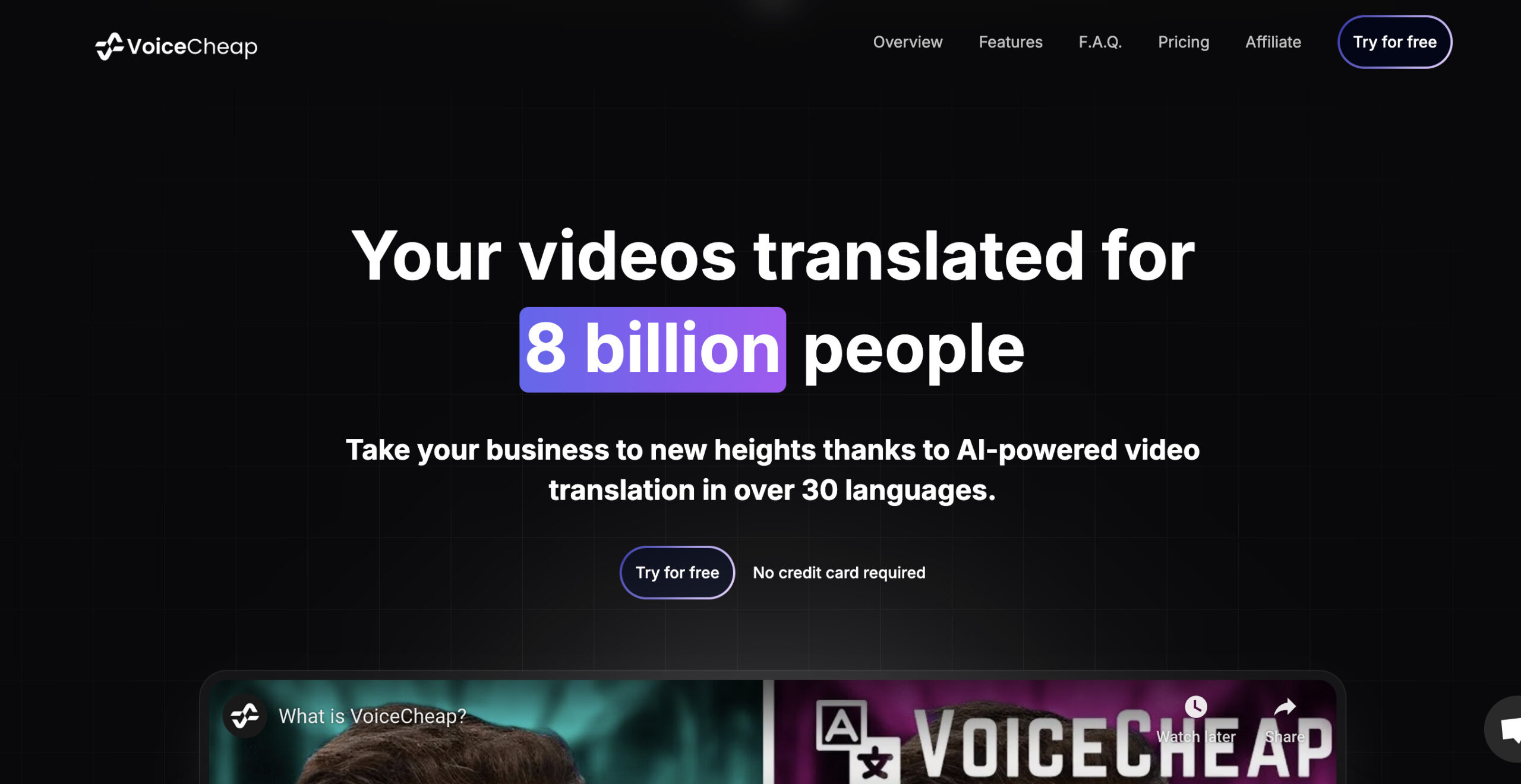
Historical provider screenshot: the earlier VoiceCheap homepage promotes reaching eight billion people, more than 30 languages and free access. These are provider marketing statements from an unverified capture date, not our dubbing test or proof of current plan allowances; current language and billing information is described above.