
Updated on October 20, 2026.
Featured image: browser screenshot of the official Notis logo asset, observed on its homepage and captured October 20, 2026 for product identification. Provider branding, not a hands-on product test.
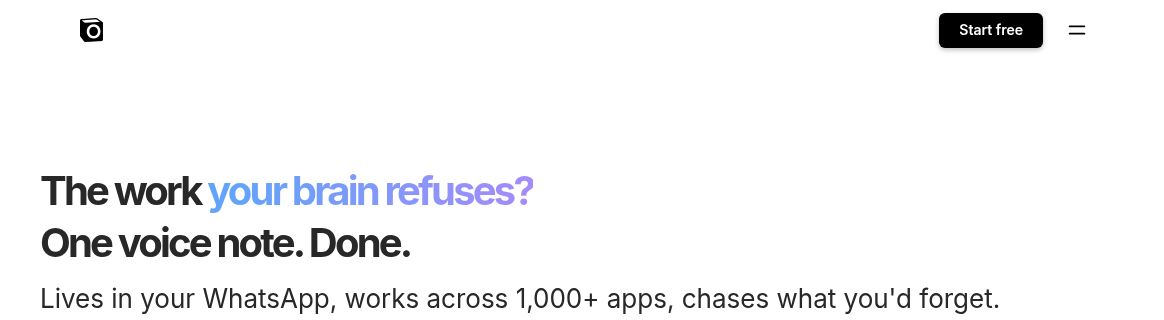
Homepage screenshot: screenshot of Notis’s official homepage, captured October 20, 2026. Headline and app-coverage wording are provider marketing, not a tested automation or integration guarantee.
| Name | Notis (Voice to Notion) |
|---|---|
| Overview | Notis is a messaging-first AI assistant that can transcribe voice messages and turn them into structured notes, tasks and content in Notion. The product linked from this Voice to Notion listing now also works across other connected apps. Its supported channels include WhatsApp, Telegram, iMessage, Slack and email, with web and desktop access. For creators, professionals and teams, the original use cases remain useful: capture meeting notes, journal by voice, or turn an idea into a draft without manually rebuilding it in Notion. Actions depend on the apps you connect and the plan you choose. |
| Key features & benefits |
|
| Use cases and applications |
|
| Who uses? |
|
| Pricing |
Prices above are USD monthly rates checked on October 20, 2026. Annual billing is also offered; check the full annual charge before subscribing. Paid trials last 7 days with a $20 usage cap, require payment details, and convert to the chosen subscription unless cancelled. The old $200 lifetime offer was not reconfirmed in current pricing. |
| Tags | Voice AI, Notion automation, meeting notes, audio transcription, productivity tool, second brain, AI assistant, voice journaling, async tools |
| App available? | Notis has a web app and desktop downloads for macOS and Windows. Messaging access includes WhatsApp, Telegram, iMessage, Slack and email. The checked current channel list does not establish Raycast as a supported channel. |
Using Notis for voice-to-Notion capture
Connect the Notion workspace and pages you want Notis to work with, then send a voice note that states the destination and desired format. For example: “Summarize this idea in my project notes and list three next steps.” This is an illustrative prompt, not a recorded test. Review the transcript, names, dates and task ownership before relying on the result, and make sure any recording is appropriate to share.
The official Notion integration page describes page creation, database updates and queries. Notis also works without Notion; the optional workspace remains a useful place to organize the notes described here. A standalone Notion knowledge graph was not verified.
Limits to check
Transcription is subject to the limits of the channel used. A voice message for transcription is different from a live Voice Mode conversation; plan access can differ. The plans and trial guide explains those distinctions.
Notis meters models, paid tools, voice and active cloud work against the included usage budget, so a subscription is not unlimited work. The usage guide describes rates and optional extra spending. Current desktop and web access replaces the older “no standalone app” description. No integration, trial or account action was performed for this listing.