Updated on October 20, 2026.
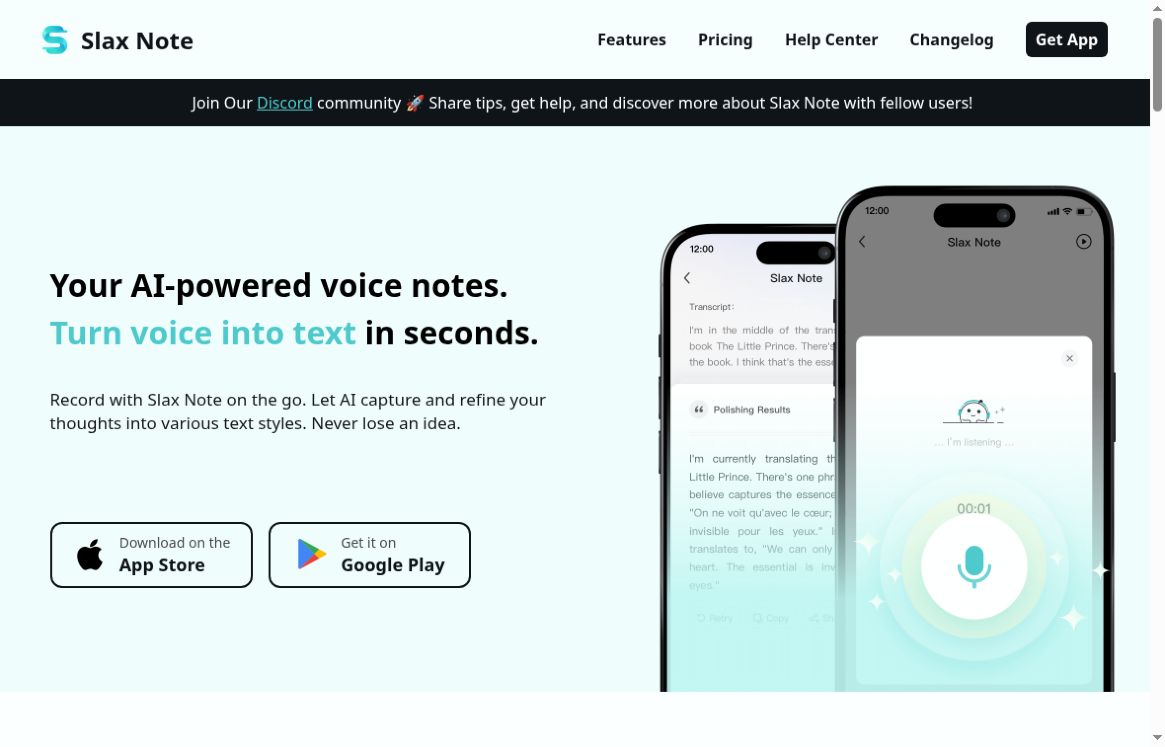
Featured image: screenshot of Slax Note AI’s official website, captured October 20, 2026. Vendor presentation, not a hands-on test.
Slax Note is a mobile voice-note app from Starry that turns recorded speech into editable text and offers AI rewriting styles. It suits short personal notes, spoken drafts, and idea capture when speaking is more convenient than typing. The core workflow remains recording, reviewing the transcript, and choosing how to polish or share it.
Features and current changes
- Voice-to-text and polishing: record a note, then refine punctuation and wording.
- Writing styles: use preset styles or a custom prompt for a summary, short post, or another text format.
- Sharing: copy text or share a note as an image.
- Audio import: official release notes document external audio importing from version 2.2.0, dated August 14, 2025.
- Multi-device notes: newer release notes describe account-based cloud synchronization, editable text notes, custom vocabulary, and archiving.
The homepage still says file uploads are unsupported and emphasizes local recording storage. Those statements do not fully reflect the newer release notes. Check your installed app version and settings before relying on an import or synchronization feature.
Pricing and recording limits
At the time of checking, the website advertised these as early-bird prices: its monthly selector showed $4.99 per month, while the yearly selector showed $49.99 per year. The site displays a dollar symbol without a currency code. The US App Store listing includes US$4.99 monthly and US$49.99 annual purchases, alongside other lower-priced purchase entries. These are not a promise that every account qualifies for a particular offer; the app’s checkout controls the available plan, currency, taxes, and renewal terms.
| Website plan | Notes | AI polishing | Recording cap |
|---|---|---|---|
| Free | 5 notes | 10 uses in total | 30 minutes per recording |
| Premium | Unlimited notes | 300 uses per day | 30 minutes per recording |
The 30-minute limit is per recording, not a stated lifetime allowance. The iOS version history also announces a 14-day Premium trial in version 4.0.0. Trial eligibility and what happens at its end should be checked in the app rather than inferred from the website’s free-plan table.
A practical way to use it
- Record one focused thought, or import an appropriate recording in a version that supports it.
- Read the transcript first. Correct names, figures, and any words the app misheard.
- Choose a writing style or provide a specific instruction, such as: “Turn this into three bullet points and a next step. Keep names and numbers unchanged.”
- Compare the polished version with the original before copying or sharing it.
A personal journal entry or spoken outline is a good small first project. For a meeting, obtain the participants’ permission and check the recording rules that apply to you. A 45-minute meeting also needs a plan for the app’s 30-minute recording cap; unlimited notes does not mean unlimited recording length.
Limits, privacy, and suitability
Recording can work offline, according to the provider, but transcription and AI conversion require an internet connection. Do not describe the whole workflow as offline. We have not independently measured recognition accuracy or tested supported languages.
The privacy policy is dated May 5, 2024 and predates the documented cloud-sync additions. The US App Store’s developer-provided privacy label says audio and other user content may be linked to identity. Avoid assuming that notes always stay only on your device, and clarify the current processing and storage arrangements before recording confidential material.
The published terms describe personal, non-commercial use. This limits how confidently we can recommend it for commercial client work despite the homepage’s content-creation examples. Confirm appropriate permission with the provider if that is your intended use.
Apps and availability
The official website offers iOS and Android download routes. The US iOS listing identifies STARRY TECH PTE. LTD. as the seller; regional store availability and purchase options can differ. This overview is based on official pages and release information, not hands-on testing.
Sources checked: October 20, 2026. Browse other voice tools for related workflows.