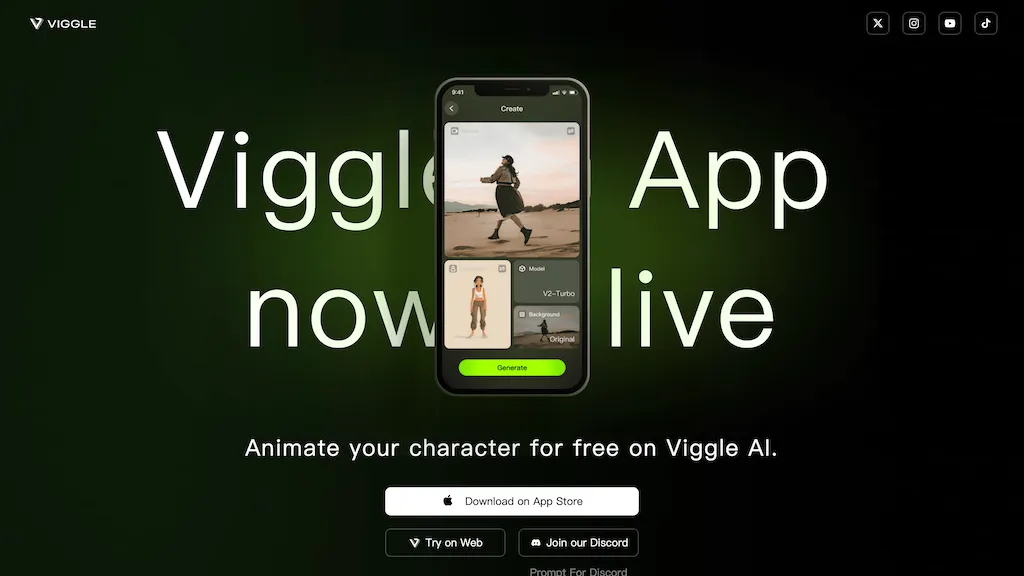
Image context: the existing Viggle app-launch screenshot shows an earlier interface. Its free-use message should be read with the current plan limits below; the original capture date is not recorded.
Updated October 23, 2026. Product details checked against Viggle’s official documentation and pricing.
| Name | Viggle AI |
| Overview | Viggle AI is a character-animation and video-creation platform available on the web and mobile. Its motion-transfer and character-replacement tools let creators use a character image with a motion reference to make dance clips, memes and other animated videos. It serves beginners as well as digital creators; results should be checked for visual artifacts before sharing. |
| Key features & benefits |
Viggle video outputs should not be confused with editable 3D assets. PINOC is a separately billed product for rigged 3D characters and motion exports such as FBX and GLB. |
| Use cases and applications |
|
| Who uses? |
|
| Pricing | A free plan provides five videos per day, one video generation at a time and seven-day asset and generation storage. Paid Pro, Live and Max plans list 80, 200 and 800 monthly credits respectively, plus watermark removal. Credit use varies by feature and model; monthly plan credits expire on the billing date. PINOC is billed separately. Check the official pricing page for current billing periods, prices and feature limits. |
| Tags | AI animation, video generation, mobile app, digital arts, social media |
| App available? | Yes. Viggle offers a web interface and official iOS and Android apps. Use the official download page to find the App Store and Google Play links. Features may differ across platforms. |
A short Viggle workflow
- Choose a character image and motion reference that you own or have permission to use.
- Use the relevant character-swap or motion-transfer tool, then check its credit cost and output settings before generating.
- Review the face, hands, clothing and motion for distortions. Save the result before any plan storage limit expires.
Get consent before using another person’s likeness. Do not present an AI-generated clip as authentic footage or an endorsement. Check music, image and video permissions before publishing; generation does not guarantee reach or virality.
Sources and review scope
- Viggle pricing and plan limits
- Official Viggle app downloads
- Viggle’s guide to motion and character tools
Reviewed October 23, 2026. This is a documentation-based overview, not a hands-on performance test. Billing, credits and platform availability can change.