Updated October 19, 2026. Reviewed and revised for current information.
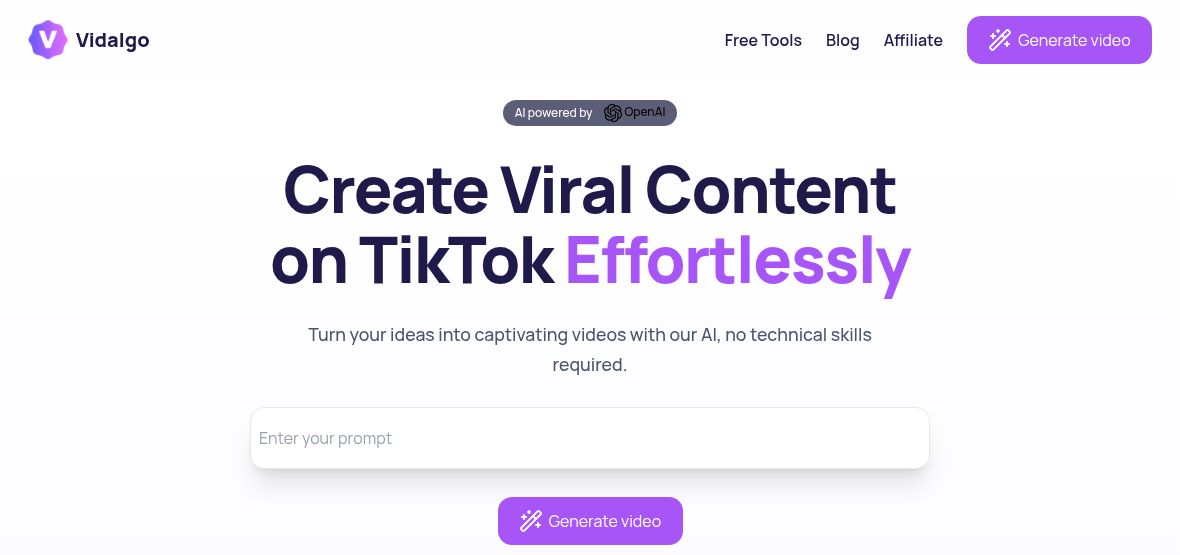
Image: Official Vidalgo homepage with an empty prompt field, captured October 19, 2026. Viral-content and ease-of-use wording are provider marketing; no prompt was submitted and no video or publishing workflow was tested.
Vidalgo AI is a browser-based video creation tool for short-form social content. Its official website describes a workflow that turns an idea into a script, selects images and assembles a video. The service targets formats used on TikTok, YouTube Shorts and Instagram Reels.
What can Vidalgo AI do?
- Build a video from an idea: start with text or a link and use AI-assisted scripting and assembly.
- Customize the presentation: adjust voices, visual styles and background music.
- Generate supporting ideas: use the random-idea feature and AI-generated titles and hashtags.
- Create in multiple languages: the homepage lists English, French, German, Spanish, Portuguese and other European languages.
These features suit creators preparing explainers, short educational clips or promotional drafts. Select a topic and audience first, then review the script, images, pronunciation and on-screen text before publishing. A good short video still needs a clear message and accurate information.
Availability and workflow limits
The public site links to a browser sign-in page. Automated publishing is labeled “soon” on the homepage, so it should not be assumed to be an available feature. The reviewed pages did not establish dedicated mobile-app availability.
Pricing
As checked on October 19, 2026, the public homepage did not provide a usable plan-and-price table, and the pricing URL led to sign-in. A current subscription price or free allowance could not be verified from those pages. Check the account’s current offer and included generation limits before paying.
What to check before using it
Try a representative topic before committing to a recurring workflow. Check whether the export format, voice choices and editing controls meet your needs. Confirm the rights for your chosen music and visual material, particularly for advertisements or client work. The vendor’s engagement and time-saving figures are marketing claims; they do not establish what an individual creator will achieve.