Updated: October 25, 2026
| Name | tl;dv |
| Overview | tl;dv is an innovative, AI-powered meeting software designed to enhance online meeting productivity. It seamlessly integrates with platforms like Google Meet and Zoom, allowing users to automatically video record, transcribe conversations, and highlight significant moments in high quality. With the capability to transcribe in over 20 languages, tl;dv provides a user-friendly solution for capturing detailed meeting insights and offers summarized notes, making it easier for teams to stay organized and informed. |
| Key features & benefits |
|
| Use cases and applications |
|
| Who uses? | Busy professionals, remote teams, non-native language speakers, and organizations focused on accessibility. |
| Pricing | A free plan is available with limited AI notes and Ask AI queries, up to three months of recording retention, a three-hour recording limit and a 40-per-week web-recording cap. The pricing card and comparison table show different free Ask AI allowances, so do not assume a single guaranteed quota. The Monthly option checked on October 25, 2026 lists Pro at $29 per seat per month and Business at $39 per seat per month, billed monthly; annual billing has different rates and Enterprise is quoted separately. |
| Tags | GPT-powered meeting software, online meeting productivity tool, AI meeting assistant |
| App available? | Available through the web and Chrome extension, with desktop apps for Mac and Windows. The desktop recorder captures system audio without a meeting bot. The current pricing page also lists iOS and Android mobile apps, unlike the homepage FAQ’s no-mobile-app wording; check the provider’s current download links for device availability. |
Sources: Official desktop apps; Free-plan limits; Recording fair-use and service terms; Current plan and billing selector.
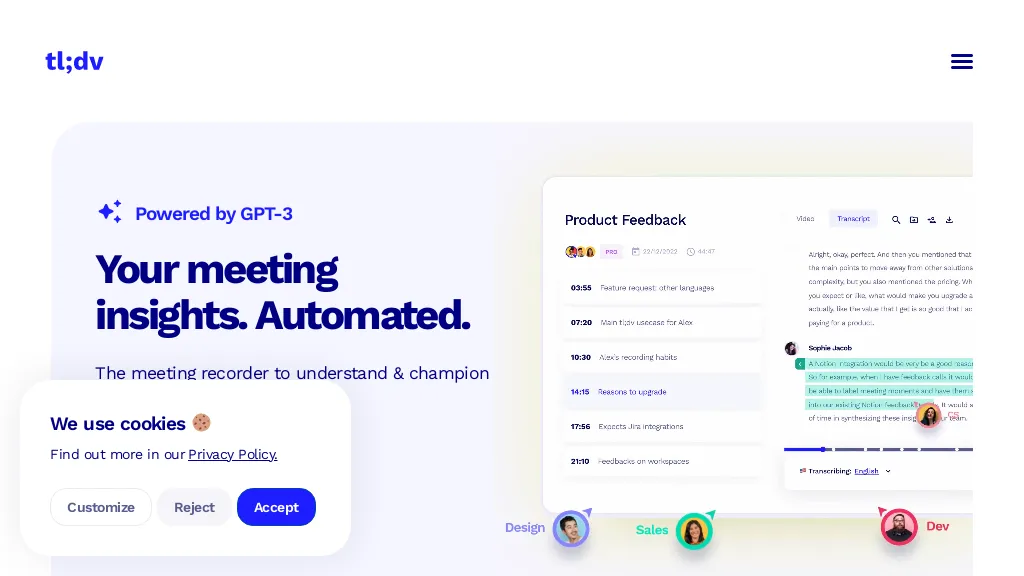
Image context: The existing image is an earlier tl;dv homepage with “Powered by GPT-3,” product-feedback messaging and a cookie panel. It is historical product identification, not a current model specification or a tested productivity result; the capture date is unavailable.