jamie
Meeting Assistant

Jamie

Visit website

Explore Jamie’s meeting summaries, bot-free desktop apps and mobile access, with free-plan limits and the distinction between capture and AI processing.

jamie

Updated: October 25, 2026

Name Jamie
Overview Jamie acts as your personal meeting assistant capable of summarizing meetings conducted through any video conferencing platform. It can capture in-person meetings; offline capture should not be confused with fully offline transcription or AI processing. Notably, Jamie is a native application that eliminates the need for plugins or bots to join calls, making it a seamless solution for users looking for efficient meeting management.
Key features & benefits
  • ✔️ Automated meeting summarization
  • ✔️ In-person meeting capture; AI processing requires connectivity
  • ✔️ Compatibility with various video conferencing platforms
  • ✔️ Standalone native app
  • ✔️ No meeting bot or conferencing plugin required; install the Jamie app
Use cases and applications
  • ✔️ Automatic generation of meeting summaries
  • ✔️ Enhancing overall meeting productivity
  • ✔️ Decreasing preparation time for meetings
Who uses?
  • Busy professionals
  • Meeting participants
  • Office workers
Pricing The free plan includes 10 AI notes per month and a 30-minute meeting limit. With Monthly billing selected on October 25, 2026, Plus is $29 per month, Pro $55 per month and Team $45 per seat per month; Enterprise is custom and billed annually. Plus includes 20 notes and a two-hour meeting limit; Pro and Team advertise unlimited notes with a five-hour meeting limit. Annual billing has different rates.
Tags AI Meeting Assistant, Video Conferencing, Virtual Meeting, Meeting Summarizer
App available? Native apps are available for macOS and Windows. Jamie also documents iOS and Android apps for in-person recording and synced meeting access; they do not record phone calls.

Before recording, tell participants and establish the appropriate permissions; review the generated summary and action items before sharing.

Sources: Plans and billing; Desktop installation; Mobile recording and access; Audio processing; Recording permissions.

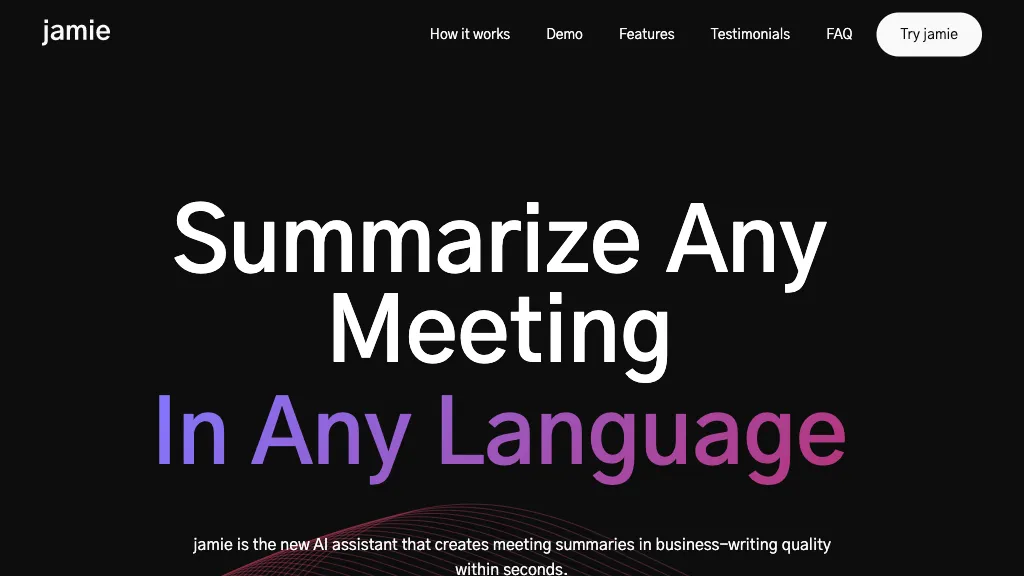
Image context: The existing image is an earlier Jamie homepage with “Summarize Any Meeting In Any Language” marketing. It identifies the product, not a guarantee of support for every meeting, language or recording condition; the capture date is unavailable.
KEEP EXPLORING

More tools to discover.

noota

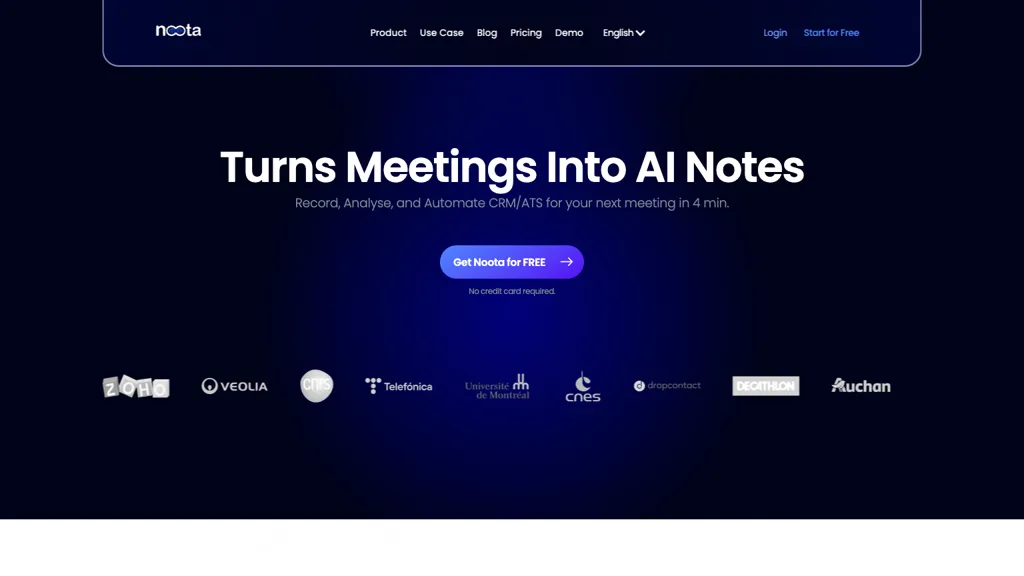
Explore Noota meeting recordings, transcripts and AI notes, with current app access, plan limits and participant-notification and sharing considerations.

Meeting AssistantExplore
groupflows

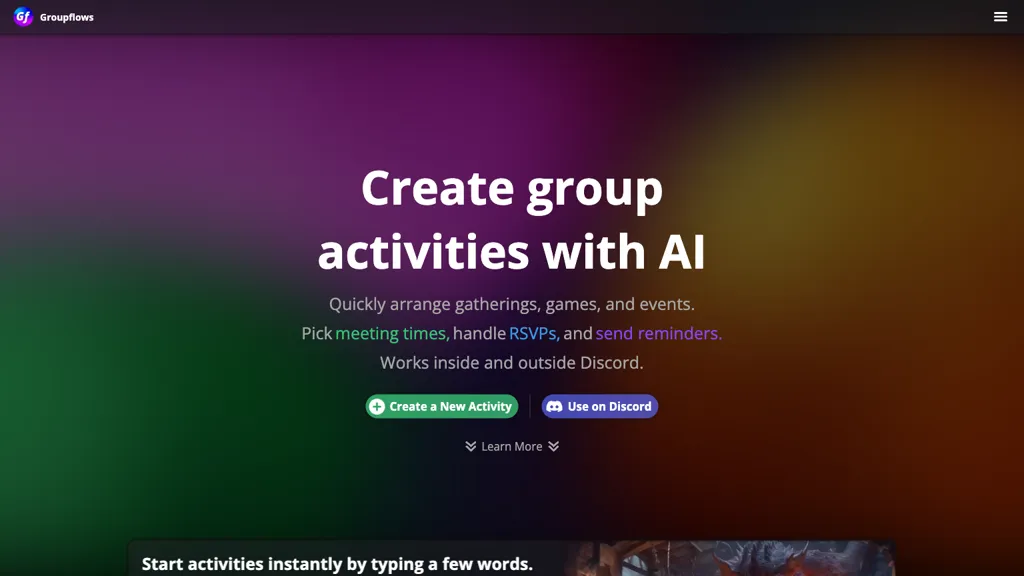
Discover Groupflows, the ultimate tool for seamless event organization and group activity management on Discord. Simplify scheduling, RSVP handling, and reminders for your gatherings…

Meeting AssistantExplore
aimbly assistant

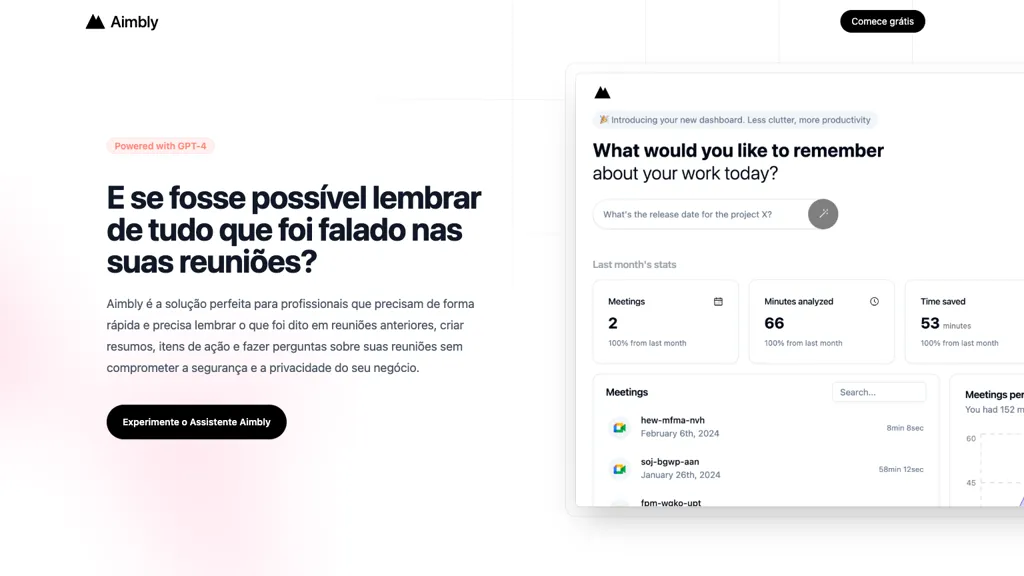
Discover Aimbly Assistant, your AI meeting companion that simplifies recalling, summarizing, and acting on past discussions while ensuring data privacy. Perfect for busy professionals…

Meeting AssistantExplore
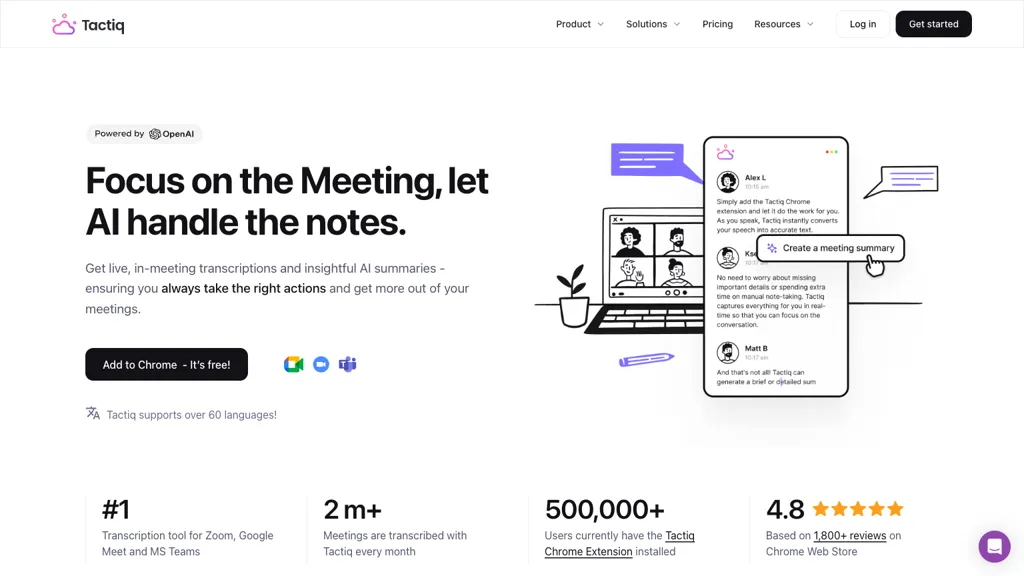
Historical Tactiq homepage with a meeting-notes headline, black Chrome button, laptop illustration, and floating transcript cards.

Explore Tactiq meeting transcripts, supported apps, USD pricing, AI credit limits, transcript storage, and sharing controls before choosing a plan.

Meeting AssistantExplore
tldview

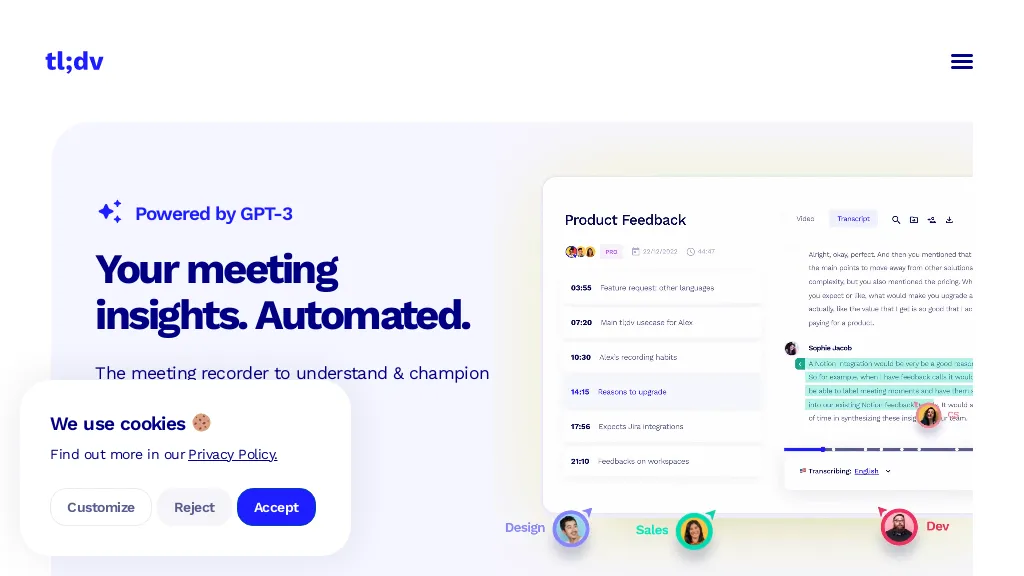
Explore tl;dv meeting recording, transcripts and summaries, with Mac and Windows apps, browser access, free-plan limits and transcript-review guidance.

Meeting AssistantExplore
Find your next starting point