noota
Meeting Assistant

Noota

Visit website

Explore Noota meeting recordings, transcripts and AI notes, with current app access, plan limits and participant-notification and sharing considerations.

noota

Updated: October 25, 2026

Name Noota
Overview Noota is a meeting recorder and AI-assisted transcription and note-taking service with free and paid plans. Live transcription and other advanced features depend on the selected plan and recording method. It enhances the meeting experience by providing insights, suggestions, and easy access to recorded knowledge. Users benefit from features like speech-to-text transcription, which assists tasks such as sales follow-ups, training, and research interviews. Additionally, the tool’s note-taking templates help in efficiently capturing essential details. Noota integrates with CRM and ATS systems, making it a versatile solution for various sectors including sales, academia, consulting, and podcasting. Users can get started with Noota for free to improve their meeting productivity.
Key features & benefits
  • Meeting capture, with live transcription on eligible plans
  • Speech-to-text transcription capabilities
  • AI-generated meeting notes
  • Pre-designed note-taking templates
  • Integration with CRM and ATS platforms
Use cases and applications
  • Transcribe sales meetings to draft follow-up notes, then check names, figures and action items against the recording.
  • Transcribe academic interviews, using live transcription where the plan supports it, so researchers can focus on discussions and review the transcript afterward.
  • Improve decision-making in consulting sessions with AI-generated notes that document essential information.
Who uses?
  • Busy professionals
  • Sales teams
  • Customer support teams
  • Marketing teams
  • Project managers
  • Students
  • Researchers
Pricing Monthly pricing checked on October 25, 2026 with EUR selected:

  • Free — €0: The current card lists one-month storage. Unlimited recording requires a connected calendar, Join all meetings enabled and automatic summary sharing with participants; verify these settings before recording.
  • Pro — €29 per user/month: Adds paid features such as live transcription and bot-free recording, with six-month storage.
  • Business — €49 per user/month: Adds broader automation/API and storage allowances. AI-credit limits are distinct from recording minutes, and account features should be checked separately.
  • Enterprise: Custom pricing with annual billing; contact the provider for the applicable quote and limits.

Annual offers are separate from these selected month-to-month rates. Verify current conditions with Noota. The separate FAQ reference to 500 minutes of history is not treated here as a monthly recording quota or as equivalent to one-month storage.

Tags AI Meeting Recorder, Transcription, Note-taking, Productivity Tool
App available? Yes. Noota offers web access, Windows/macOS desktop apps, official iPhone and Android apps, and a Chrome-extension route. Features and plan eligibility differ by capture method; use the provider’s official download links.

Before recording: Inform participants and obtain the required permission or consent, then review the recording mode and summary-sharing settings. Official pages differ about automatic notifications across bot, desktop and extension modes, so do not assume that every participant is notified or has consented. Check AI notes against the original conversation.

Sources: Meeting tools and official downloads; Plan features and Free conditions; Desktop recording scope; Method-specific notification guidance; Recording and personal-data responsibilities; Website and service terms.

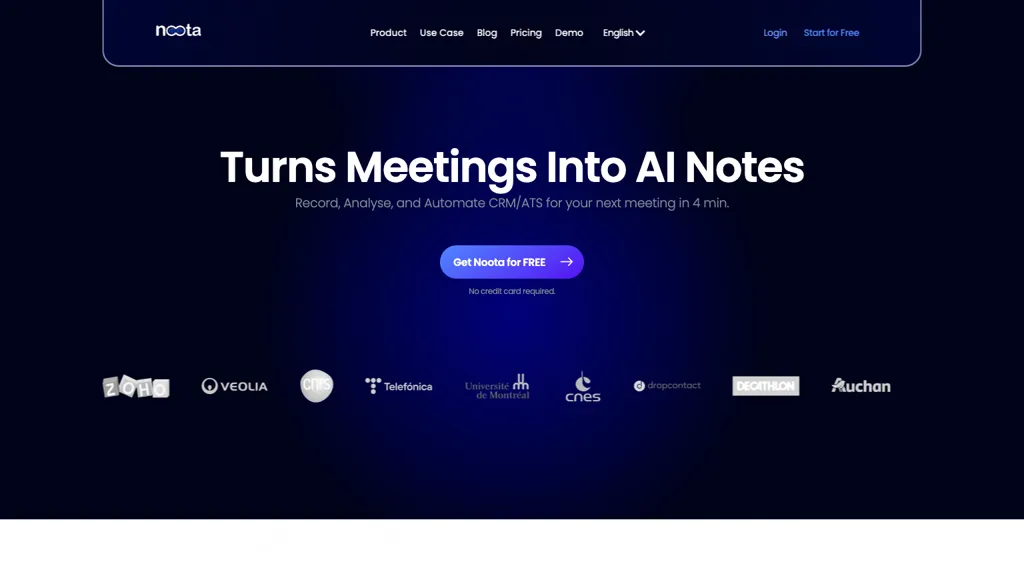
Image context: The existing image shows an earlier Noota homepage promoting AI meeting notes and free entry. Its capture date is unknown; the free-entry wording does not establish that every current recording, live-transcription or sharing feature is free.
KEEP EXPLORING

More tools to discover.

groupflows

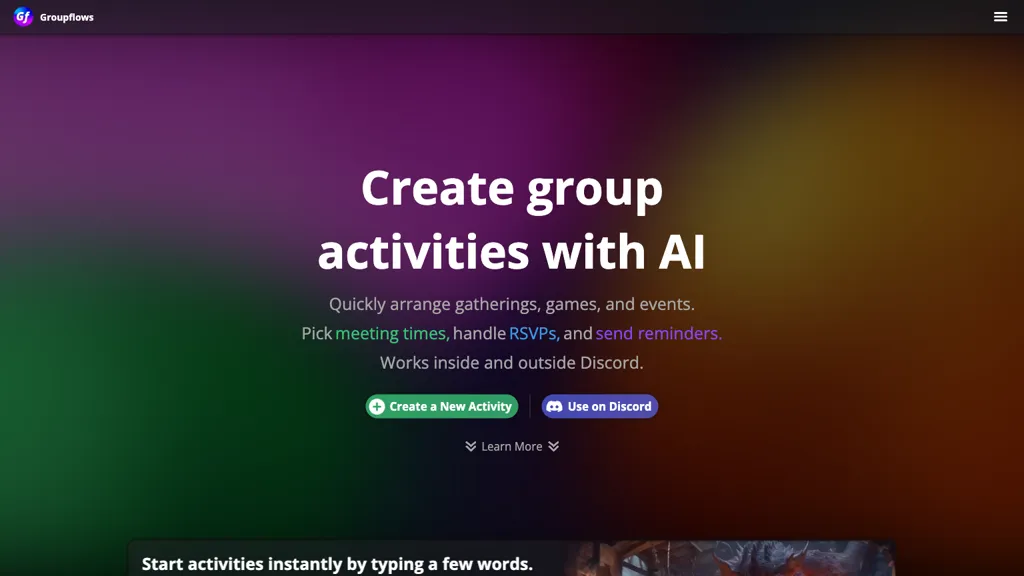
Coordinate activities with Groupflows time voting, RSVPs and reminders. Compare its free tier and advertised $5 monthly Premium plan.

Meeting AssistantExplore
jamie

Explore Jamie’s meeting summaries, bot-free desktop apps and mobile access, with free-plan limits and the distinction between capture and AI processing.

Meeting AssistantExplore
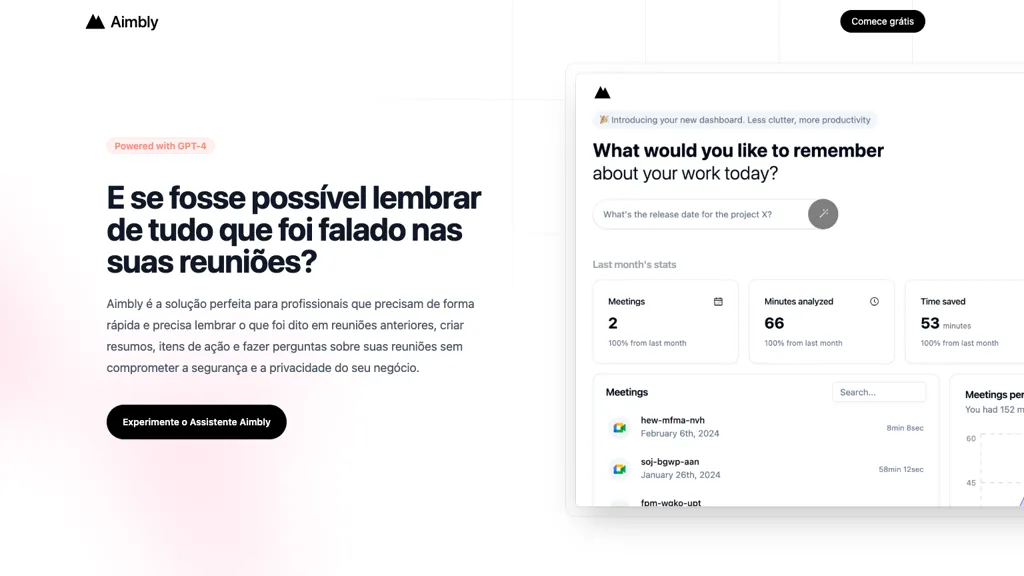
Historical Aimbly homepage with a GPT-4 badge and a meeting-summary demo dashboard.

Read the earlier Aimbly meeting-assistant profile and the checked domain mismatch. Current access, pricing and data-security claims remain unverified.

Meeting AssistantExplore
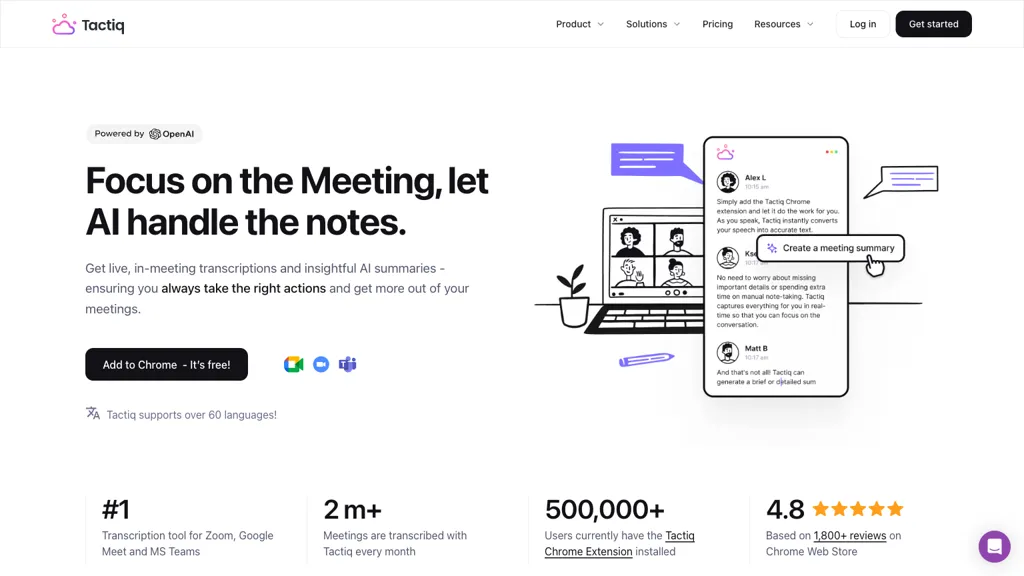
Historical Tactiq homepage with a meeting-notes headline, black Chrome button, laptop illustration, and floating transcript cards.

Explore Tactiq meeting transcripts, supported apps, USD pricing, AI credit limits, transcript storage, and sharing controls before choosing a plan.

Meeting AssistantExplore
tldview

Explore tl;dv meeting recording, transcripts and summaries, with Mac and Windows apps, browser access, free-plan limits and transcript-review guidance.

Meeting AssistantExplore
Find your next starting point