Updated: October 29, 2026
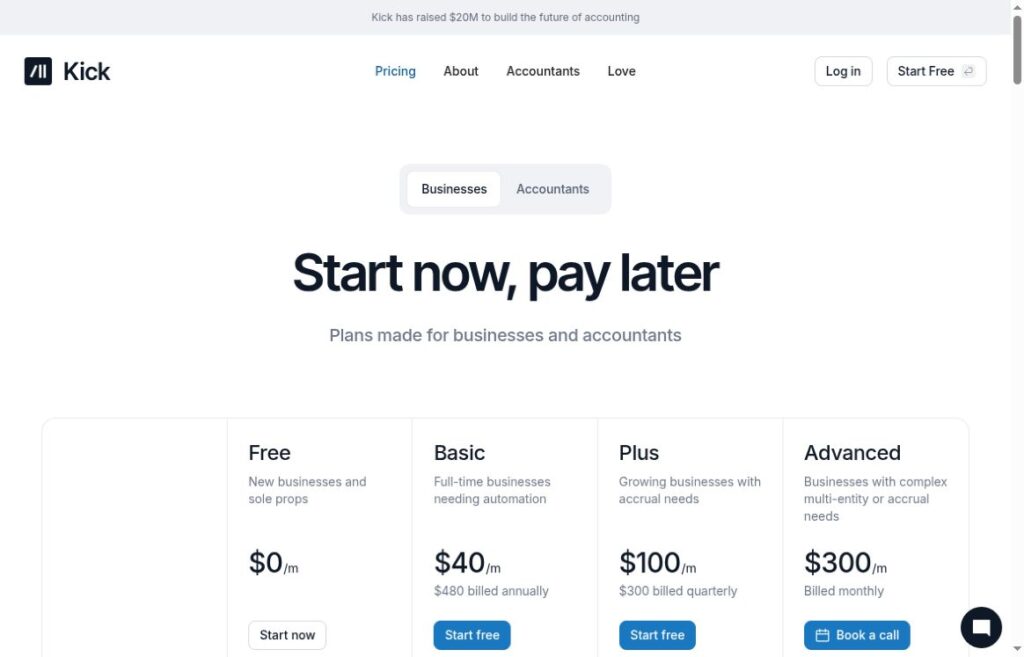
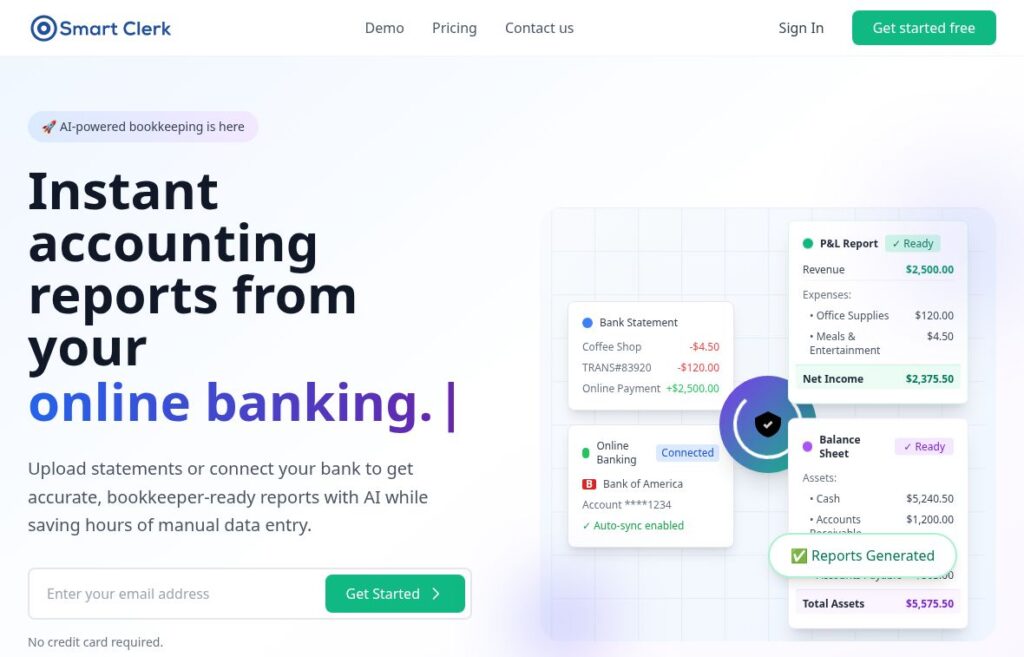
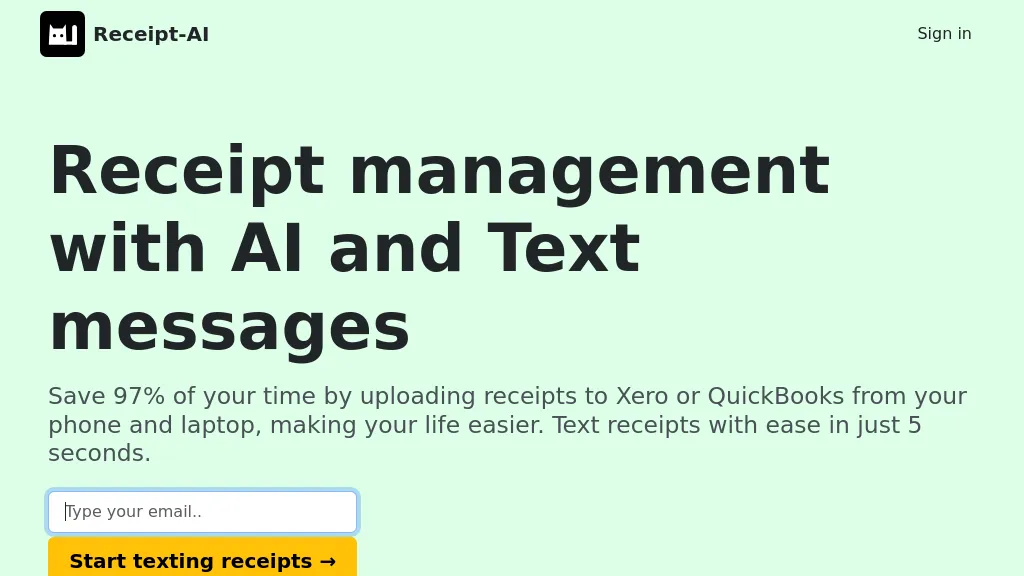
Image note: Historical Receipt AI homepage with an empty email field. Capture date unknown. The displayed 97% time-saving and five-second claims are old marketing, not results measured or verified in this review.
| Name | Receipt AI |
| Overview | Receipt AI is a receipt-management service from Big Green Company. It extracts details such as dates, vendors, totals and line items from submitted documents and helps organize expenses. Receipts can be submitted through the website, email, SMS or WhatsApp. The provider currently lists SMS support for US, Canadian and Australian phone numbers. Send one receipt photo per SMS or WhatsApp message; email supports up to three photos at a time. Xero and QuickBooks Online synchronization is available on the Business plans, not Pro. Review extracted information and proposed accounting entries before approving them. |
| Key features & benefits |
|
| Use cases and applications |
|
| Who uses? |
|
| Pricing | The provider’s public plan guide lists Pro with one member and 100 pages per month, Business Basic with five members and 500 pages per month, and Business Advance with ten members and 2,500 pages per month. Pro does not include accounting synchronization; both Business plans do. These allowances are pages, not necessarily individual receipts. The guide asks visitors to provide an email address to see prices and start a free demo. Current amounts, currency, billing terms and demo limits were not independently verified; check them before subscribing. |
| Tags | Receipt management, AI tools, business productivity, financial organization |
| App available? | Receipt AI describes a web service with SMS, email and WhatsApp submission; no separate app download is required for those workflows. This is not confirmation of a native iOS or Android store app. |
Example workflow
For an illustrative practice exercise, imagine a fictional office-supplies receipt. Check the extracted vendor, date, total and line items against that receipt, correct any errors and assign the appropriate category before approving an accounting match. This is a hypothetical example, not a tested Receipt AI result. For real records, use only documents you are authorized to process and have an appropriate reviewer check accounting and tax treatment.
Privacy and limitations
Receipt AI’s privacy policy describes collection of contact, payment, receipt and accounting information, along with usage data, and sharing with service providers or where legally required. It explicitly does not guarantee absolute security. Do not treat cloud storage as a guarantee against data loss or automated extraction as professional accounting advice. Review the current policy and your organization’s requirements before sending sensitive records.
Sources checked October 29, 2026: official features and upload FAQ, plan guide (dated October 3, 2025), privacy policy and terms of service. Features are provider descriptions; no receipt upload or accounting integration was tested for this review.