Outfeed AI is a browser-based social media manager that turns a written brief into drafts, previews and scheduled posts. Its appeal is the connection between writing and distribution: a small team can prepare several network versions within one conversational workspace.
Editorial note, 16 October 2026: This listing is based on Outfeed AI’s public product documentation, pricing and policies. We did not create an account, connect social profiles or test publishing. Feature descriptions below are vendor-documented capabilities, not measured performance results.
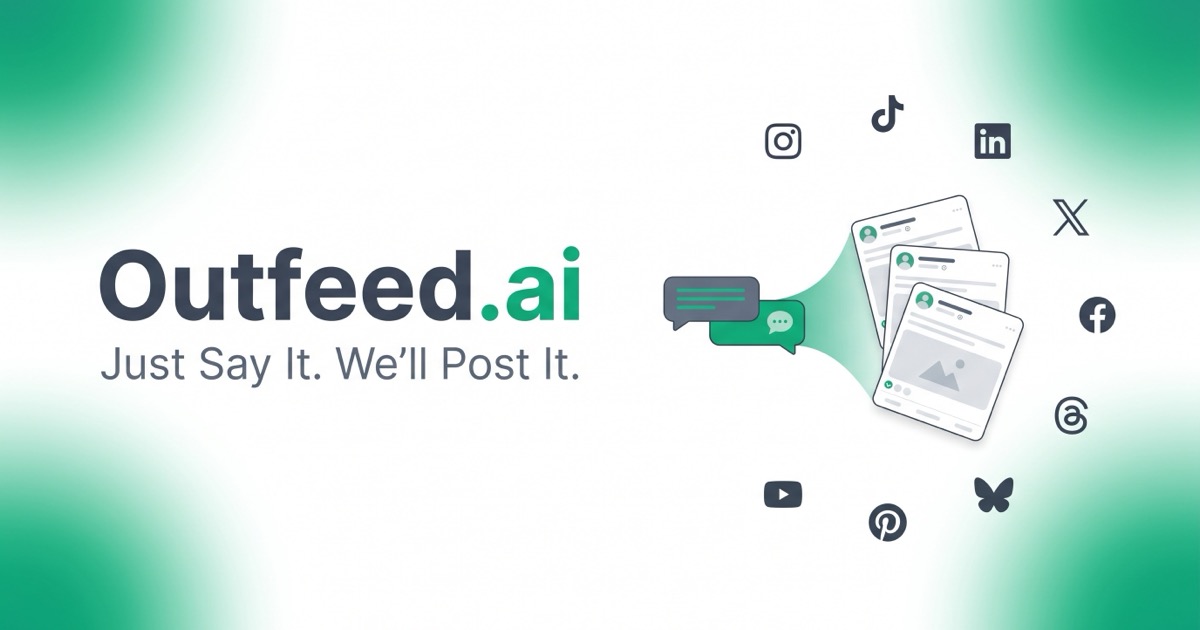
Official Outfeed AI promotional brand artwork, used for editorial identification under the press-kit licence. Retrieved October 16, 2026; the slogan is vendor marketing, not a tested result or product screenshot.
What Outfeed AI does
The official feature overview lists Instagram, TikTok, LinkedIn, X, Facebook, Threads, YouTube, Pinterest and Bluesky. Users describe the message, inspect network-specific previews and choose immediate publication or a scheduled time. A calendar and organization workspaces help keep upcoming content and shared accounts together.
Nine supported networks does not mean every network has identical capabilities. Before moving a campaign, check that your account type, media format and intended publishing action are supported. A caption workflow and a video-upload workflow need different assets and checks.
Review before publishing
Outfeed’s product guide describes approval between generated drafts and publication. This is a useful checkpoint for checking facts, tone and destinations. It should not be confused with a multi-stage client sign-off system: the same guide identifies formal approval chains, social listening, unified inboxes and deep analytics as gaps in its offering.
Keep an accountable reviewer in the process. A polished preview cannot establish that a promotion is accurate, a photograph is licensed or a promise is approved. Decide who checks those details before inviting colleagues into a shared workspace.
Plans and pricing
The pricing guide, updated 3 October 2026, lists these monthly-billed plans in US dollars, excluding applicable taxes:
- Starter: $29/month flat. One member, 10 social accounts, 100 posts monthly and 500 monthly AI credits.
- Pro: $59/month flat. Three members, 25 accounts, unlimited posts and 1,000 monthly AI credits. Brand Voice AI, per-platform overrides and bulk scheduling start here.
- Agency: $149 per seat/month. Up to 250 accounts across the organization, unlimited posts and 2,500 monthly AI credits per seat, with an hourly usage limit.
- Enterprise: custom pricing. Contact the vendor for a quote.
Annual equivalents are $24/month for Starter, $49/month for Pro and $124/seat/month for Agency. These require annual billing rather than paying those lower amounts month by month. AI allowances can change, so verify the checkout and in-app limits.
The current pricing section offers Starter a three-day trial with 100 AI credits and a required payment card. Pro and Agency charge from day one. There is no permanent free plan for the core manager.
Billing and cancellation
Under the terms of service, subscriptions are billed in advance, monthly or annually. A trial becomes the selected paid subscription unless cancelled before it ends. Cancellation through account settings leaves access until the paid period ends; partial-period refunds generally are not provided, except where legally required. Annual renewals may qualify for a pro-rata refund if requested within 14 days, rather than carrying an unconditional refund promise.
For an evaluation, check the exact renewal date and total before submitting payment details. Annual billing deserves particular care when you have not yet tried the workflow.
A practical workflow
Consider a hypothetical small retailer announcing a weekend workshop. An initial brief could include the confirmed date, booking URL, available places, required wording and three selected networks. The aim would be to produce a useful starting draft while keeping the factual inputs under the retailer’s control.
- Prepare approved details and a rights-cleared image before drafting.
- Ask for versions suited to the chosen audiences, then inspect each preview.
- Check the link, time zone, availability and any claims about the workshop.
- Approve the final wording and schedule the selected destinations.
- After the scheduled time, confirm the live posts and handle any failed destination separately.
This is an illustrative evaluation plan, not a tested Outfeed session. Record how many edits were needed and whether publication matched the approved content. Those observations are more useful than judging the tool by the first generated sentence.
Privacy and access
The privacy policy says uploaded content may be processed by external AI providers. It states that content is not used to train general-purpose models, but that is the vendor’s policy statement, not an independent audit. Deleting an Outfeed account also does not remove posts already published on social networks.
The current connection FAQ distinguishes OAuth connections for eight networks from Bluesky, which uses an app password. Review the permissions before connecting accounts and avoid submitting confidential client material without the appropriate authorization.
Free tools and fit
Outfeed also offers a separate free tools collection, including caption generators, a character counter and a UTM builder, without an account. These utilities can help with individual content tasks; using them does not test the paid manager’s scheduling or delivery.
Outfeed is worth evaluating when drafting and distributing routine posts are the main bottleneck. Teams requiring formal client approvals or detailed reporting should establish those requirements first. Visit Outfeed AI to review the current plans and supported workflow before starting a subscription.
Preparing a video is a separate task from distributing it. Our HeyGen profile covers one video-creation workflow; check the resulting asset and each network’s requirements before scheduling it.