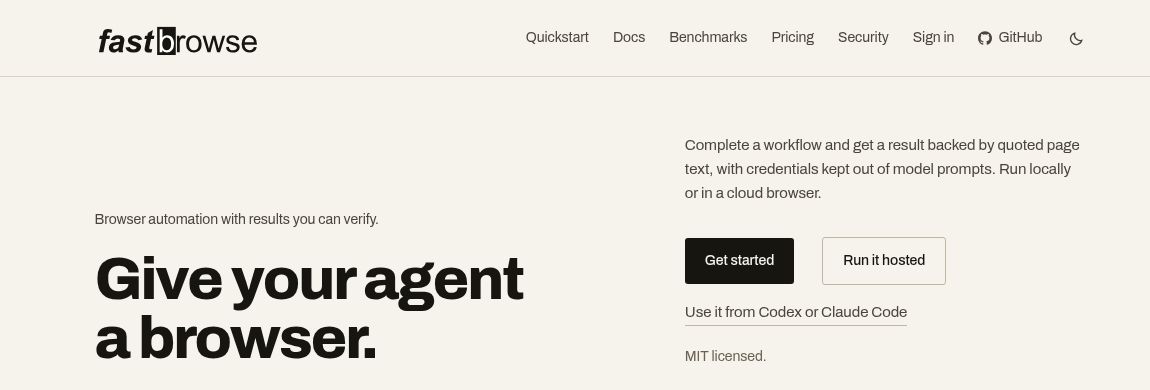
fastbrowse is a browser-automation agent for developers who want more than a final “done” message. Its approach combines page-grounded actions with quoted evidence, making it worth considering for workflows where you need to inspect what an agent actually found. This guide explains the released software, the separate hosted service, and a cautious way to evaluate it—not a hands-on performance review.
What is fastbrowse?
The official repository describes an agent that lists controls on a page, uses the Jev decision model to select actions, and uses an LLM for planning and longer reading. It supports command-line, library and MCP-based use. Local Chrome and cloud-browser options let developers choose where browser work happens.
The important distinction is between navigation and evidence. An agent reaching a page is not the same as proving a claim about it. Quotes give a reviewer something concrete to check, although a genuine quote can still be incomplete or misinterpreted.
What changed in version 0.9.0?
The October 29, 2026 release notes add clients for .NET, Java/Kotlin, Go and Rust, plus named model-provider presets. This broadens integration choices beyond the existing interfaces. The documented minimums include .NET 10 and Java 17.
Read the released section, not just the top of the changelog: entries marked Unreleased are not evidence that a feature ships in 0.9.0. Pin the version used in an evaluation and keep its documentation beside the results, especially when copying an integration example.
Open-source software versus hosted pricing
The code uses the MIT license. That does not make every run free: model-provider usage and any separately chosen cloud-browser service can carry costs.
The official website also offers managed hosted runs, with a limited monthly free allowance, paid plans and prepaid top-ups. Hosted billing combines a per-run fee with usage. Work that stops at a sign-in wall or bot check can still be chargeable; the site distinguishes these from uncharged provider outages, internal agent errors, cancellations and test-key runs. Check the current plan and billing terms, currency and limits before budgeting. Open-source installation and hosted credits are separate choices.
A small evaluation you can run
Hypothetical example: a developer wants to check whether two public product pages describe a downloadable CSV export. Start with a read-only request, not a production account:
Visit these two official URLs. For each, report whether CSV export is explicitly documented. Include the supporting page URL and a short quote. If the page is unavailable or silent, say so. Do not log in, submit forms, start trials or change anything.
- Define the answer first. Use three fields: product, evidence, and unresolved question. “Not found” must remain different from “not supported.”
- Bound the task. Set a small run budget and a short list of permitted destinations. Keep account credentials out of the initial experiment.
- Review the evidence. Open each cited page yourself. Check whether a quoted capability belongs to the correct plan and current product version.
- Record failures as failures. A blocked page is not a negative product finding. Preserve the status and cost rather than repeatedly retrying without understanding the cause.
Limits and permission checks
The website explicitly warns that its irreversible-action classifier can miss an action. An approval mechanism is therefore not a substitute for restricted permissions and human review. Keep sending, purchasing and account changes outside an initial evaluation; never treat website text as permission to expand the task.
Before attaching a signed-in browser, decide which accounts and records the workflow may access. Use a low-risk test account where possible, and independently verify any consequential result. No speed, accuracy or cost advantage is assumed here.
For a related infrastructure option, see our Browserbase overview. Compare the layer you need—browser hosting, an agent, or both—rather than choosing solely from a demo.