Updated October 17, 2026
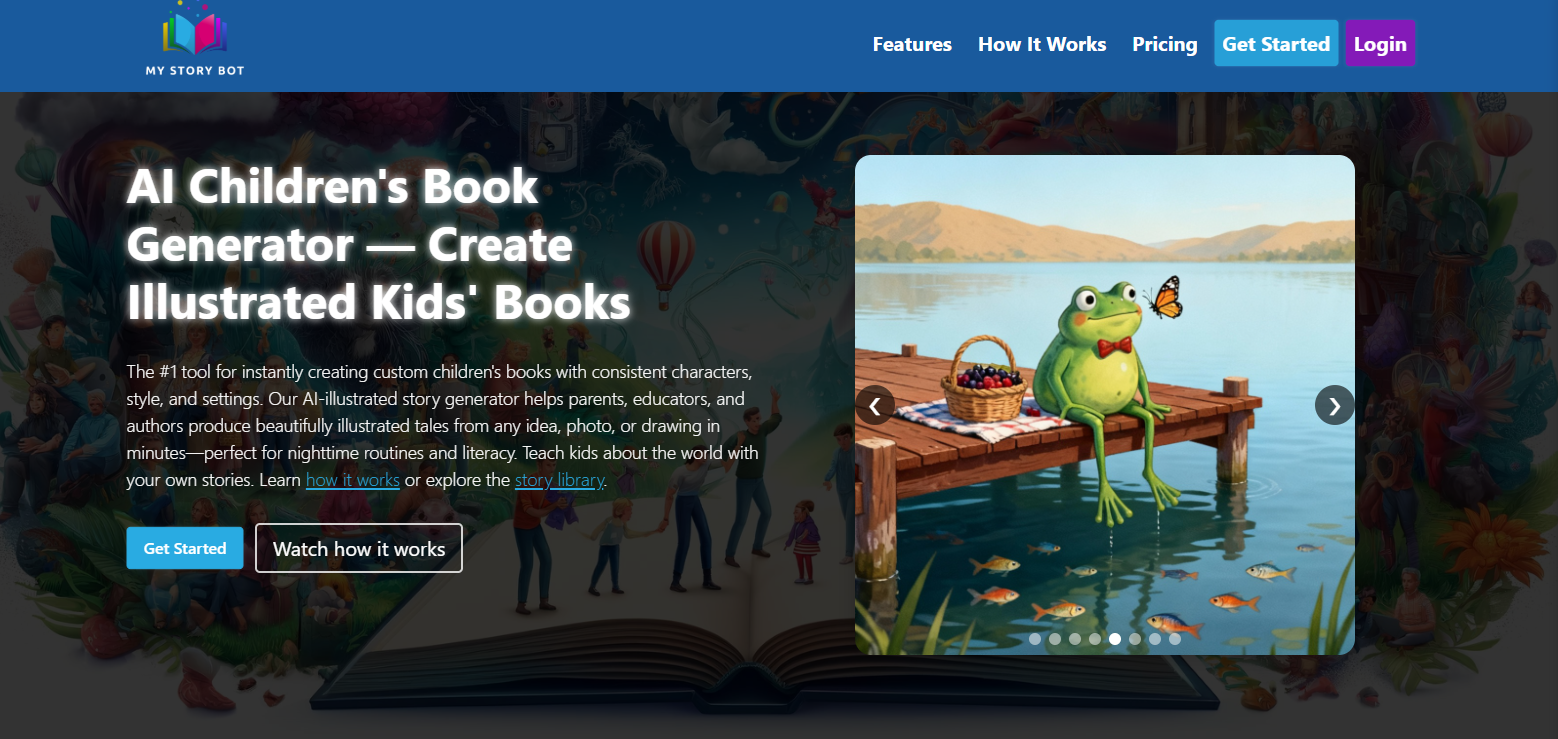
MyStoryBot AI is a web-based tool for creating illustrated children’s storybooks from prompts or an existing manuscript. It combines story text, character references, illustration editing and narration. Parents, teachers and authors may find the workflow useful for preparing a draft, but an adult should review the story and images before sharing them with children.
This overview uses the provider’s public documentation. We have not generated a book, tested print quality or measured educational benefits. The official MyStoryBot homepage says generation requires a paid account.
Story creation and editing
The official workflow guide describes starting with a story idea, choosing a length and optionally supplying a character reference. Authors with existing text can use an illustration-focused workflow. After generation, you can revise page text, edit illustration prompts, request specific visual changes and regenerate images.
That is useful when a scene needs a different expression or when a paragraph is too difficult for the intended reader. It does not remove the need to check continuity: compare clothing, faces, objects and setting across pages. The provider markets character consistency, but its terms explicitly decline to guarantee identical character appearance.
Narration and multilingual stories are advertised. Preview pronunciation and language quality before using a book for reading practice. A generated story can be a conversation starter; it is not a validated lesson or evidence of improved literacy.
Current plans and billing cautions
The public homepage checked for this update lists these offers:
- Reader’s Plan: $29 per month with 10 stories per month, narration, story links, character-image uploads and text editing.
- Author’s Plan: $39 per month with 30 stories per month, up to 50 pages per book, manuscript illustration, image editing and PDF export.
- Pro Author’s Plan: a displayed promotional $69 per month beside a crossed-out $115, with 100 stories per month, layout tools, KDP/EPUB exports and advertised unlimited illustrations.
The Pro card has monthly and annual controls; the retrieved page did not establish the selected billing interval or total charge. Currency code, tax, promotion duration and printing costs were not verified. Confirm them before paying. Do not rely on the older $4 Micro plan or a 200-story Author allowance.
Subscriptions recur until canceled. The terms of service describe cancellation by account-email request or supplied instructions, possible immediate loss of access when processed, and generally non-refundable fees subject to law. They also allow overage charges or tier upgrades. Ask how usage is counted and capped before relying on an “unlimited” label.
Children’s information and story visibility
The privacy policy lists account details, subscription information and details about a child’s interests, reading level and aspirations. It says it does not knowingly collect personal information from children under 13. That statement is not proof that every parent-supplied photo or child-related detail is appropriate to upload.
Terms say content appears in the public library by default; paid users can request removal. The privacy policy also discusses private or removed stories, which authorized staff and providers may still access for specified operational purposes. Confirm visibility before creating a personalized book. Avoid full names, school details, addresses, photographs or sensitive experiences unless you have the necessary permissions and understand the processing.
Deletion requests have legal and operational exceptions. We did not verify a retention timetable, child-safety certification or a guarantee that submitted content is excluded from all AI training. Schools should resolve their institutional requirements before using pupil information.
A practical first-book checklist
Hypothetical example: an adult wants a short story about a fictional turtle learning to ask for help. This is an editorial planning example, not an output tested in MyStoryBot.
- Write a brief with the intended reading level, setting and a clear beginning, problem and resolution. Use invented characters instead of a child’s identifiable details.
- Review the draft for frightening scenes, stereotypes, factual mistakes and language that does not fit the audience.
- Check every illustration against the text and neighboring pages. Regenerate only after identifying what needs to change.
- Listen to narration and read the story aloud yourself. Adjust sentence length and dialogue where needed.
- Before printing, inspect page order, trim size, bleed, text placement and image quality in the actual export. Order a proof before a larger run.
Keep a copy of your approved text and exported files. A gift book, classroom activity and book intended for sale have different review and rights requirements.
Publishing rights and other limitations
Commercial use is plan-dependent. The homepage emphasizes Pro Author rights, while the terms name Author’s, Business and Commercial plans. Confirm the licence attached to your actual purchase rather than assuming every paid offer is identical. A provider licence cannot clear third-party characters or brands for you, or guarantee copyright protection or acceptance by a publishing marketplace.
Public marketing describes export and physical printing options, but delivery locations, print charges and final output quality need a separate check. The verified access point is the website; no native-app availability claim is made here.
The terms prohibit automated or agentic access without permission, so do not assume you can connect a bot to produce books in bulk. For a first evaluation, focus on one small project and its real cost, privacy settings and export requirements. Browse our AI tools directory to compare other creative tools.